
Share products with WhatsApp users | Developer Documentation
Share products with WhatsApp users
Updated: Mar 3, 2026
You have multiple ways to share products with your customers.
Catalog messages
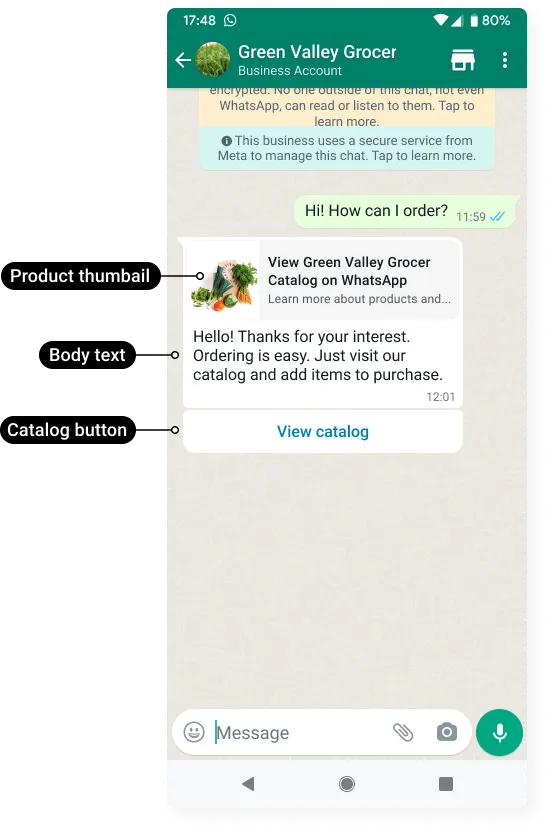
Catalog messages and Catalog template messages display a product thumbnail header image, custom body text, and a View catalog button. When a customer taps the button, your product catalog appears within WhatsApp.
Catalog link messages
Use a Catalog link messages to send a link to your entire product catalog by assembling a wa.me link and including it in a standard text message.
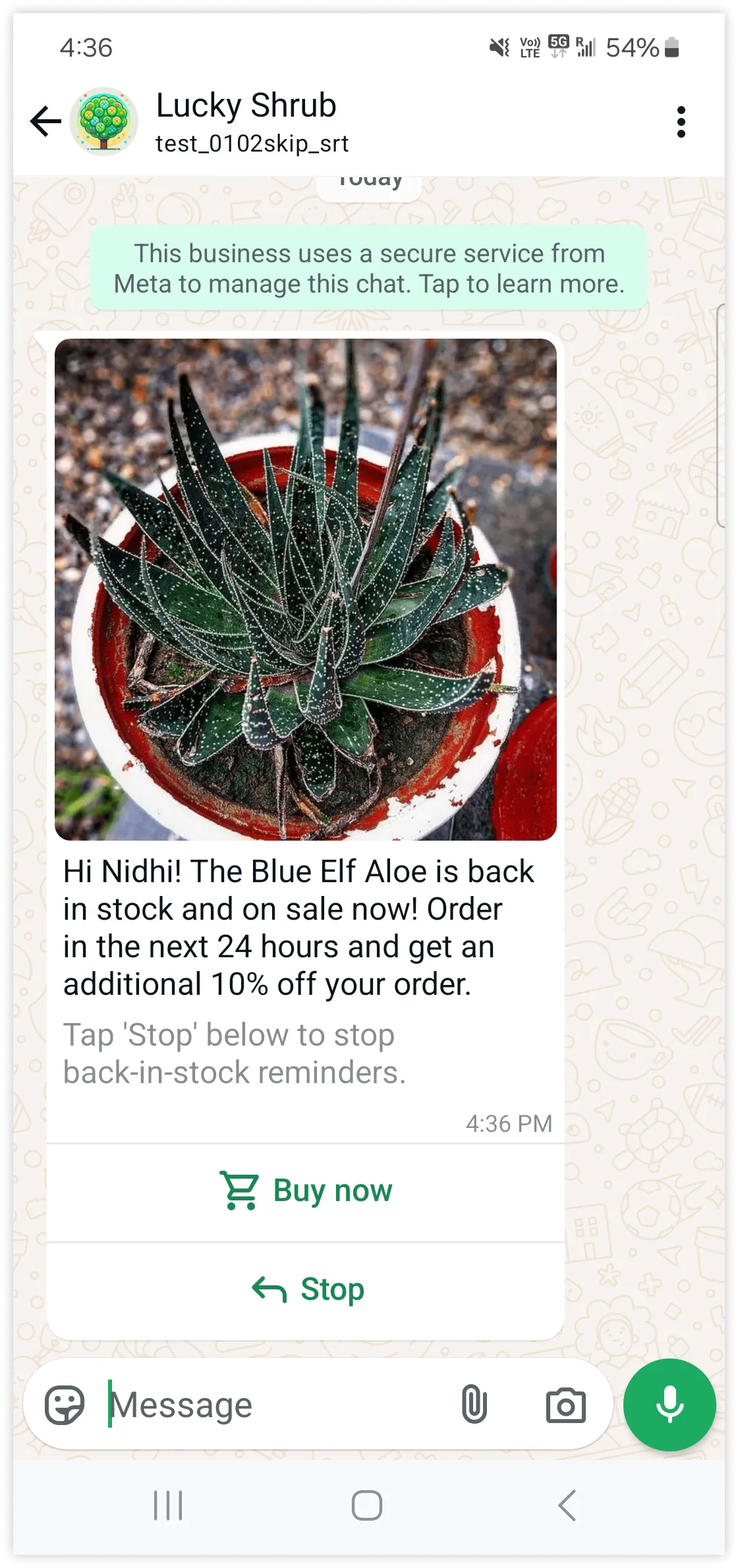
Checkout button template messages allow India-based businesses to showcase one or more products that WhatsApp users in India (with India country calling codes) can purchase without leaving the WhatsApp client.
Single-product messages
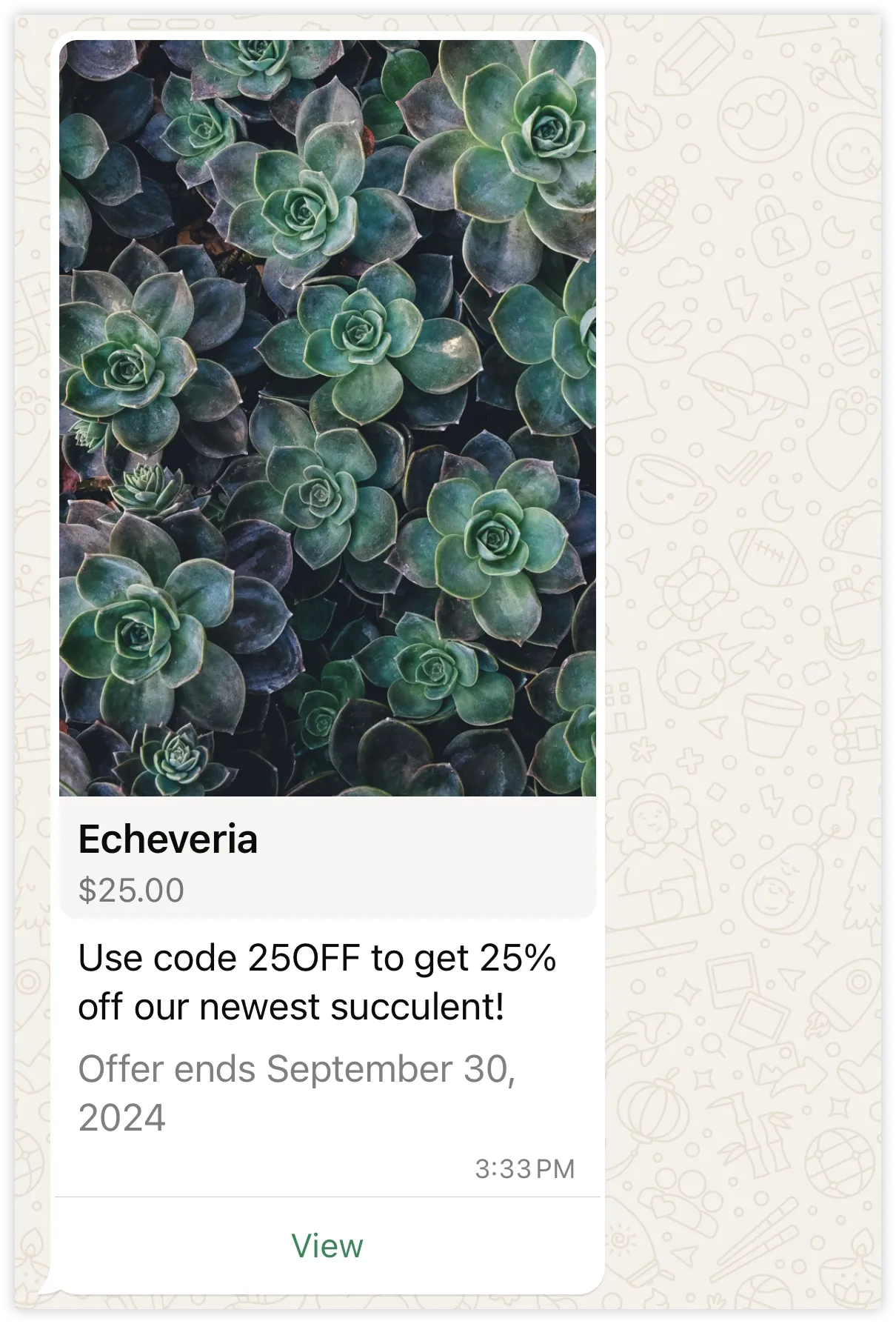
Single-product messages and Single-product template messages present a single product from your catalog, accompanied by a product image, product title, and product price, along with customizable body text, optional footer text, and an interactive View button.
Multi-product messages
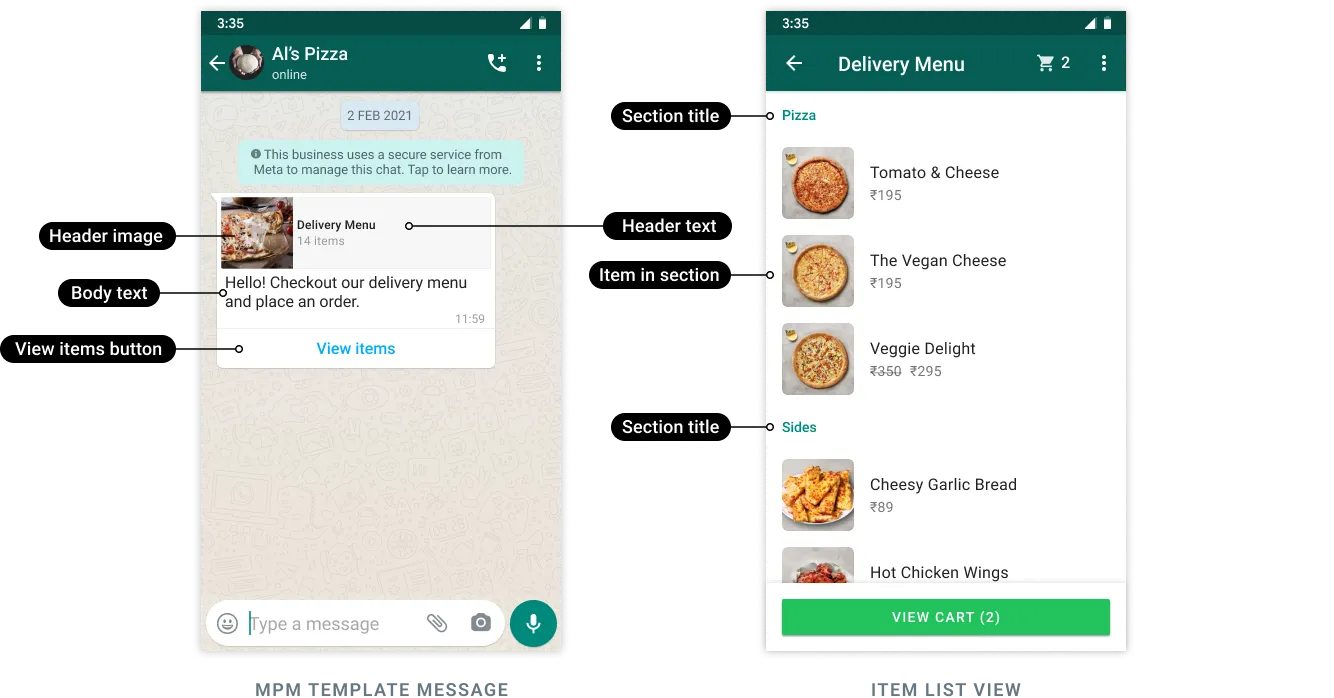
Multi-product messages and Multi-product template messages display up to 30 products from your catalog, organized into customizable sections.
Product carousel messages
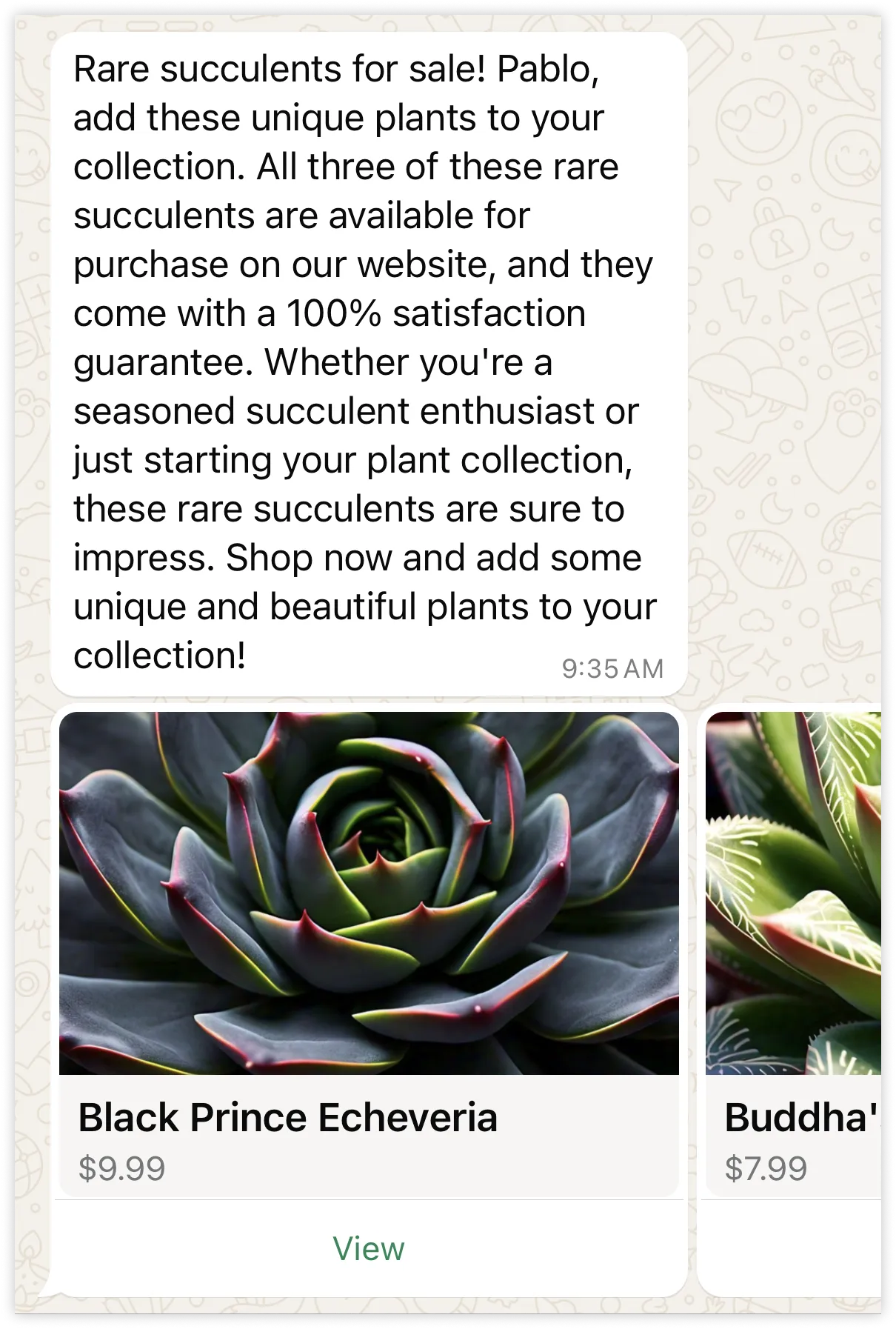
Product carousel messages and Product carousel template messages allow you to send a single text message accompanied by a set of up to 10 product cards in a horizontally scrollable view.
No comments to display
No comments to display