
Multi-Partner Solutions | Developer Documentation
Give each part of the connection a responsible owner
A business, ChatArchitect and a company that configures its CRM can have different responsibilities. Before work starts, agree who makes each decision, who performs the work and where a problem should be reported. A Meta Multi-Partner Solution is a separate provider arrangement; its name does not define the customer's contract or available controls.
Write down the people and scope
| Work | What to agree |
|---|---|
| Business assets and access | The responsible business administrator, intended account and number, and who approves access requests. |
| ChatArchitect connection | Who coordinates the prepared signup and verifies the number and customer connection with ChatArchitect. |
| CRM or custom application | Who configures the tool, controls automation and checks its handling of incoming messages and results. |
| Commercial terms | Who receives the ChatArchitect invoice and which separate implementation or CRM charges have been agreed. |
| Changes and incidents | Who approves a change, gathers evidence and coordinates the affected companies. |
Use the asset-control checklist and number-routing record to identify the actual setup. A person who can edit a CRM is not automatically the administrator of the business assets.
Agree the handover before making changes
Record the intended sending tool, receiver owner and what a successful connection should look like. The receiver guide covers the two message directions. Confirm the supported arrangement before connecting additional tools or replacing a working receiver; this page does not promise simultaneous routing to several systems.
For commercial questions, use the ChatArchitect pricing guide and the agreed customer terms. A technical partner-billing example is not your invoice, and it does not establish an additional charge or exemption.
Route a problem to the relevant owner
- For an unexpected account or access request, start with the business administrator and setup coordinator.
- For a CRM screen or automation problem, give its administrator one concrete example and the intended result.
- For an unclear ChatArchitect connection or sending result, give support the business number, tool, time and available request reference.
- For a proposed provider change, agree the change and recovery plan before changing access.
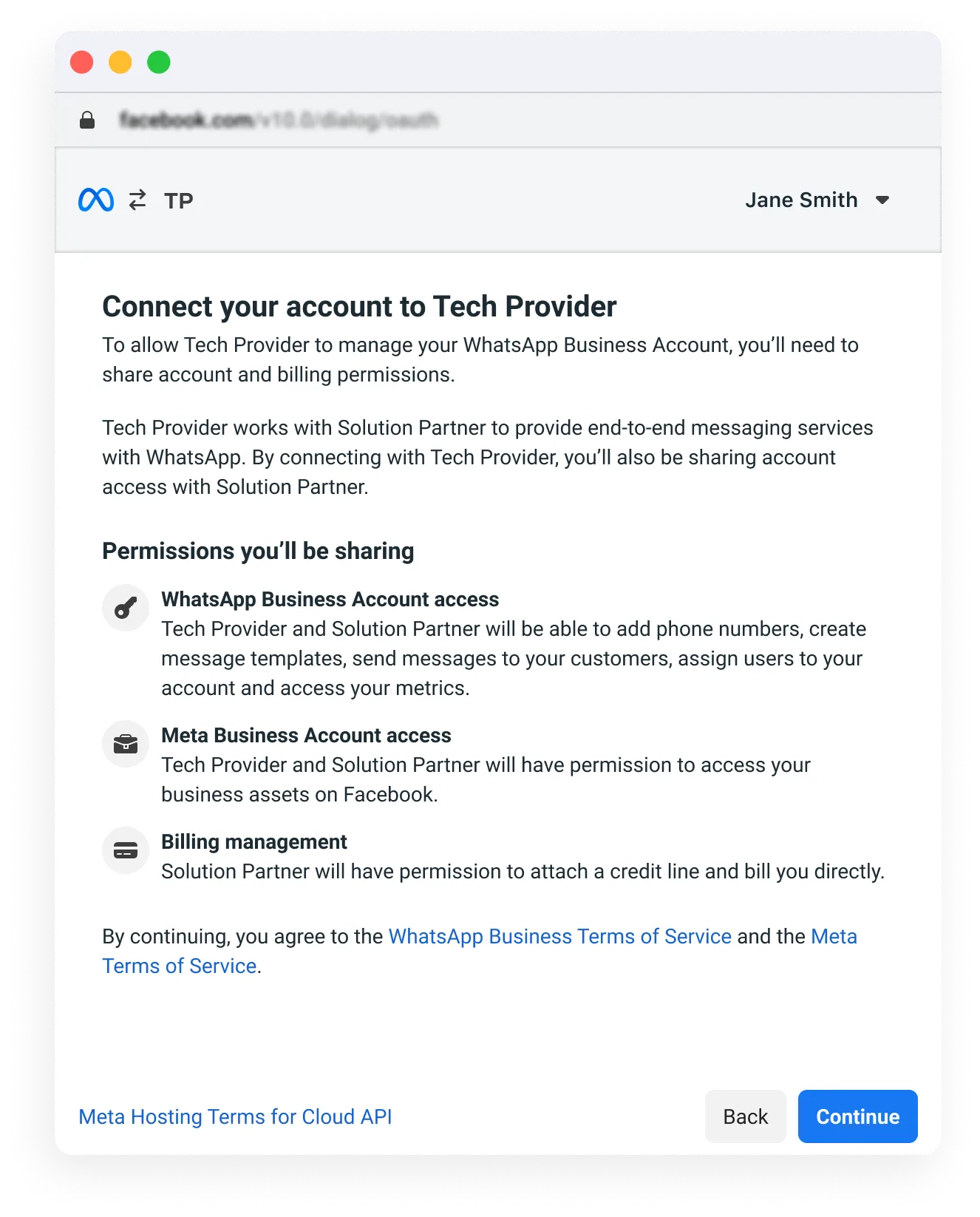
Historical Meta reference illustrations
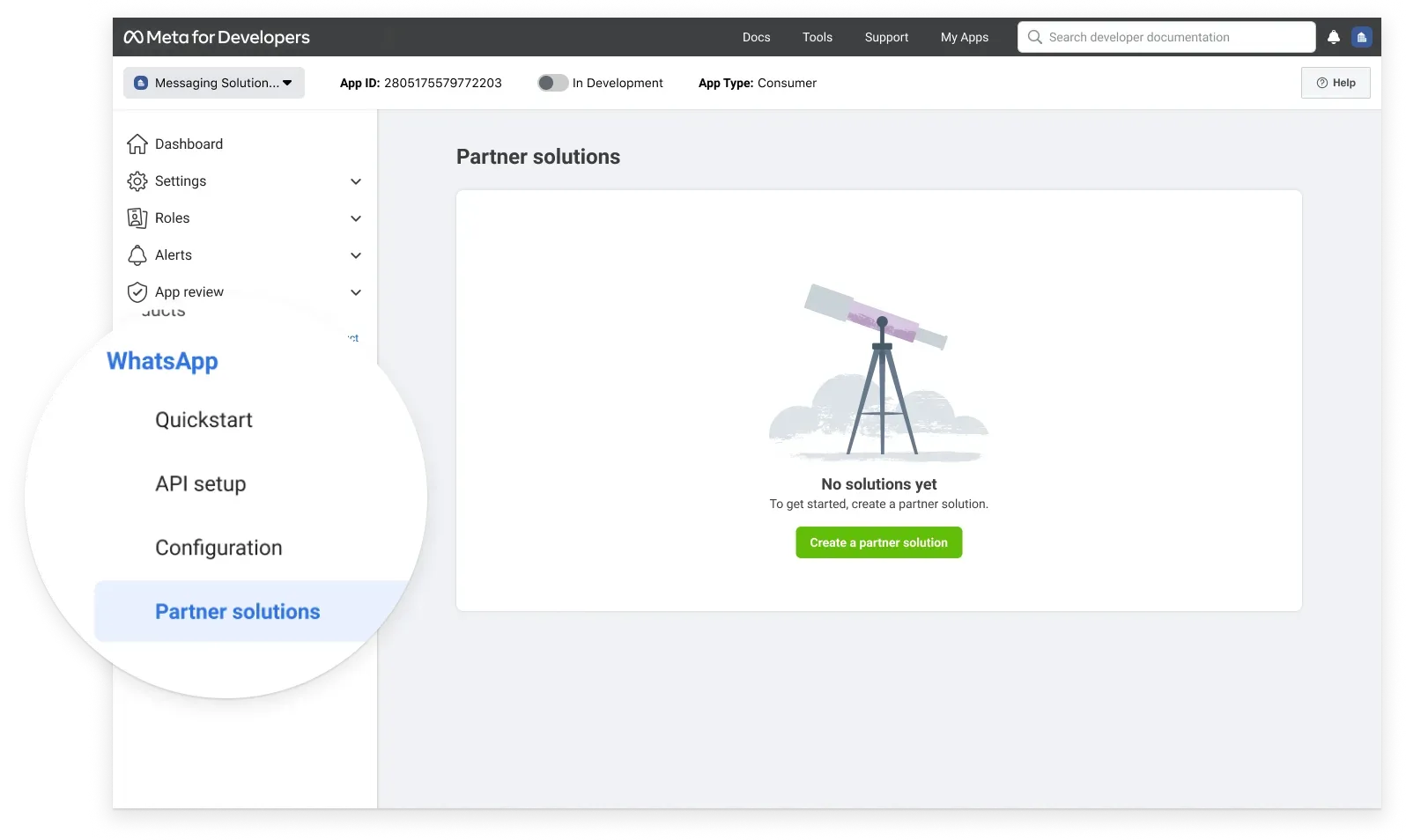
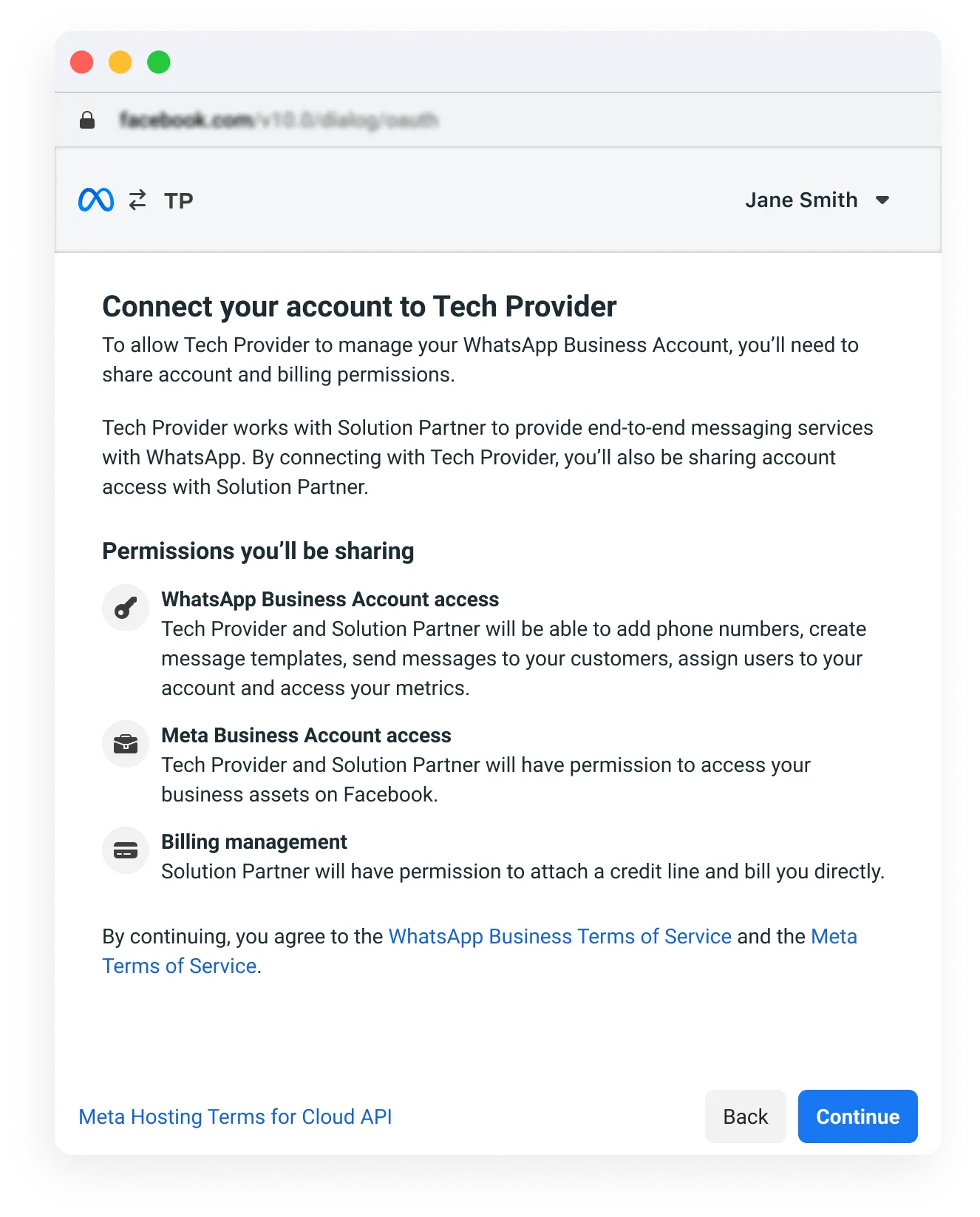
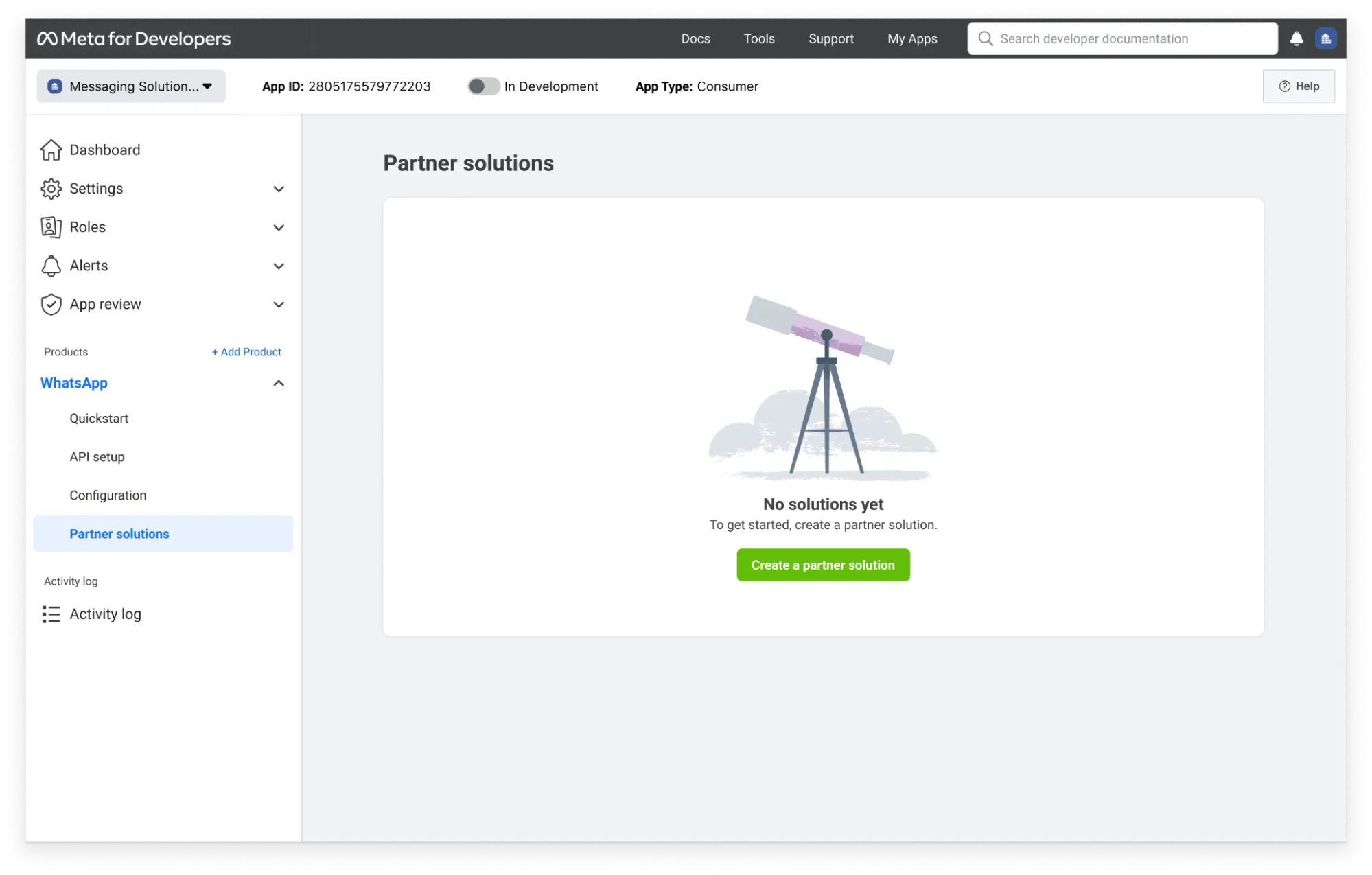
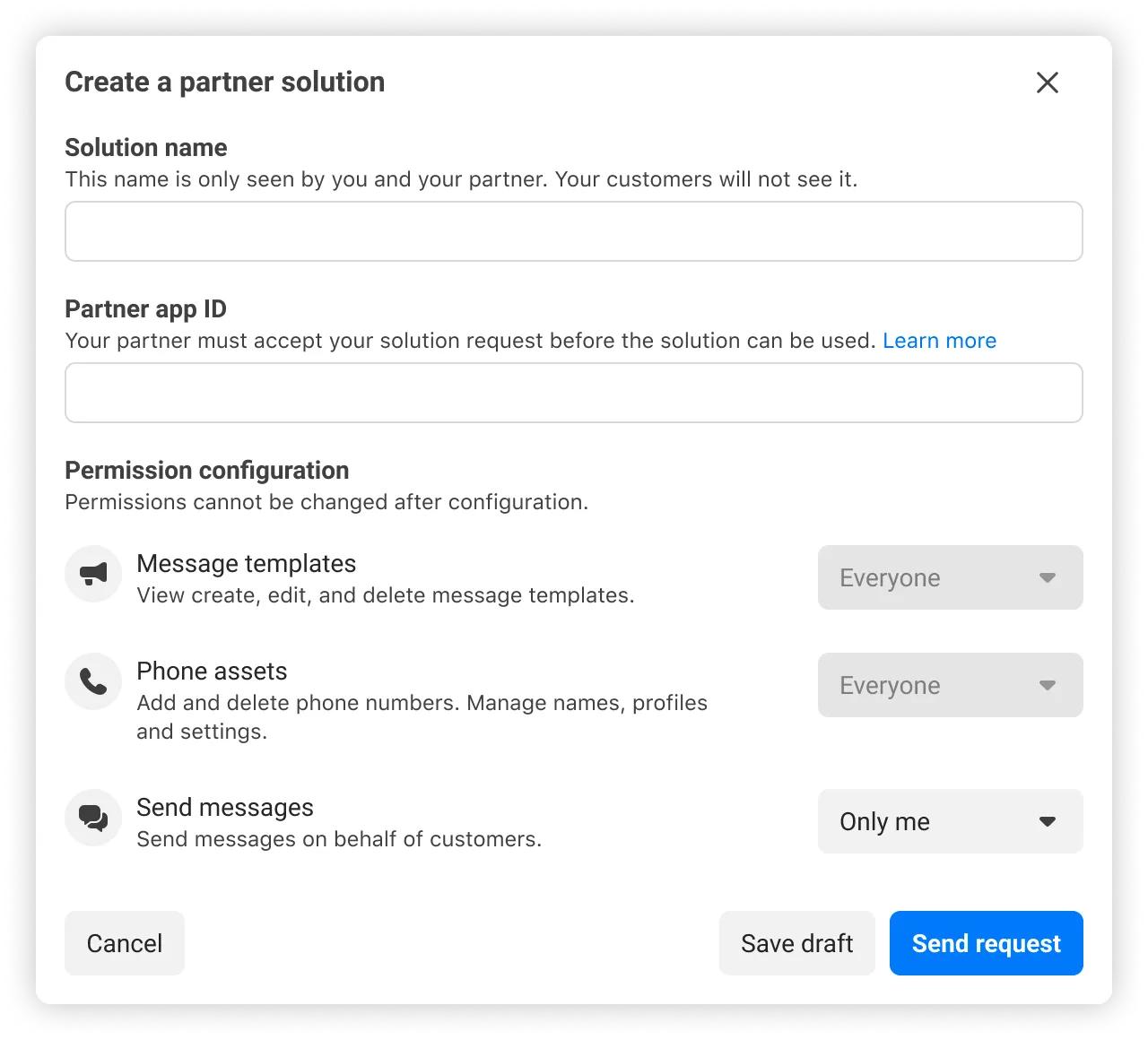
These original illustrations show the separate Meta provider workflow retained from the former reference. They do not establish current screens, eligibility, a ChatArchitect customer control or supported parallel connections. Use the confirmed customer instructions above for your setup.
No comments to display
No comments to display