
Interactive media carousel messages | Developer Documentation
Interactive media carousels and ChatArchitect
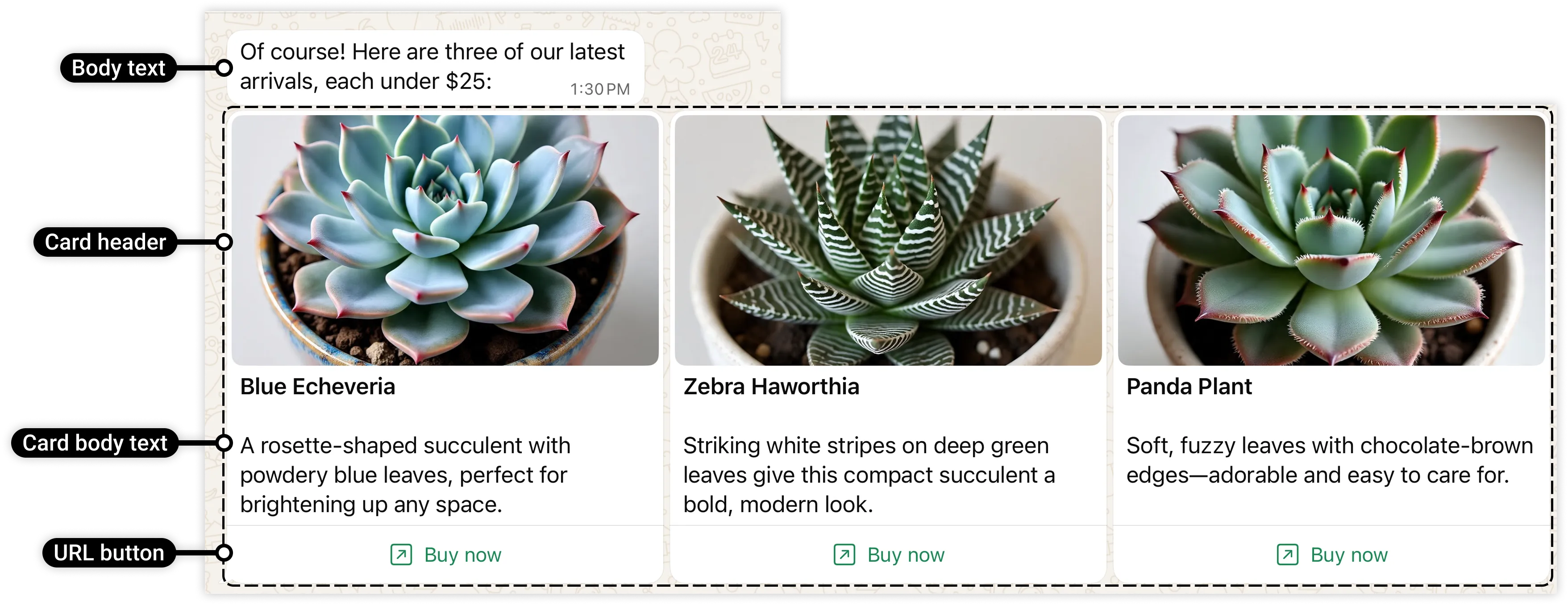
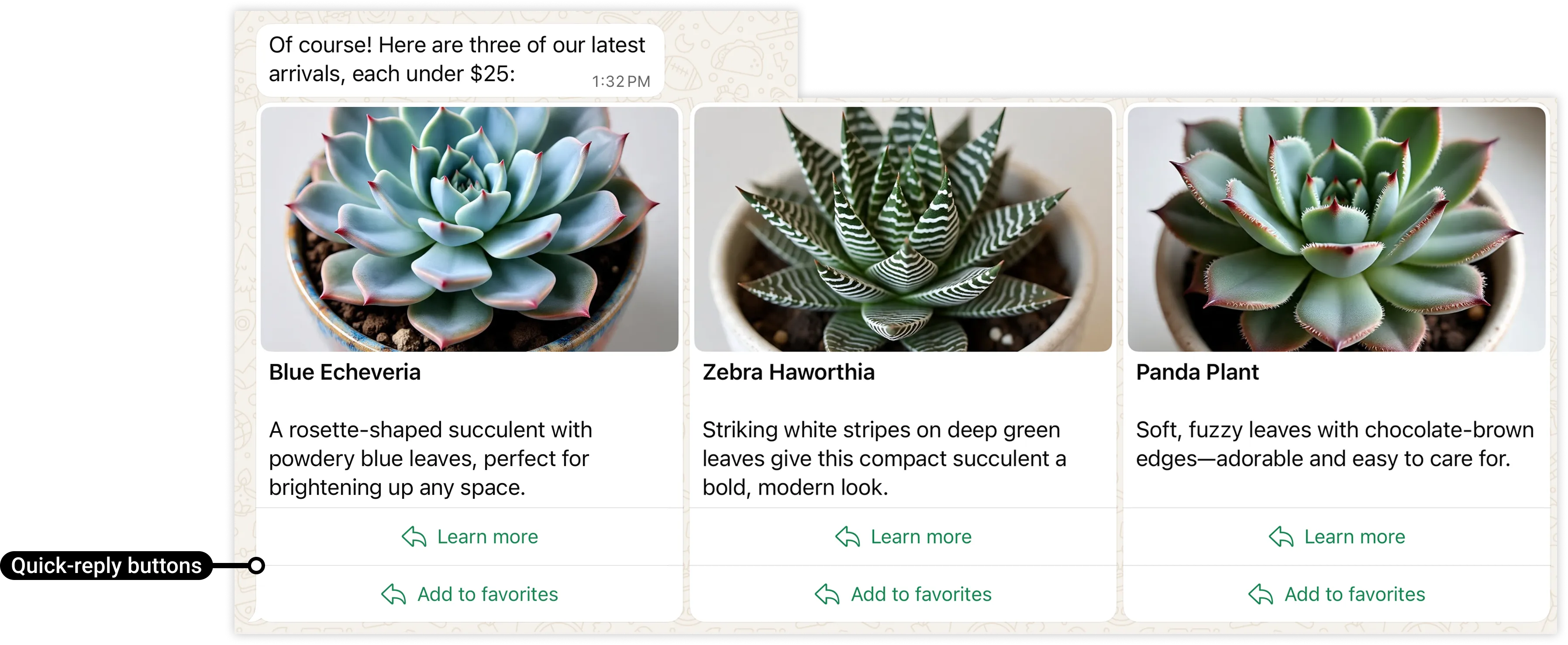
ChatArchitect does not support standalone interactive media carousel messages: a row of image or video cards with buttons inside a WhatsApp conversation. An ordinary image attachment is a different message type. This availability decision does not establish which carousel formats are supported in approved message templates.
Choose a supported way to present the information
- If your integration supports ordinary pictures, follow the image attachment checklist. Check the actual attachment controls in the connected CRM or help desk rather than assuming that an album or multiple cards will be created.
- Use a clear text reply to identify each option and include a plain link to its information page when needed. Give the customer a simple way to name the option they want.
- For a document with several options or instructions, check document attachment support in your integration. A PDF is not an interactive WhatsApp carousel.
Ordinary image and document support depends on the integration. These alternatives do not promise a universal attachment format or control. Check that the conversation allows the intended regular reply; use the first-message guide for the customer service window and approved-template route.
Verify what the customer receives
For a new presentation workflow, use a consenting test participant. Check the picture or document, accompanying text and actual link destination on the recipient's phone. Confirm that the description still identifies the right item when messages are viewed separately.
A CRM preview does not prove that the customer received a set of clickable cards. If an attachment or link behaves differently, report the connected number, integration, time with a time zone and a redacted view of the actual result to support.
Imported carousel illustrations
The following Meta illustrations show the unsupported standalone carousel format. They are retained for context and are not screenshots of controls available in ChatArchitect or a ready integration.
No comments to display
No comments to display