
Official Business Accounts | Developer Documentation
Request an Official Business Account badge for a ChatArchitect WhatsApp number
An Official Business Account (OBA) is a WhatsApp Business Platform phone number that Meta has recognized as representing a notable brand. If Meta approves the request, the number can show a blue badge. Connecting a number to ChatArchitect, verifying a business portfolio or approving a display name does not by itself grant OBA status.
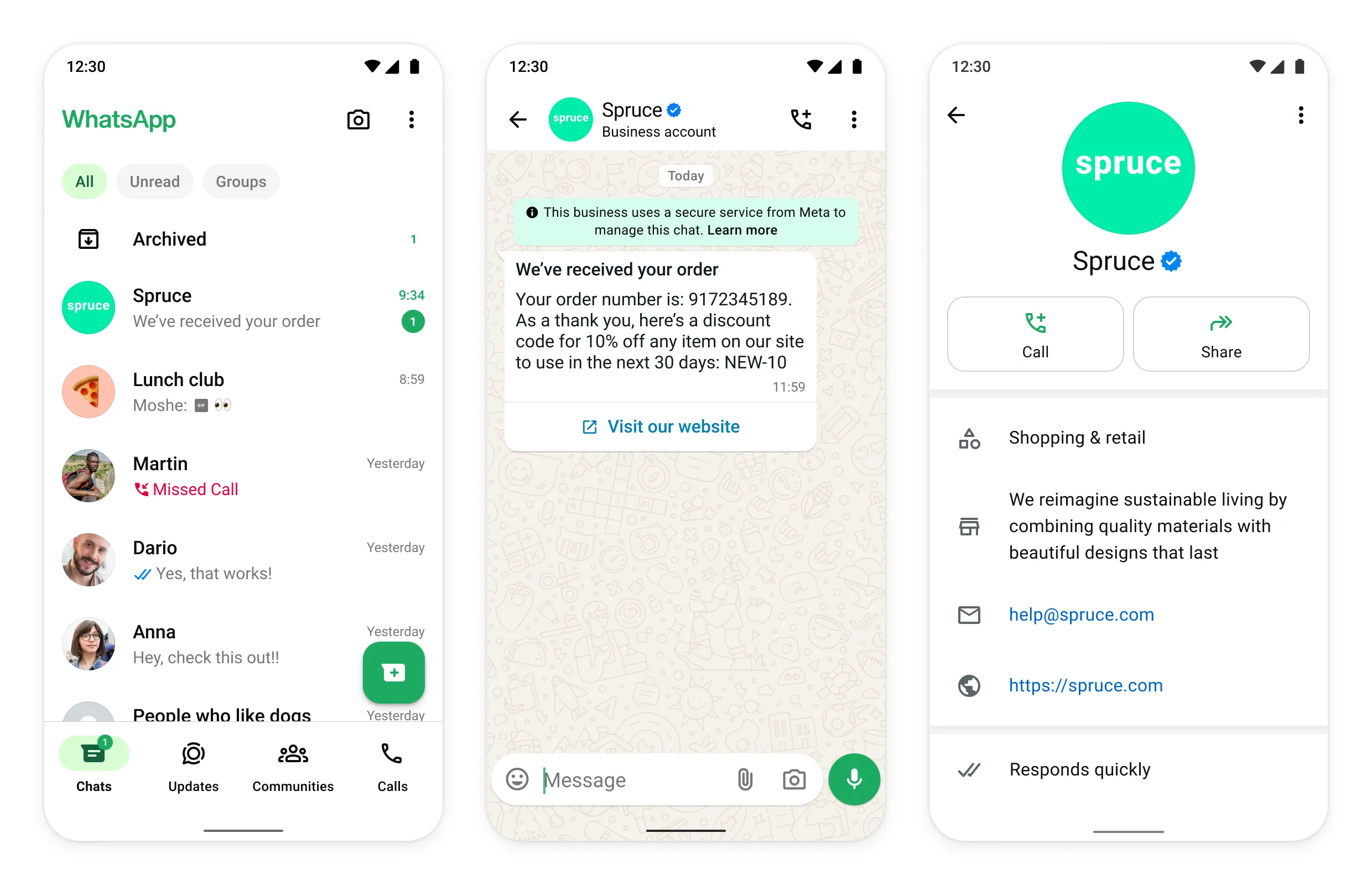
Prepare before applying
- Connect and verify the number through ChatArchitect.
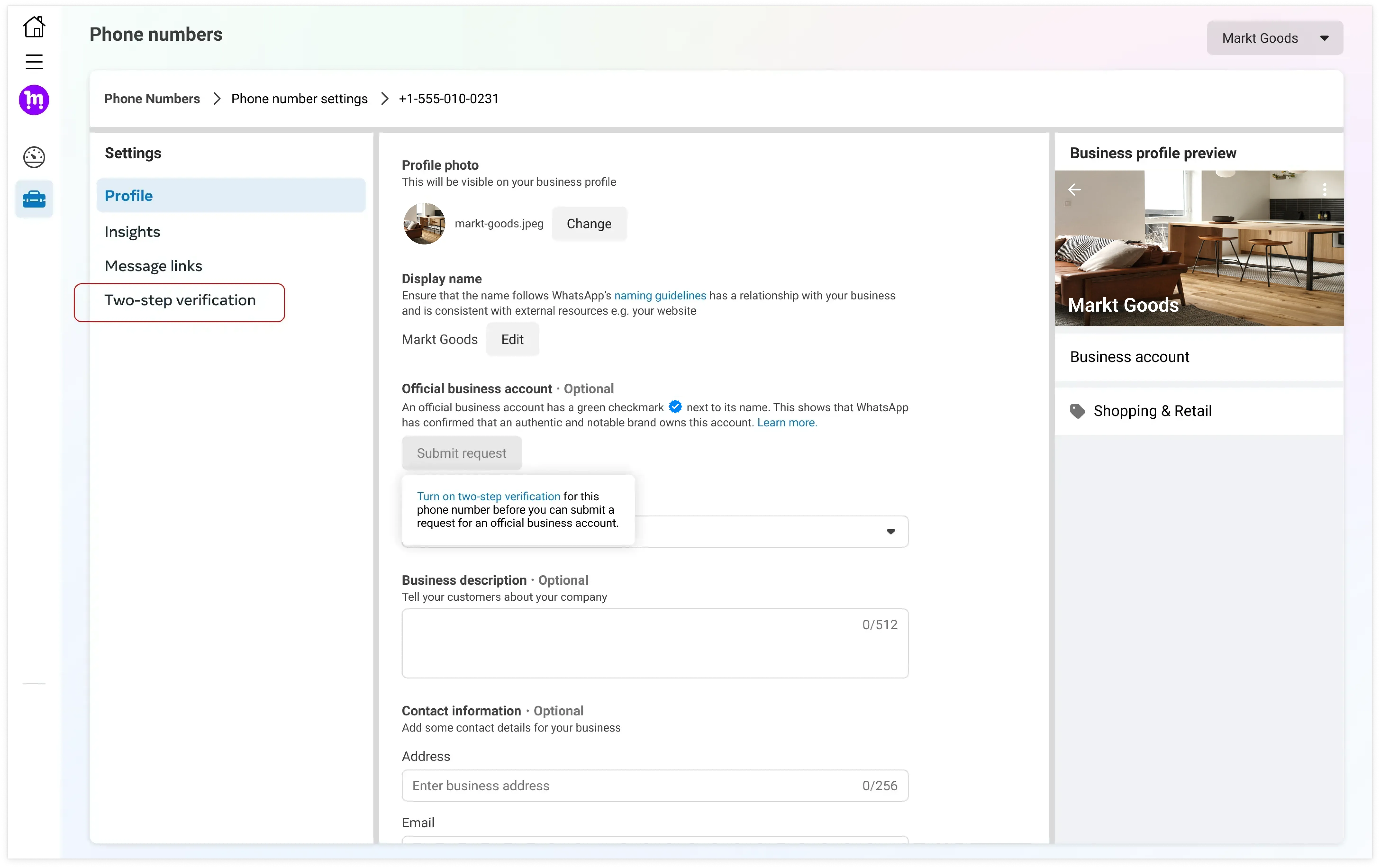
- Check that the business portfolio and the display name accurately identify the business. Complete any business verification and two-step verification requested in WhatsApp Manager.
- Complete the business profile so customers can recognize the brand even if an OBA request is declined.
- Collect links to independent news coverage that demonstrates the brand is known beyond its own website, paid placements or promotional pages. Meta considers notability when reviewing OBA requests; a complete application does not guarantee approval.
Submit and follow up in WhatsApp Manager
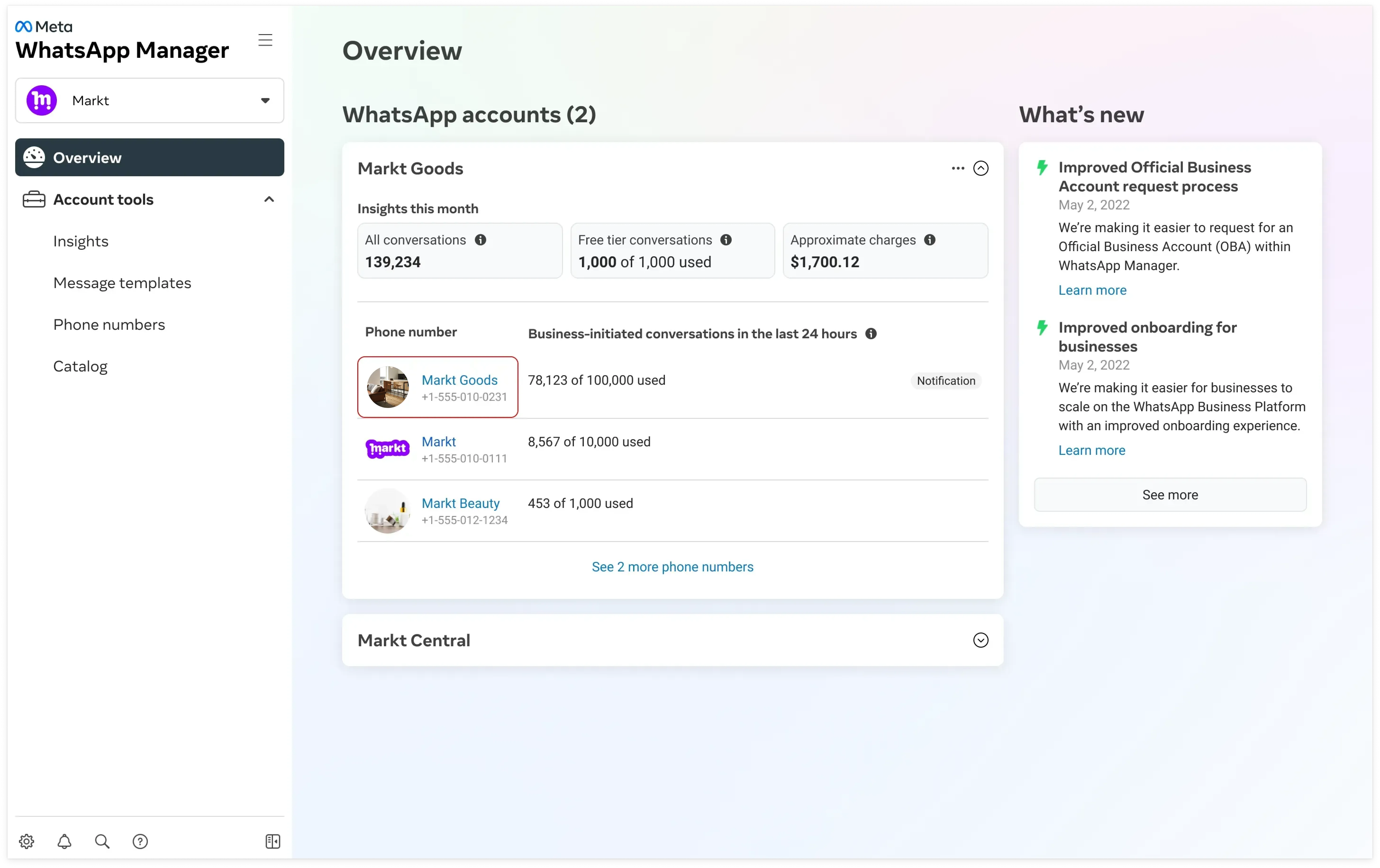
The client submits the OBA request independently in WhatsApp Manager. Open the WhatsApp Business Account that owns the number and select that number. Look for Official business account and Submit Request. If the option is available, read the prerequisites displayed there, fill out the application and attach the requested evidence. The form and its availability may vary by account.
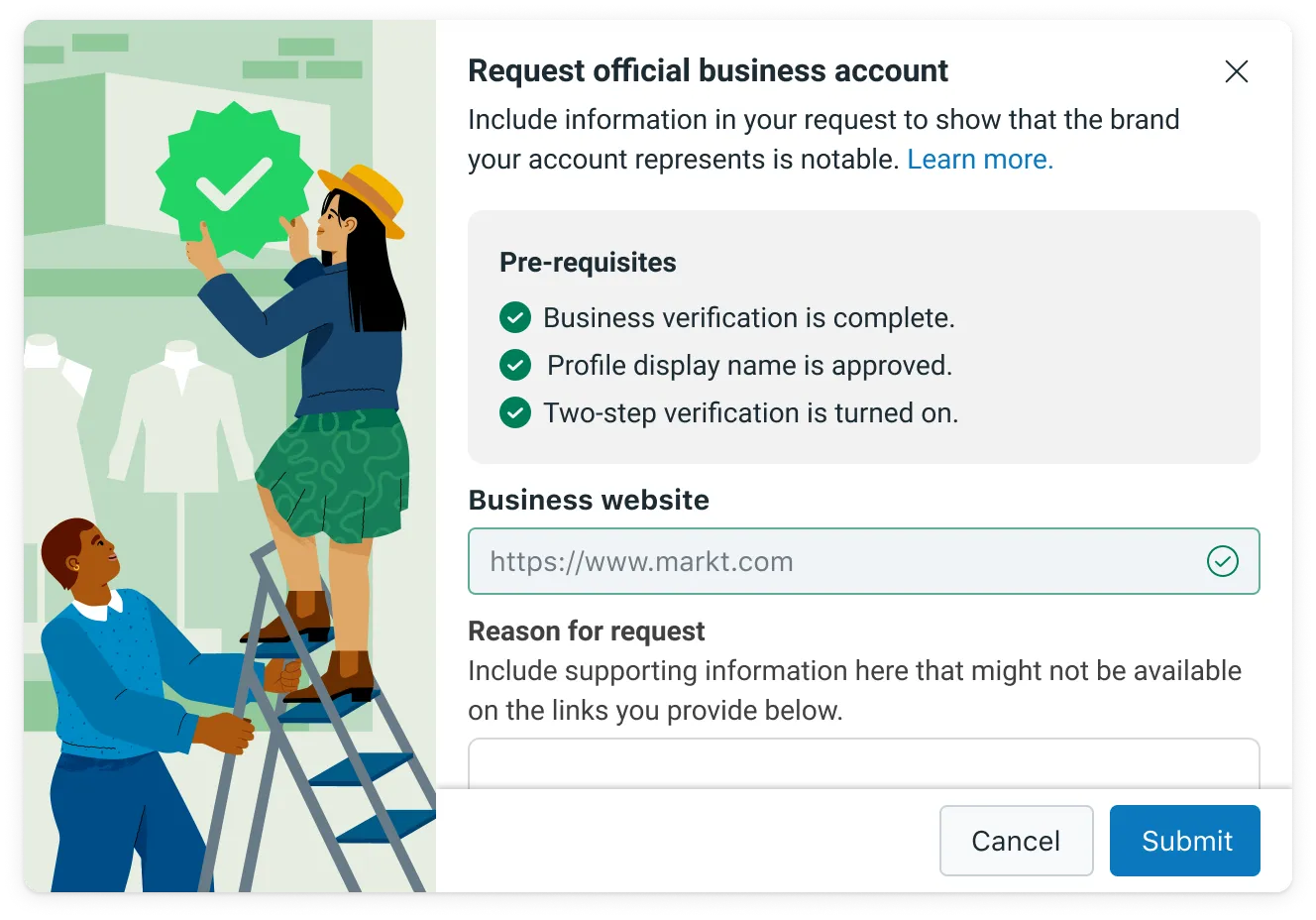
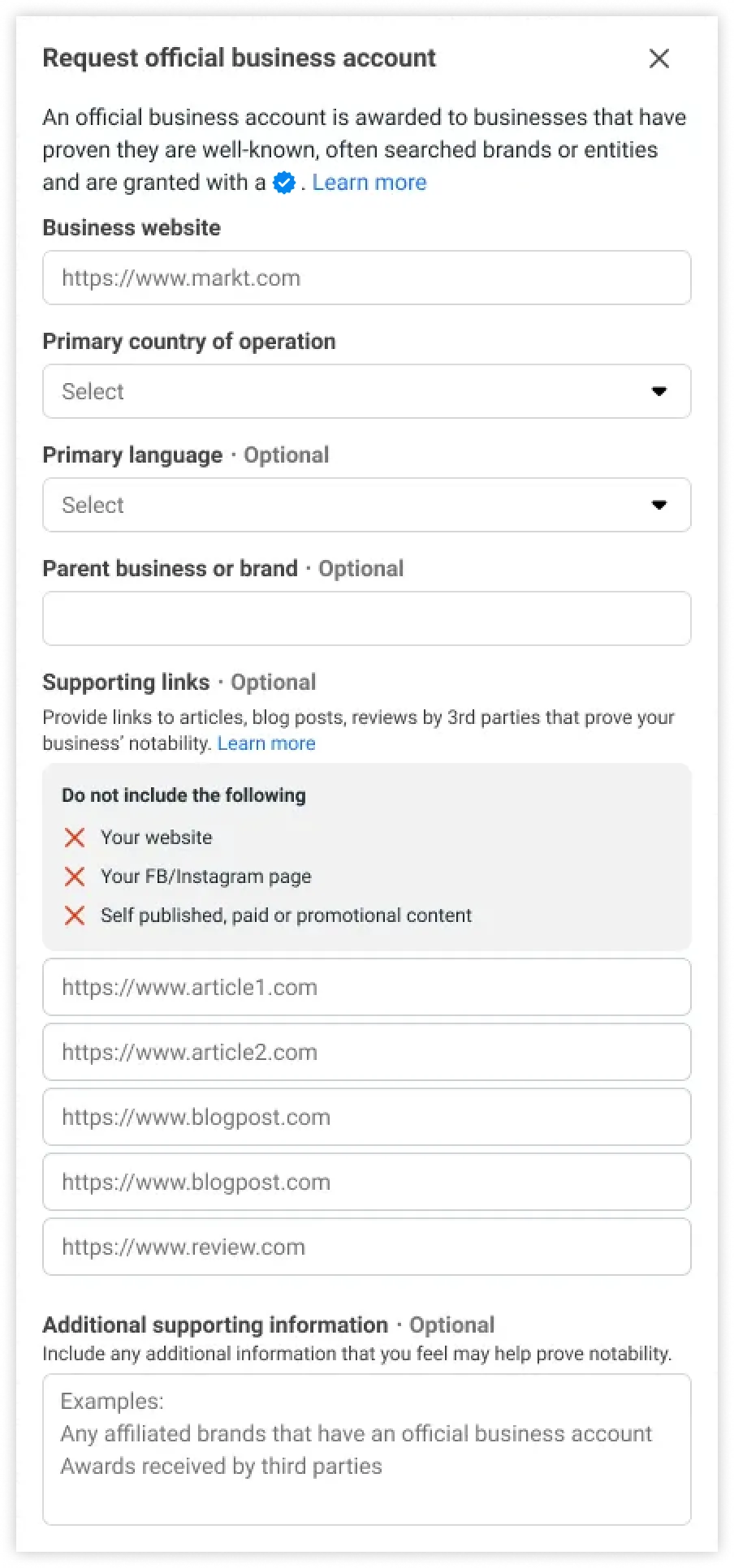
Check the outcome in WhatsApp Manager. If Submit Request is unavailable, check the displayed prerequisites before contacting ChatArchitect support with the number and a screenshot. If Meta declines the request, review any reason it provides and improve the business details or evidence before applying again when the form permits it. Do not promise customers a badge before Meta approves it.
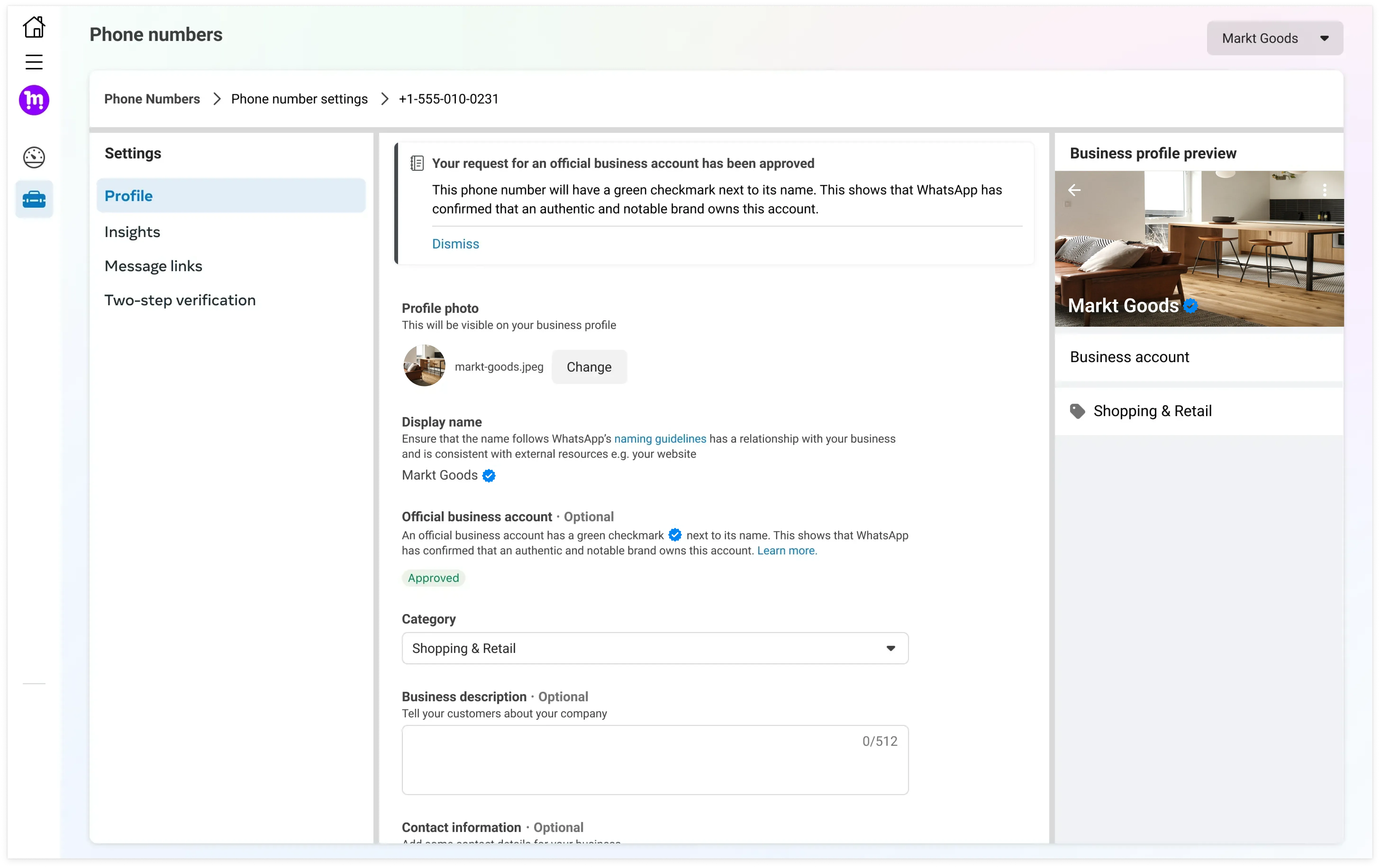
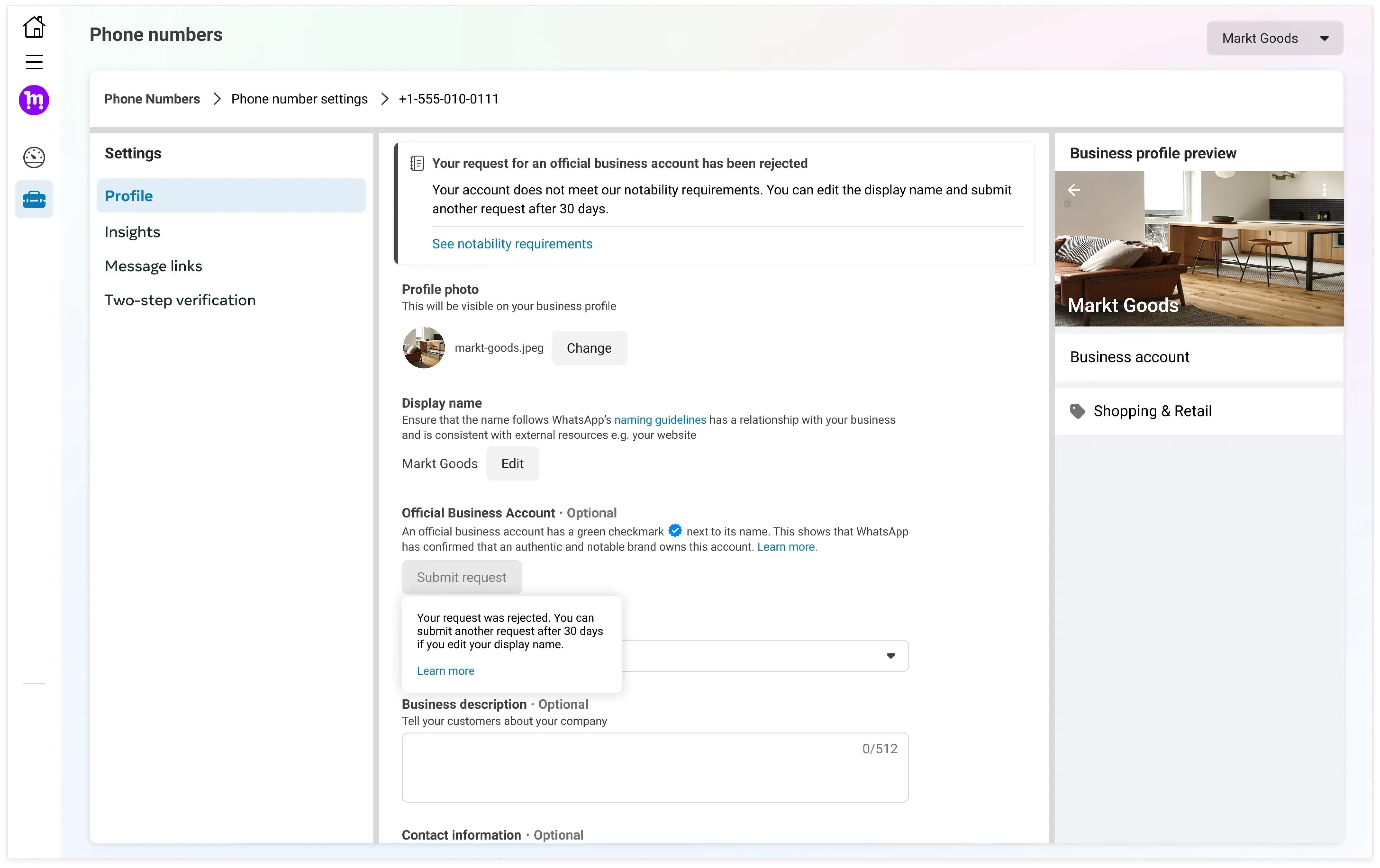
The badge is optional for using ChatArchitect. Your number can continue to show its business profile without OBA status.
For Meta's overview of OBA and evidence of notability, see the WhatsApp Business Platform onboarding guide.
No comments to display
No comments to display