
Upgrading to a Tech Partner | Developer Documentation
Evaluate a ChatArchitect plan change for your WhatsApp workload
A change to your ChatArchitect service plan is a commercial decision about the connection and its expected use. The Meta Tech Partner programme concerns an independent provider arrangement; its upgrade screens do not change your ChatArchitect tariff.
Describe the workload before requesting a quote
- The business number and connection concerned.
- The billing period and expected active customers, including the unit and reset period used by the proposed plan.
- The expected message types and the sending tools or integrations involved.
- The support or other service conditions you need to confirm.
- The date you want the new conditions to begin.
Keep the service plan's usage allowance separate from Meta messaging limits. A higher commercial allowance does not by itself establish a different Meta limit or resolve a policy restriction.
Confirm the terms that would change
| Item | Ask for a clear answer |
|---|---|
| Base charge | The agreed amount, currency, billing period and applicable tax treatment. |
| Included usage | Its counting unit, allowance and period; how use beyond the allowance is billed. |
| Message charges | Which charges are included and which are separate, including service replies beyond the included amount. |
| Effective date | When the new conditions begin and how any period spanning that date is handled. |
| Operational scope | Whether the proposed change affects your number or tool configuration, and whether any setup work is required. |
Use the customer pricing guide and your agreed ChatArchitect terms. The public pricing page contains conflicting plan and service-charge descriptions; obtain a consistent quote for your connection rather than selecting a value from those conflicts.
Distinguish a plan request from a sending problem
If the immediate problem is a failed send, keep its exact result and the affected number before asking for a plan change. Verify the cause with support. A programme badge or a higher service allowance does not prove that a number, template or message route is ready.
If a quoted charge differs from your expectations, use the billing discrepancy checklist to identify the line and the applicable terms. This guide does not promise a self-service upgrade button, an immediate change or eligibility for a Meta partner programme.
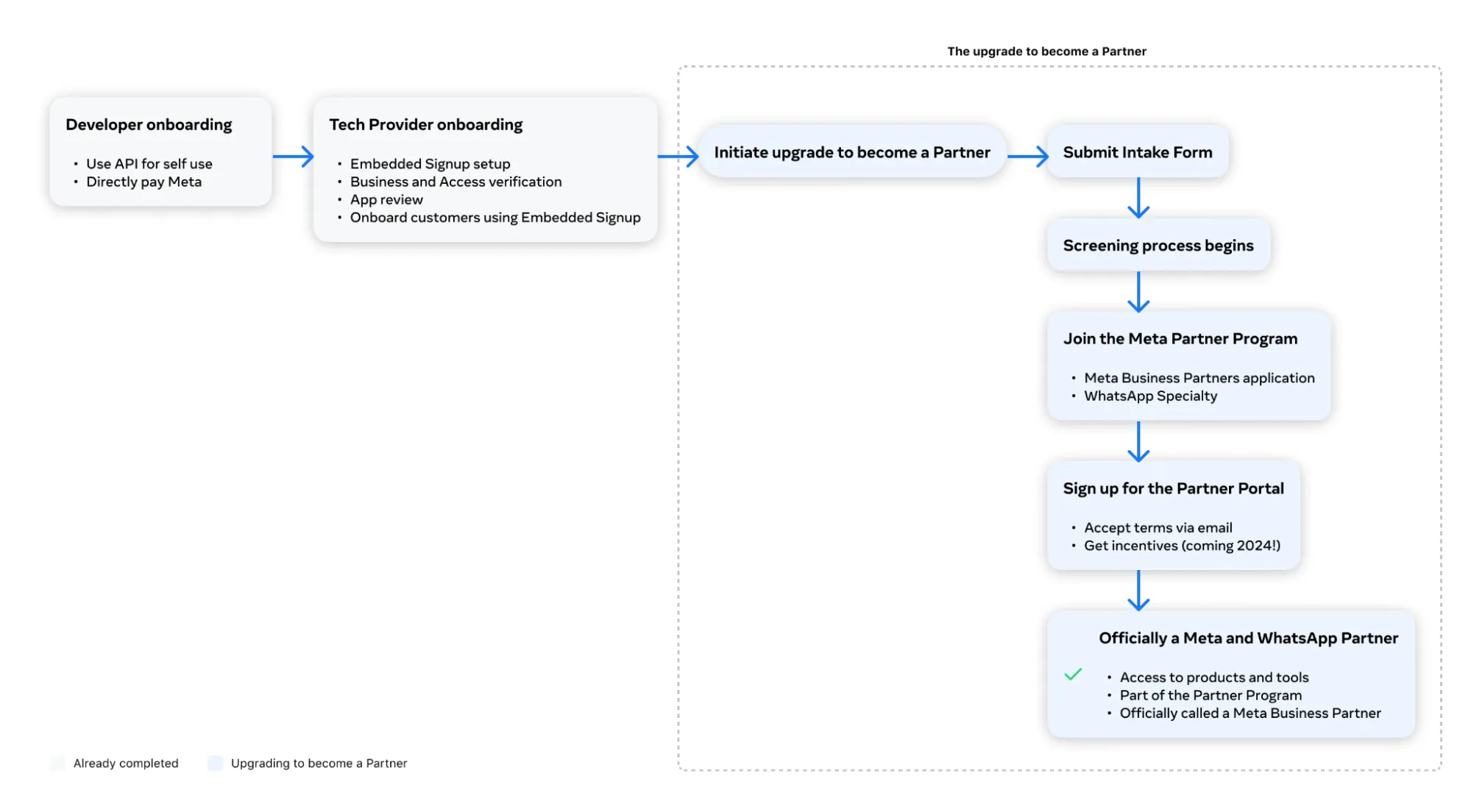
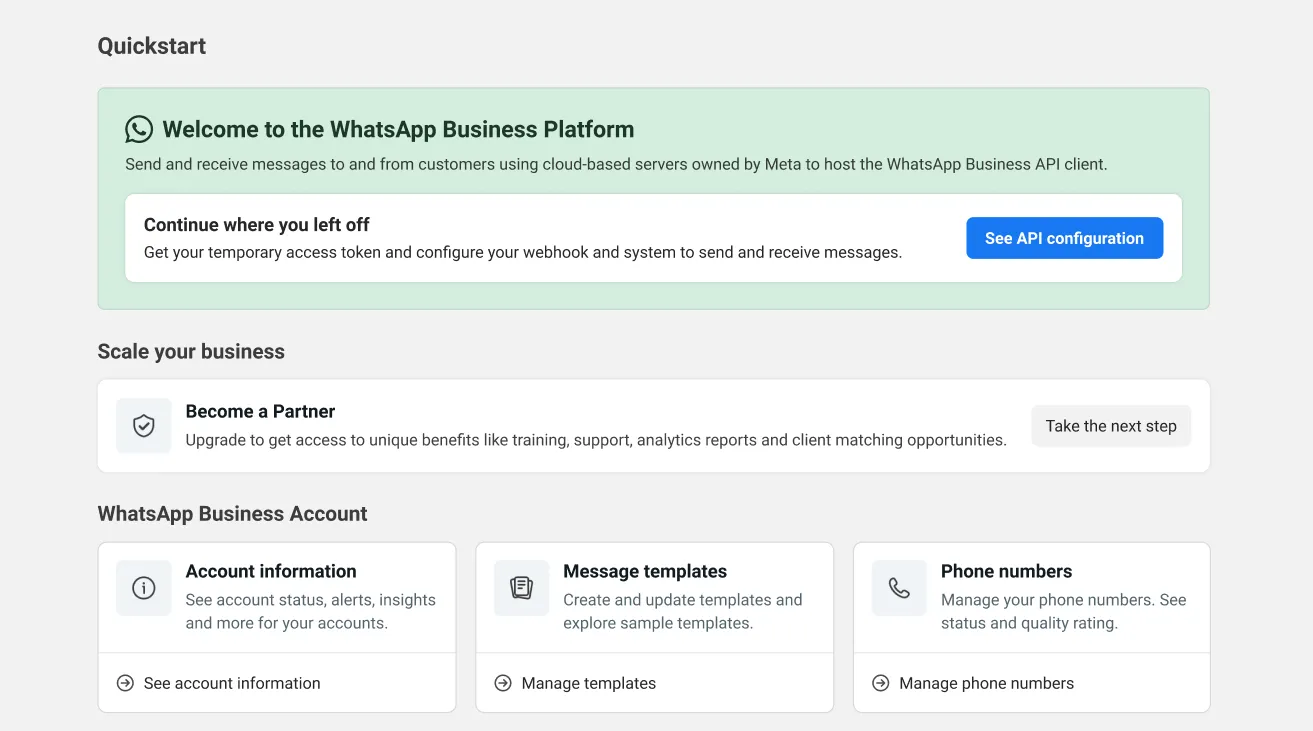
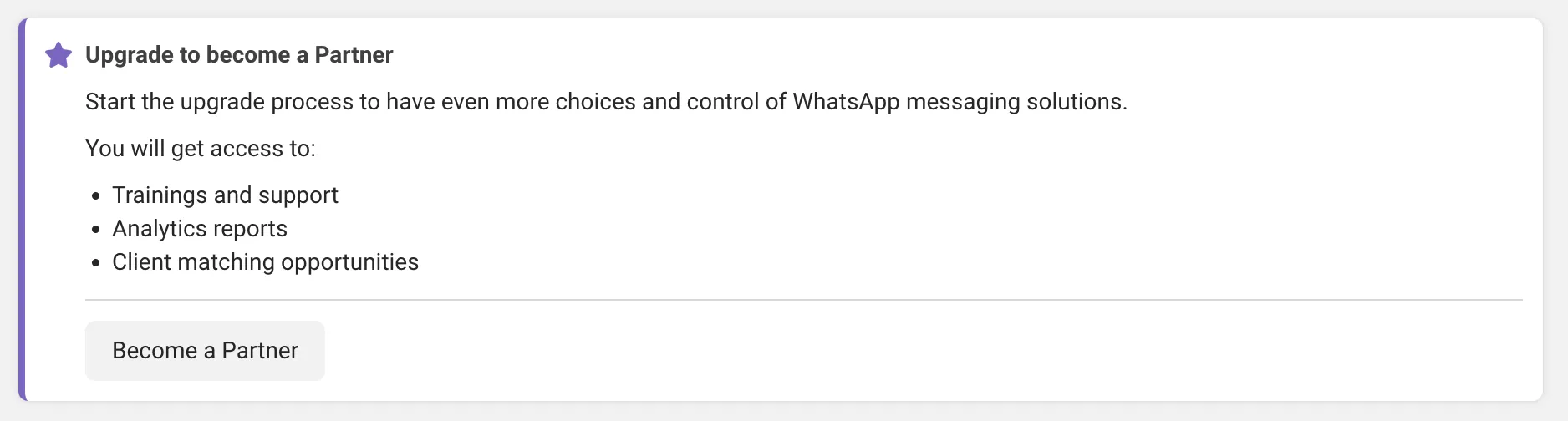
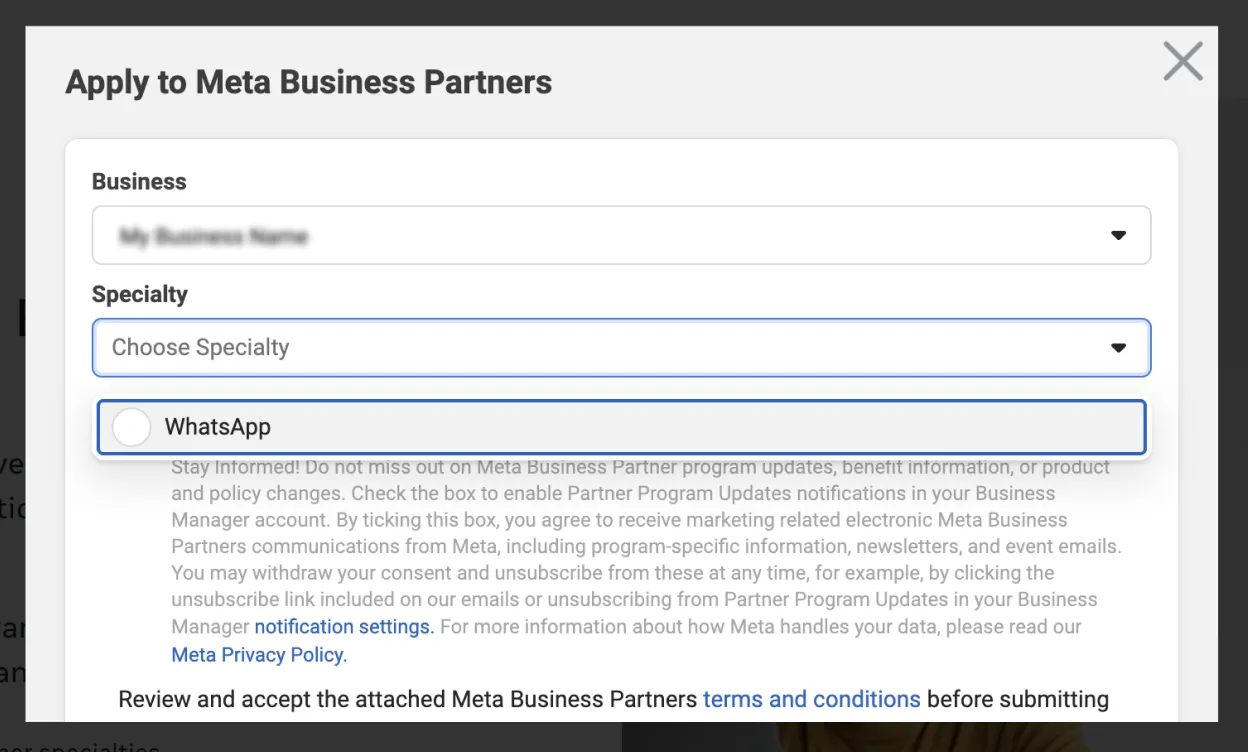
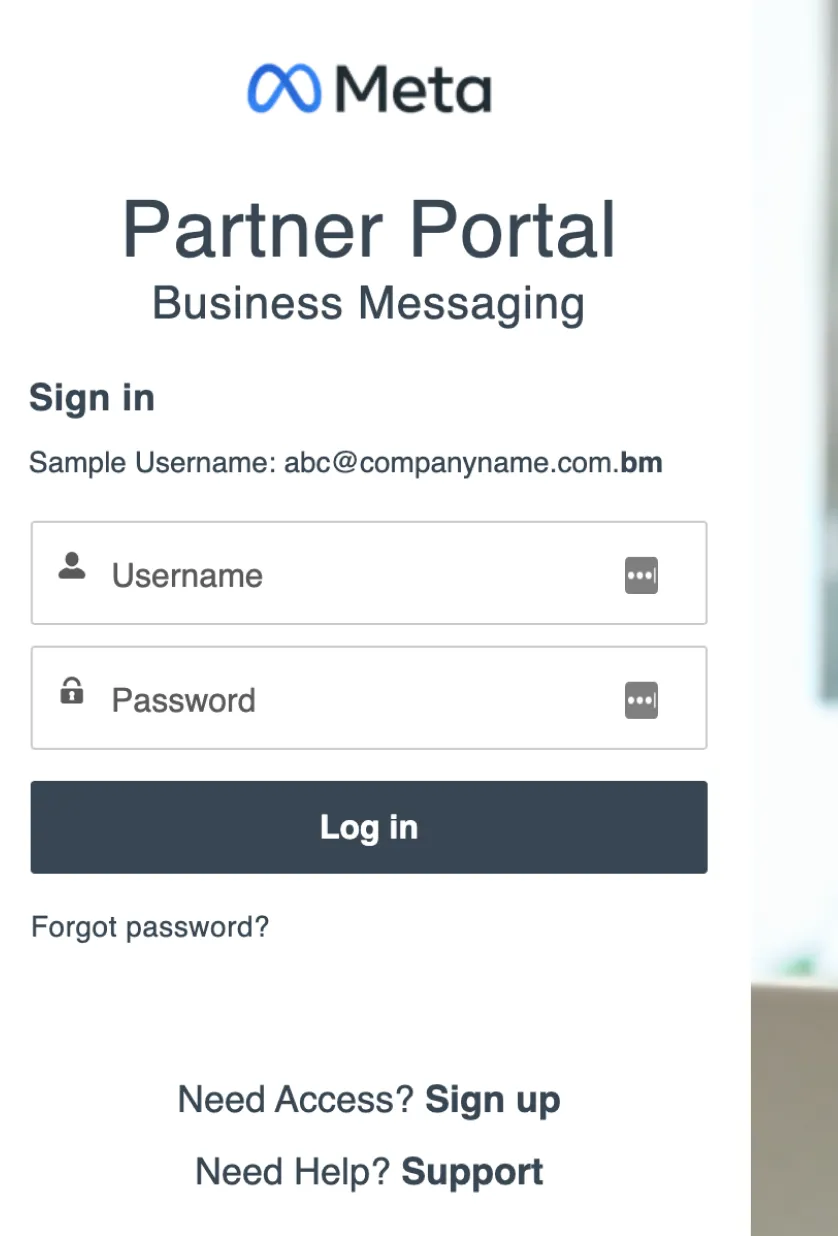
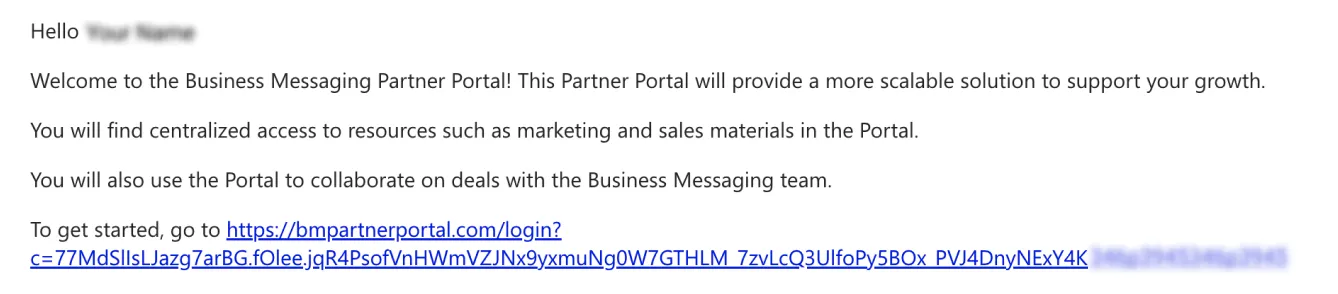
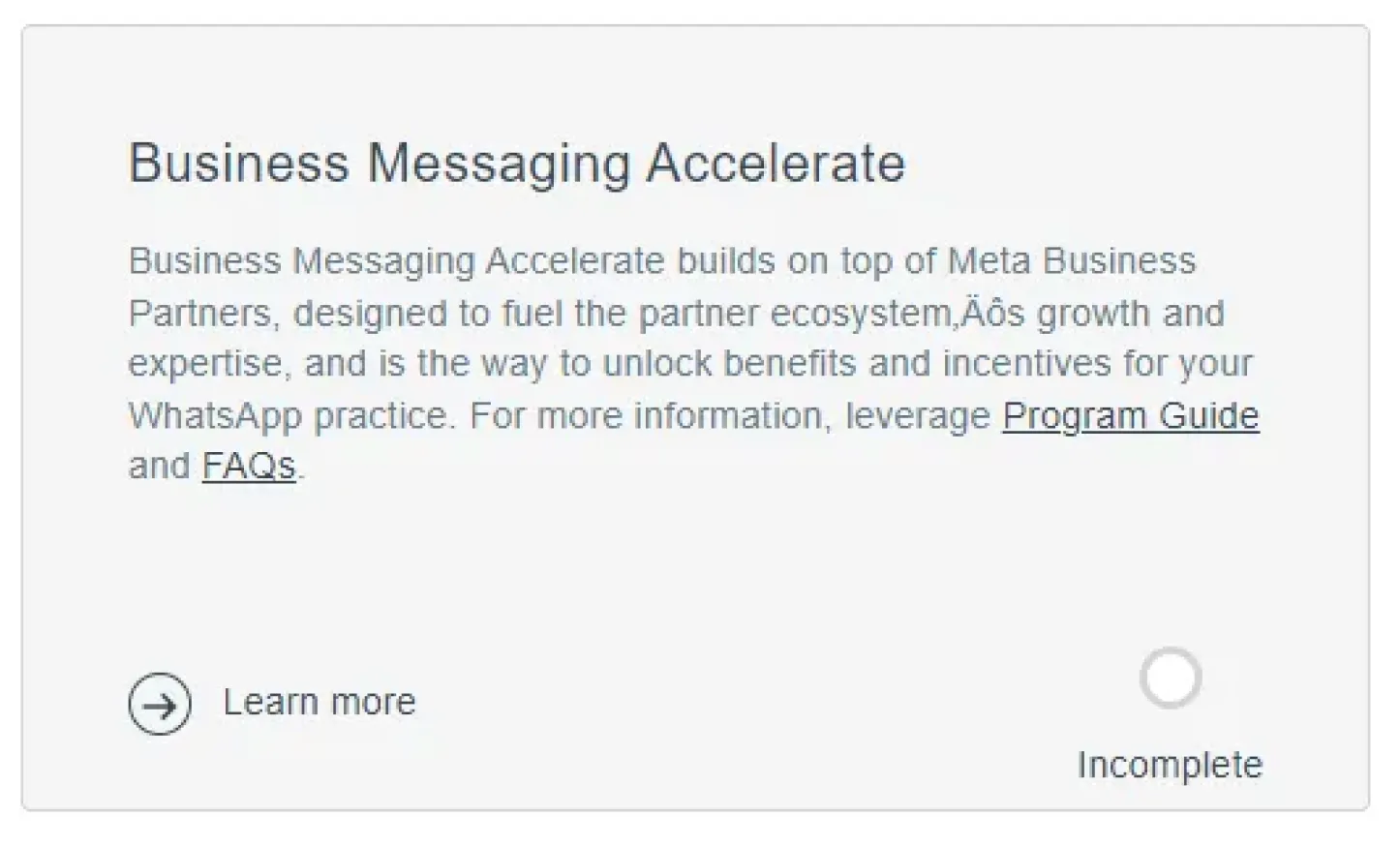
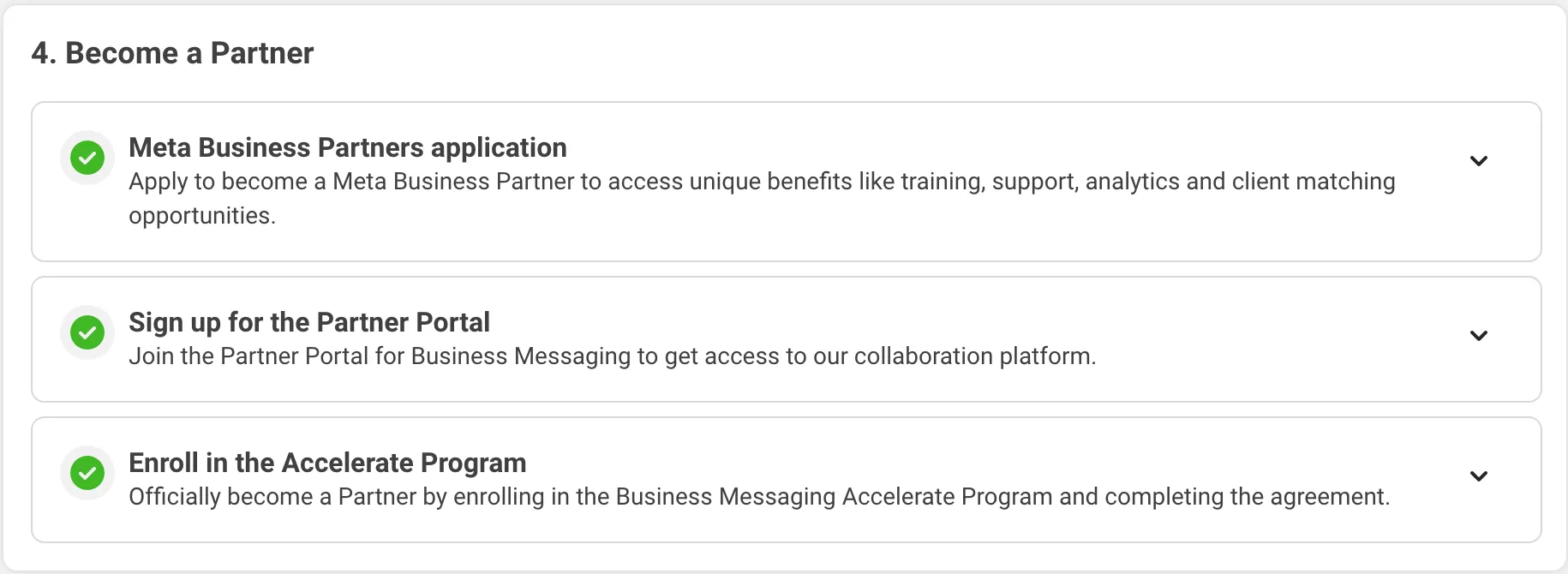
Historical Meta Tech Partner programme illustrations
These original illustrations concern a separate Meta provider programme. They do not establish its current eligibility or show how to change a ChatArchitect service plan.


No comments to display
No comments to display