
WhatsApp Business API for Zoho Cliq: Installation and sending the first message.
In this guide, you will learn how to install our WhatsApp Business API integration in Zoho Cliq.
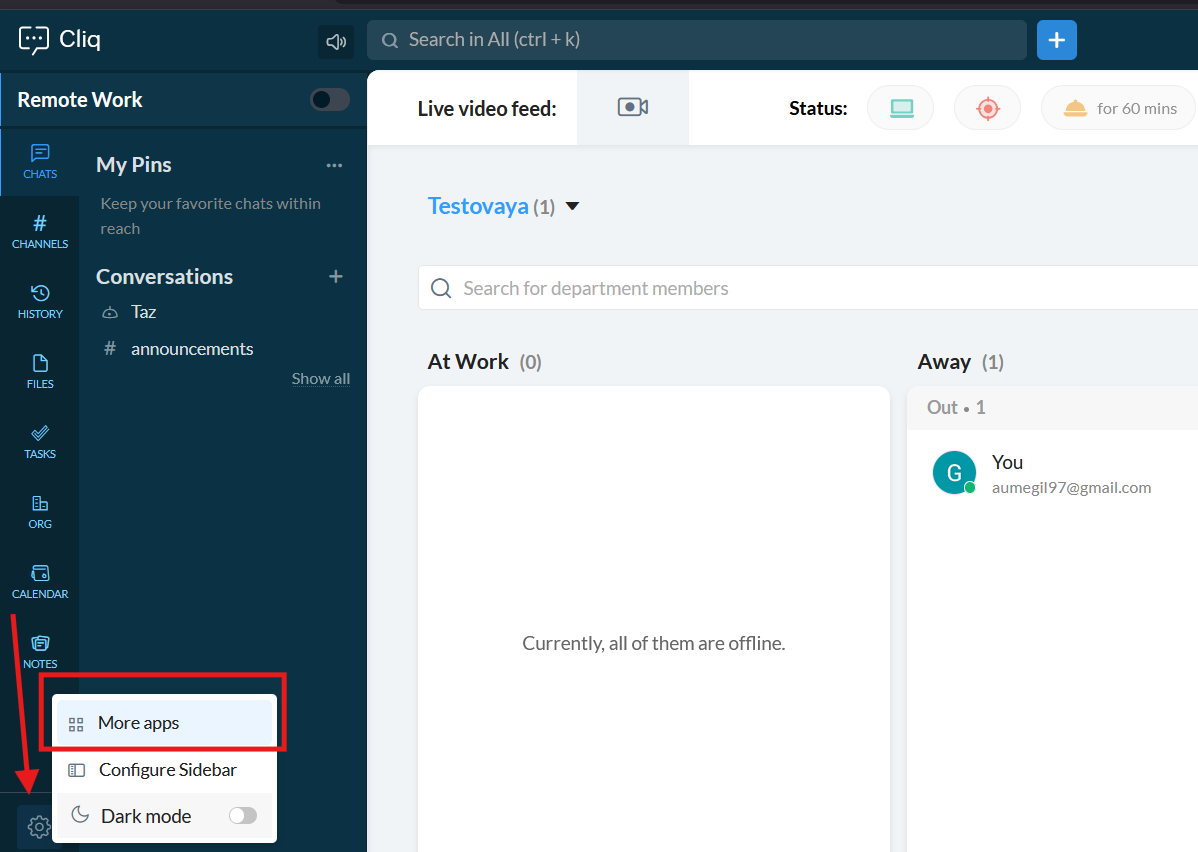
1. First of all, go to the "Settings" -> "More apps"
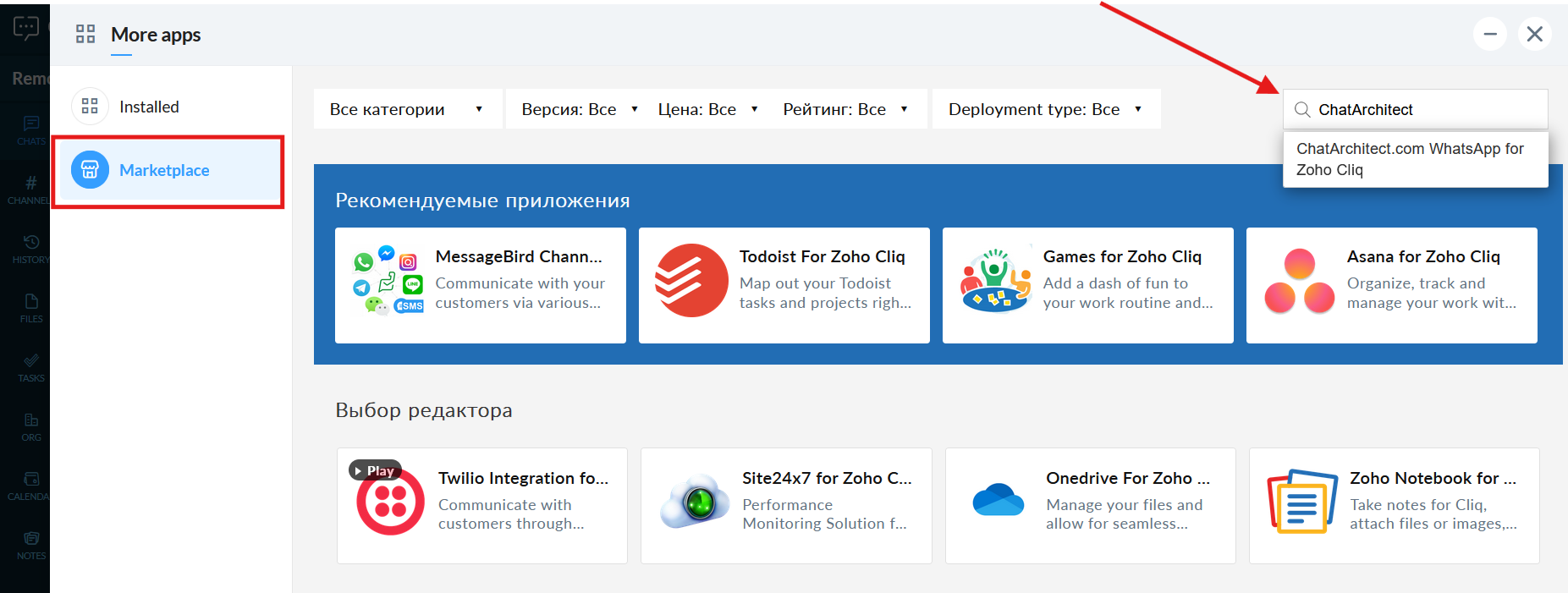
 2. Go to the "Marketplace" and fill in in the search field "ChatArchitect" and choose our app
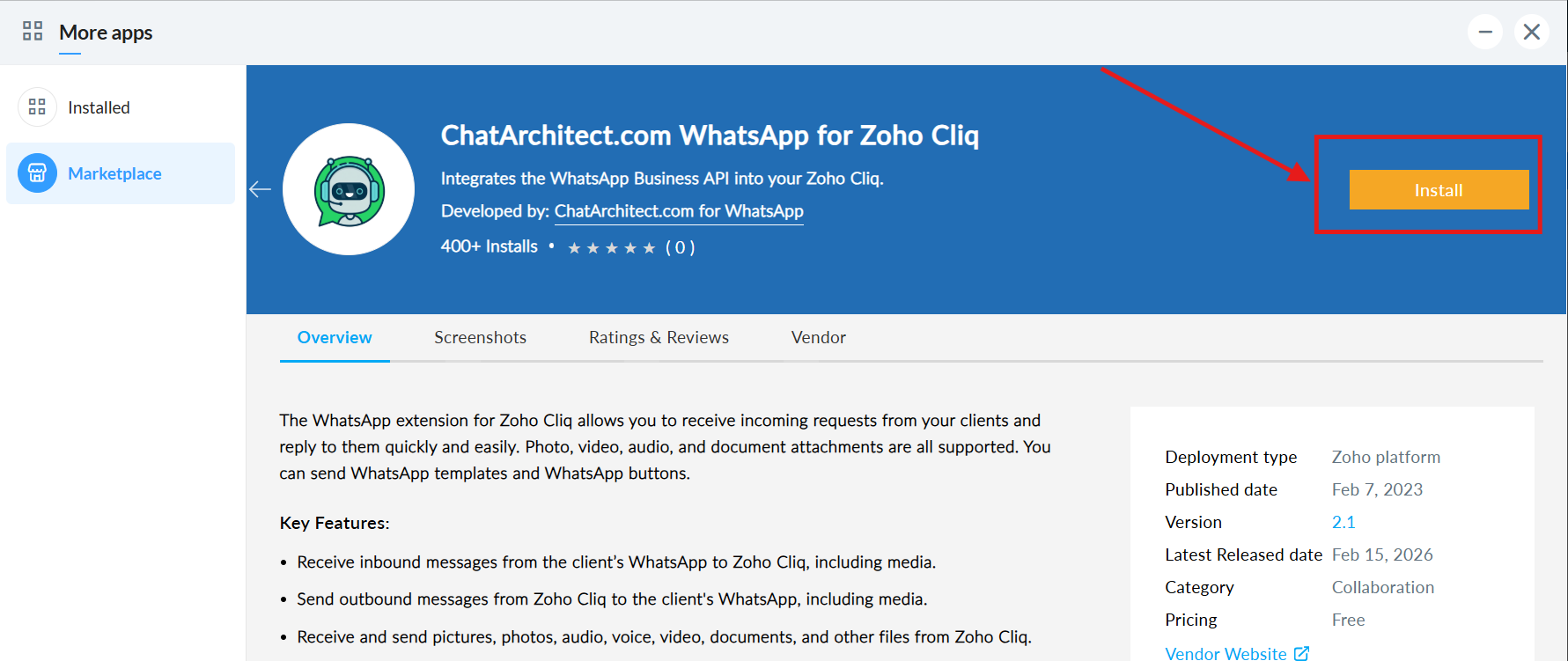
3. Press "Install"
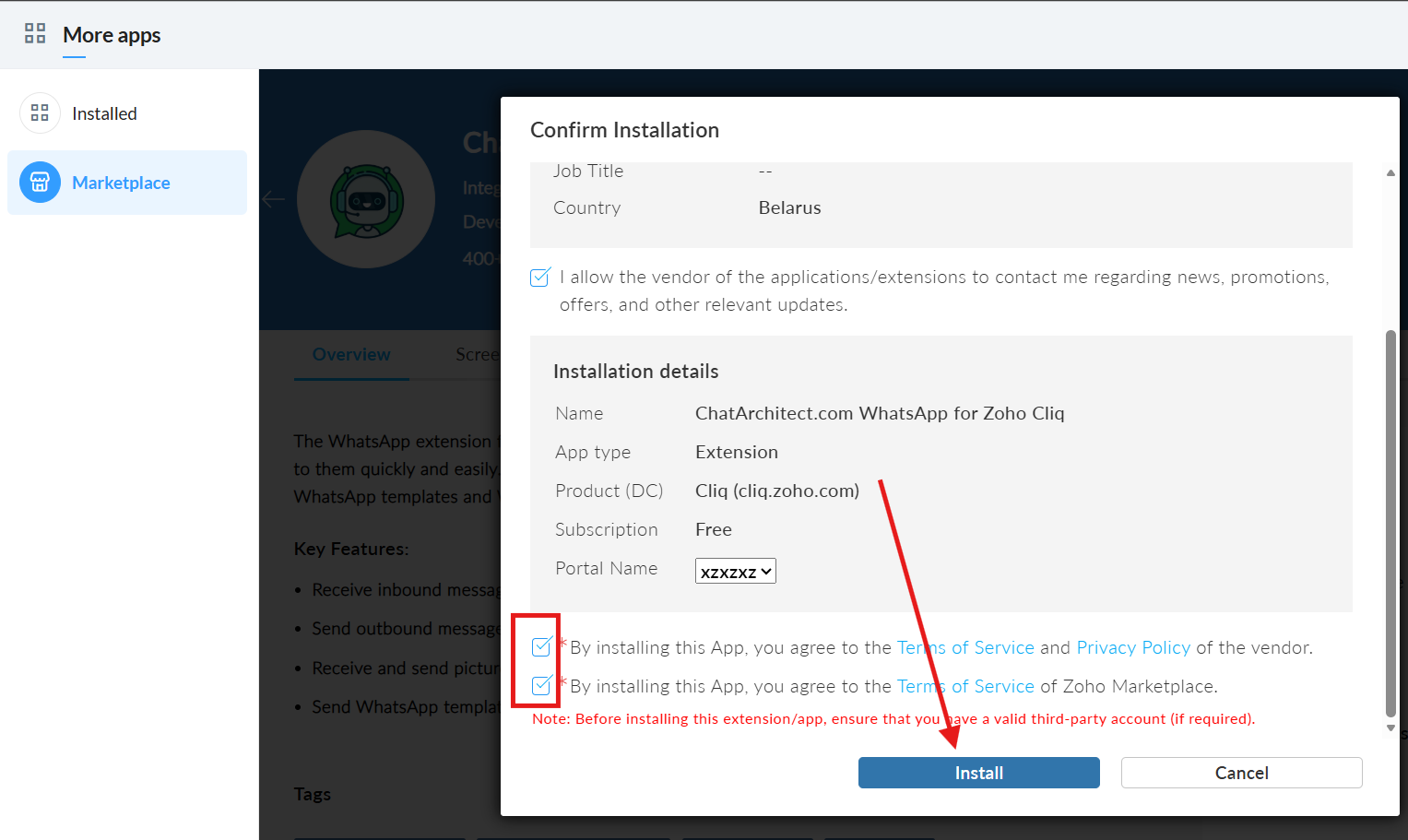
4. Check the boxes and click the “Install” button.
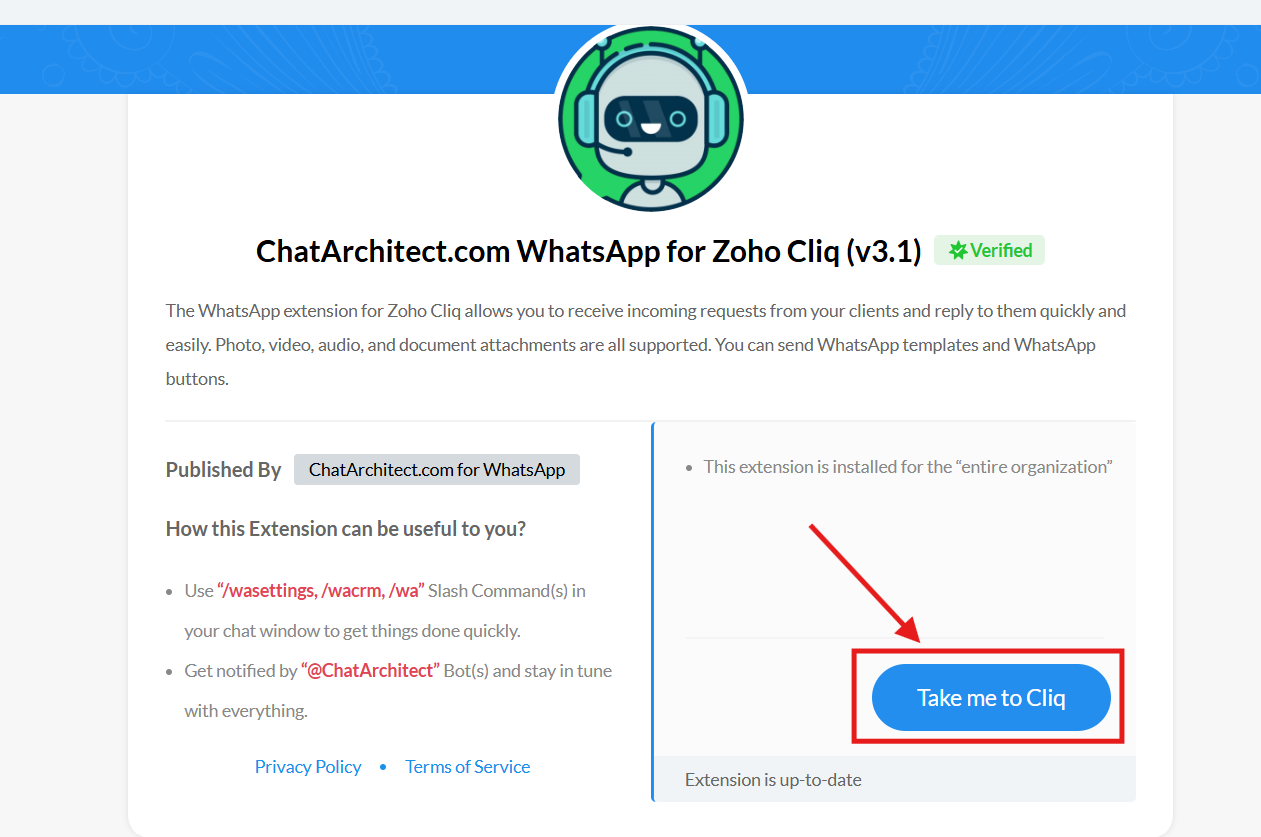
 5. Press "Take me to Cliq" button
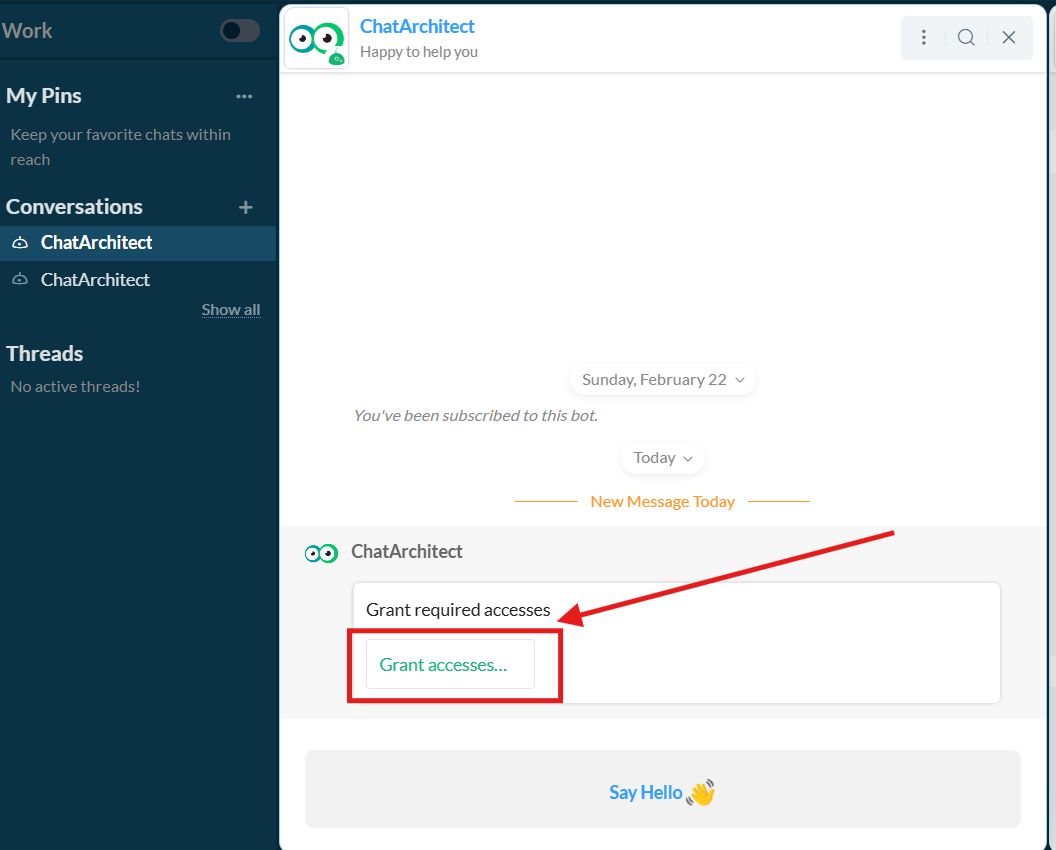
 6. Choose "Grant access"
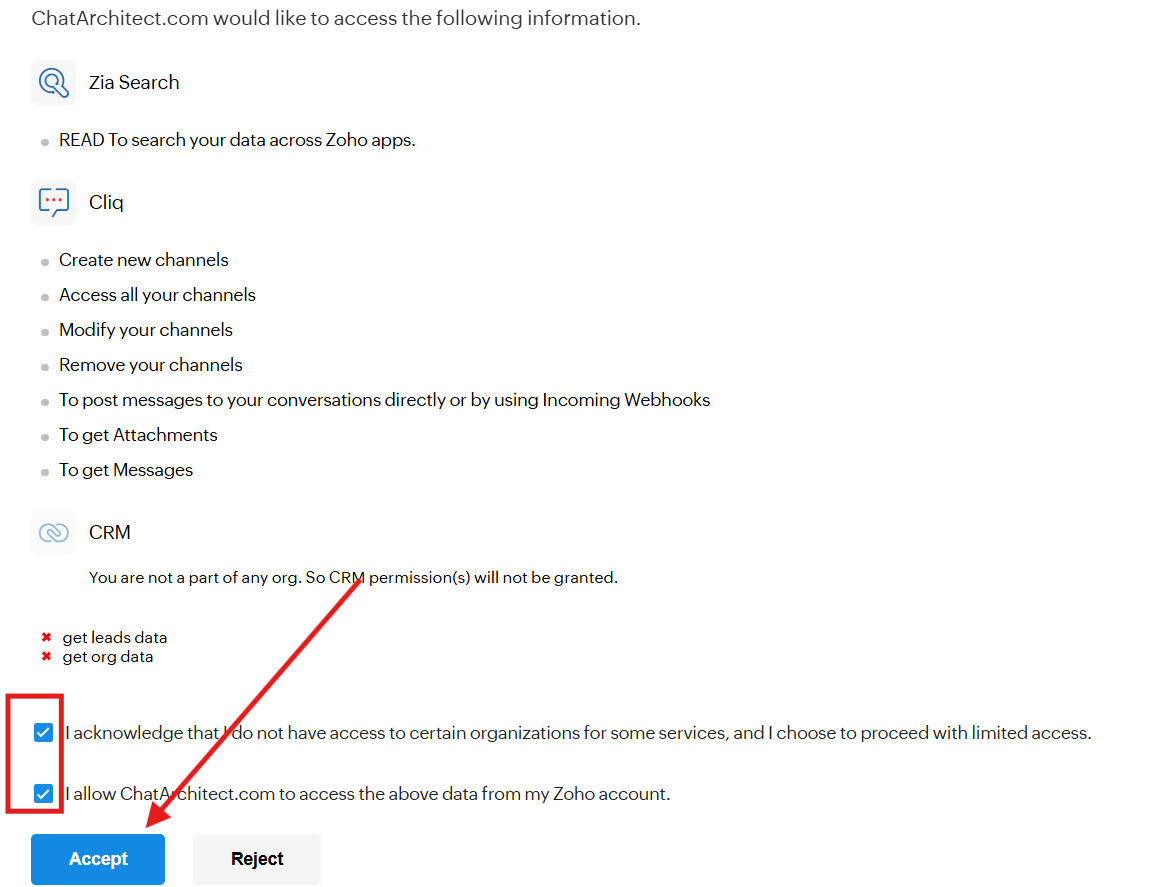
7. Check the boxes and press "Accept"
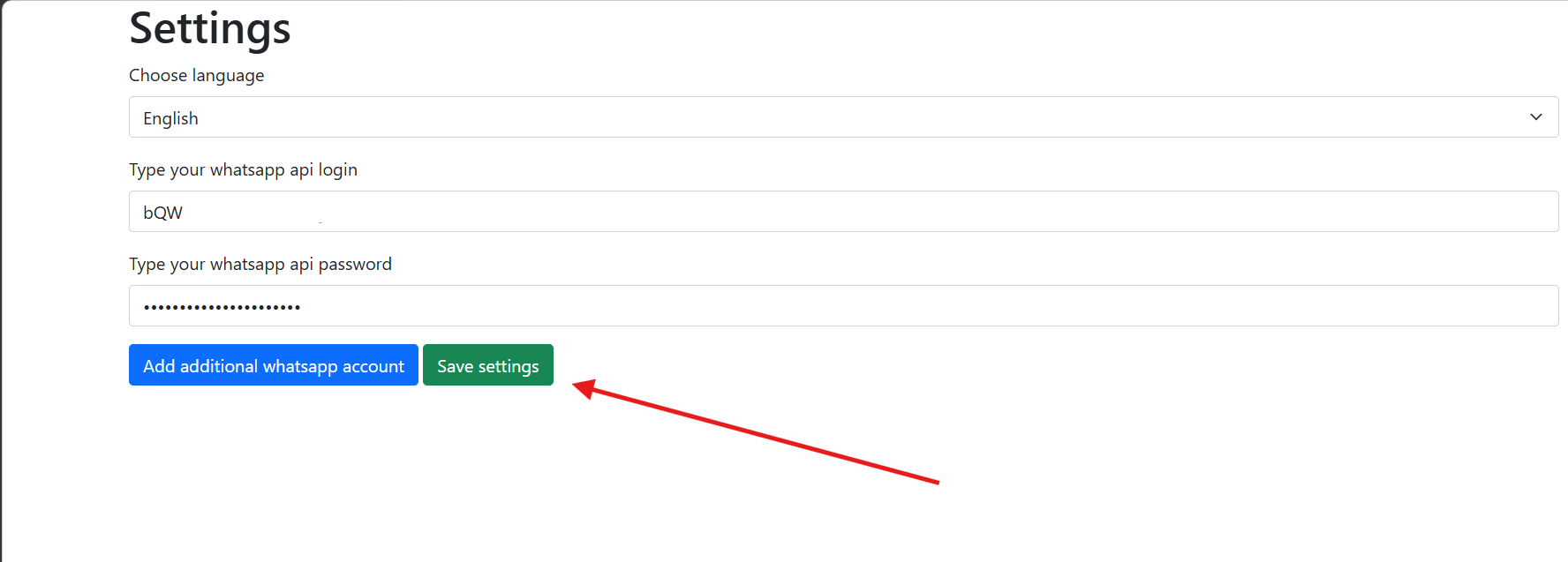
8. Fill in your APP ID and APP SECRET and press "Save settings"
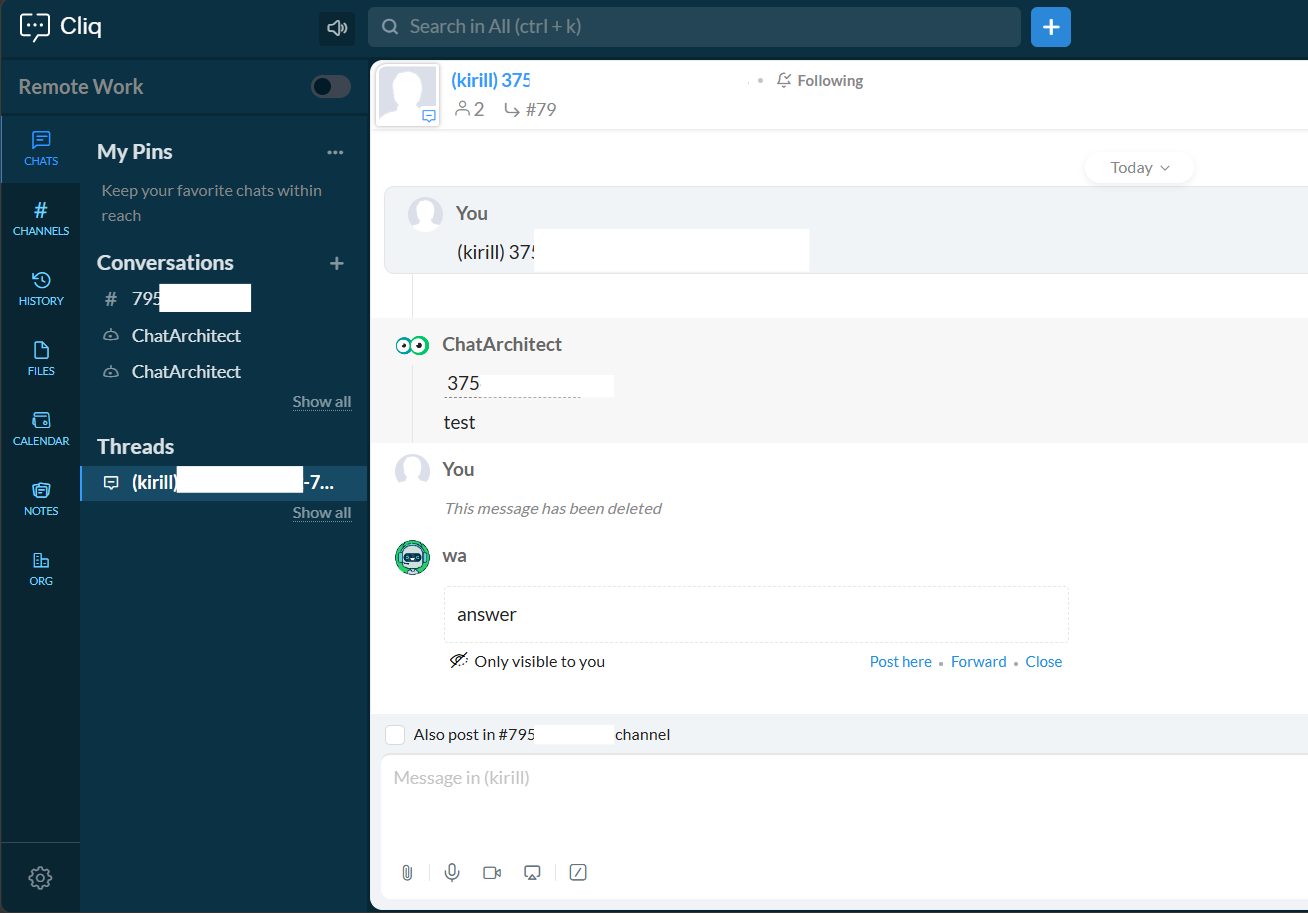
9. Next, write to your connected WhatsApp Business API number from your personal WhatsApp. It will be displayed in threads.
How to reply
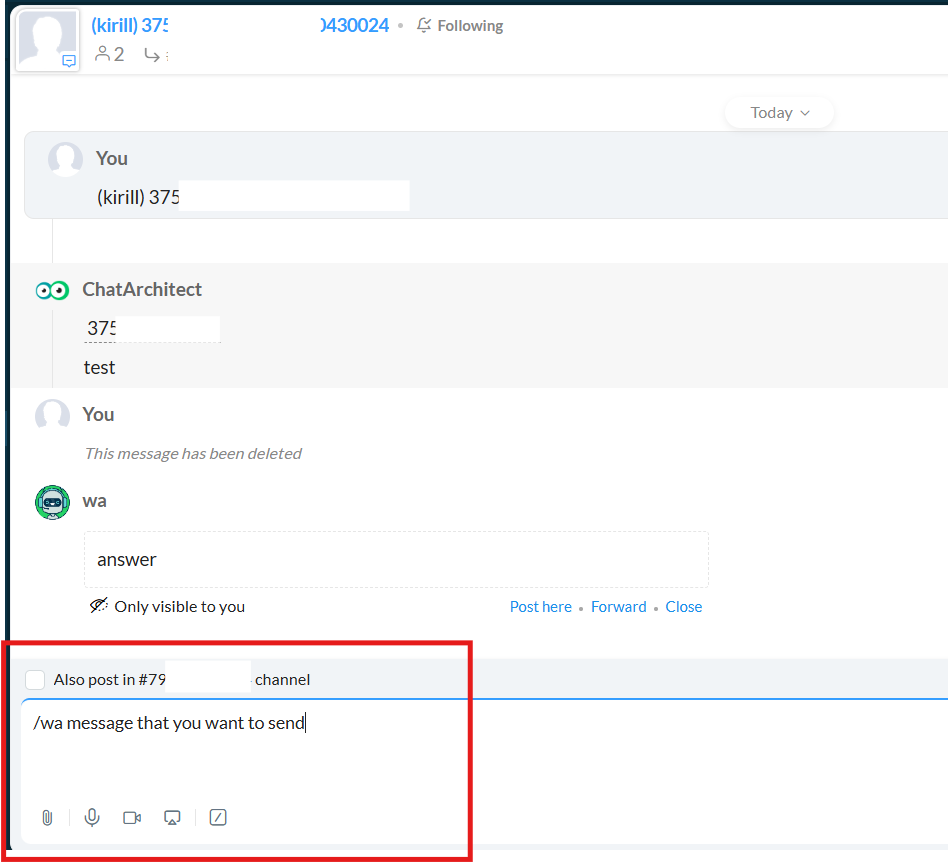
1. You can reply by using /wa +your_text
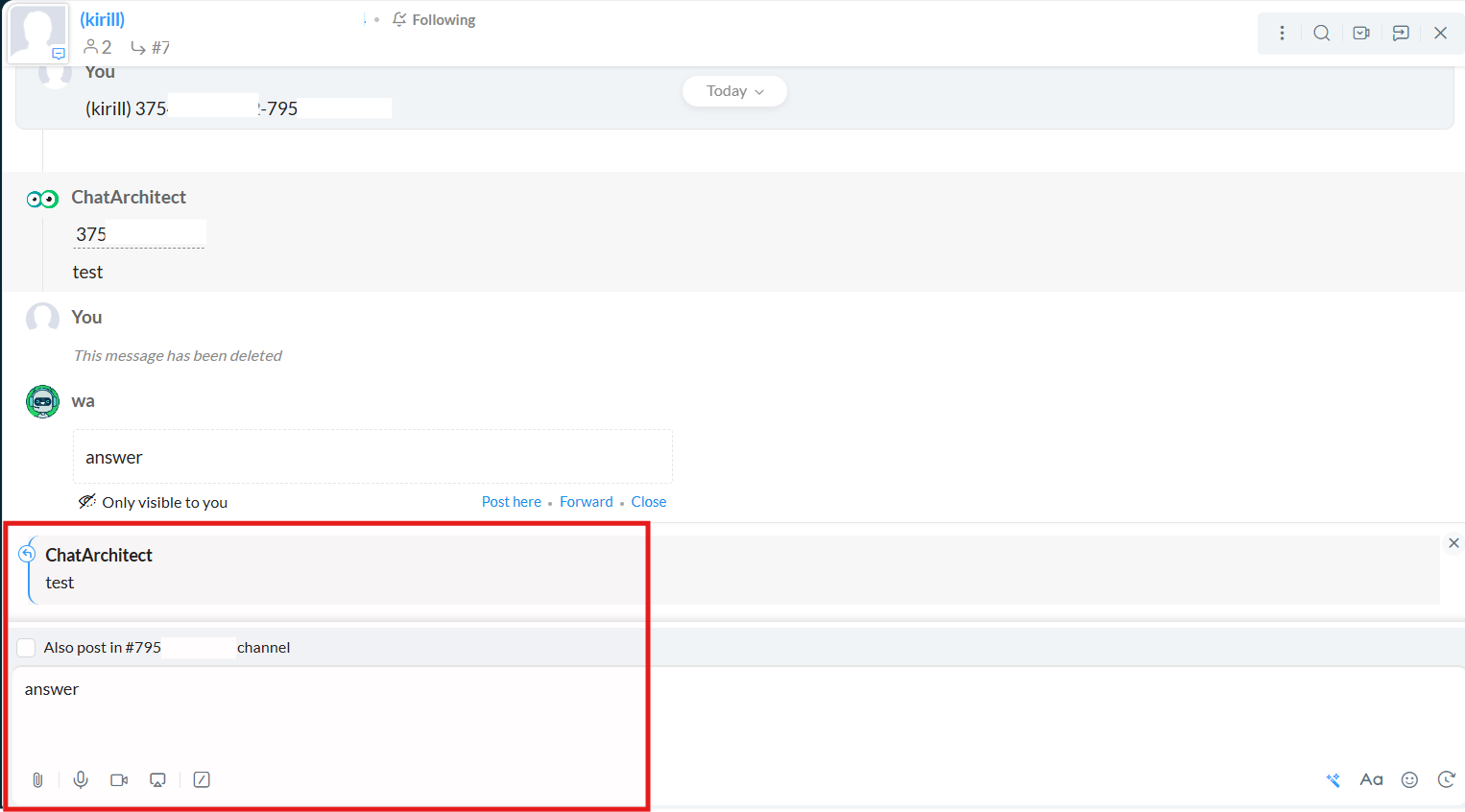
2. You can quote client's message
No comments to display
No comments to display