
RetailCRM
Simla
Installation
1)
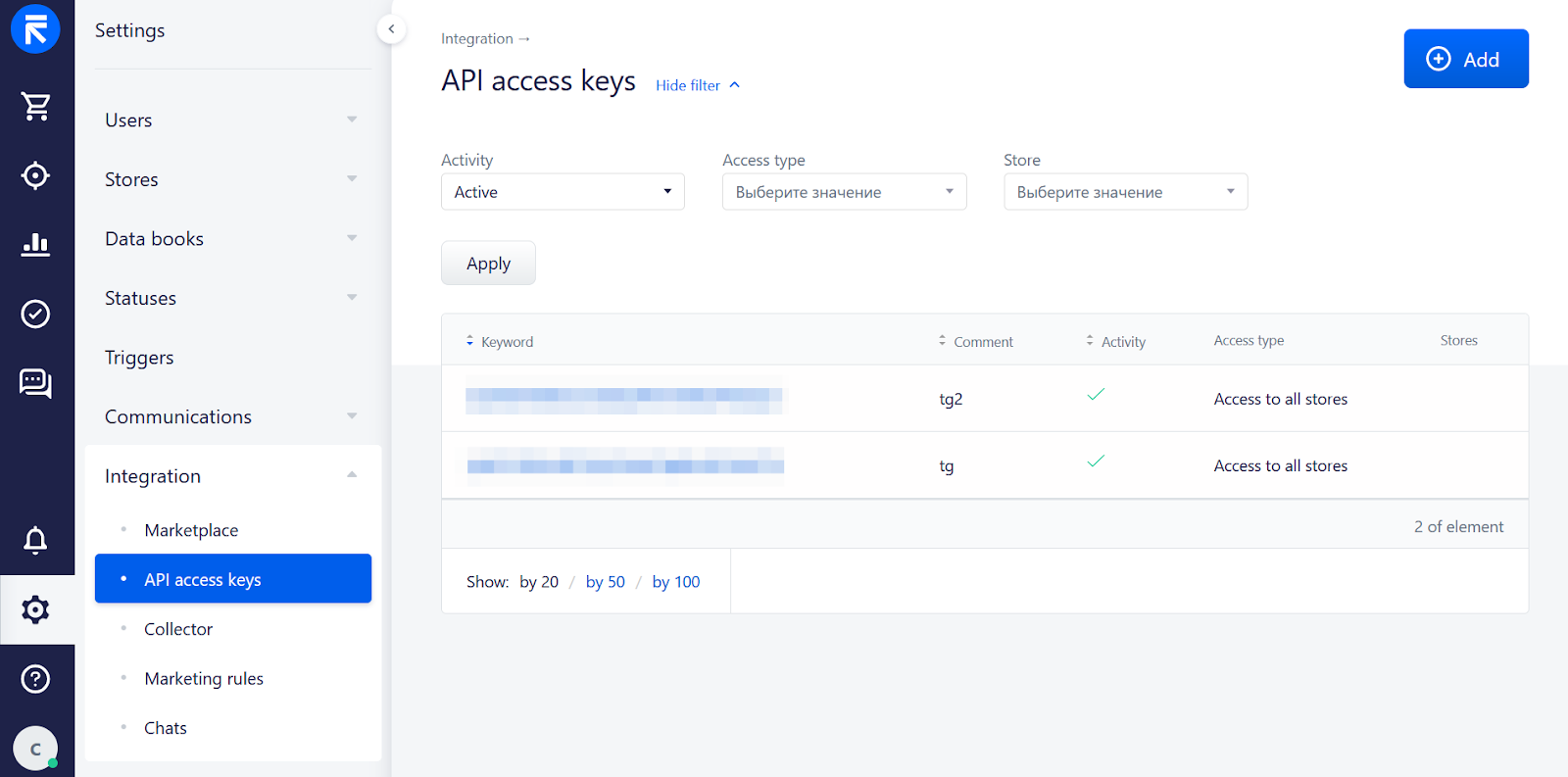
API Key — which you create in your Simla account. Settings -> Integration -> API Access Keys
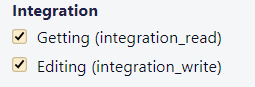
API methods allowed:
/Getting (integration_read)
/Editing (integration_write)
2)
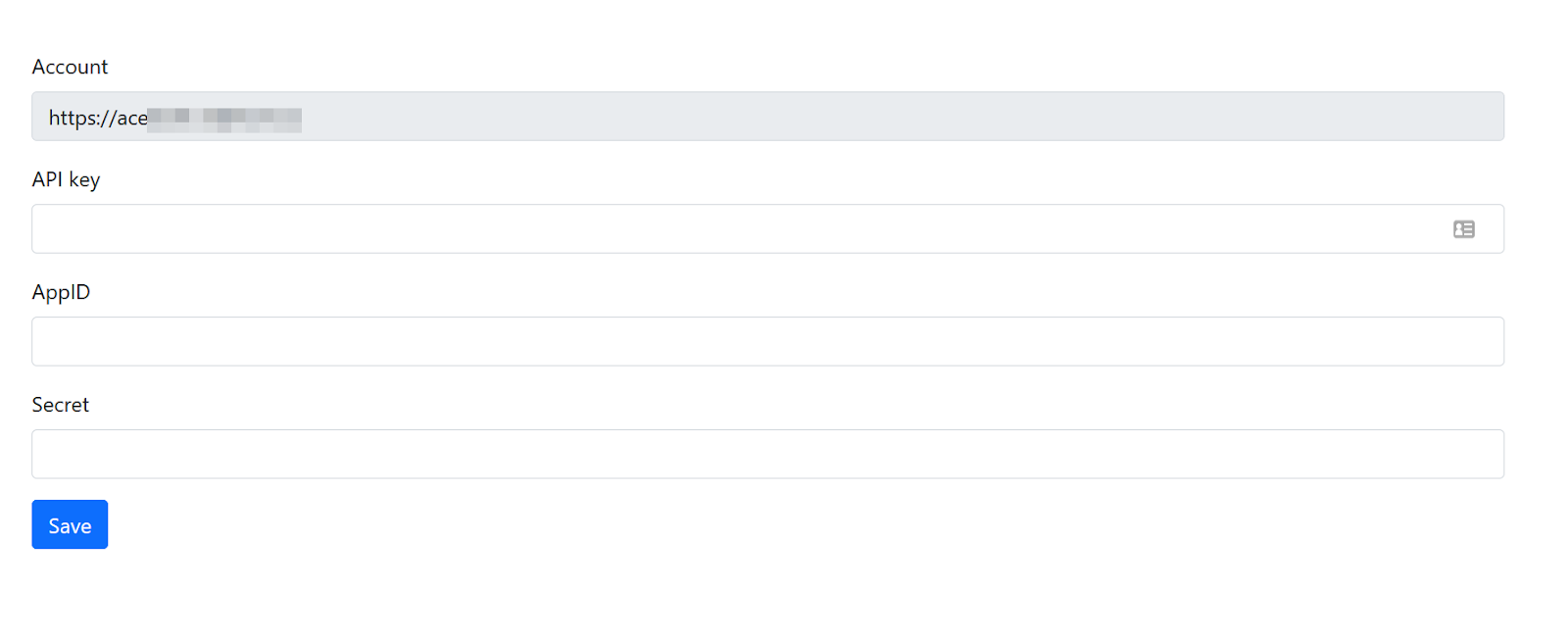
You will receive the AppID and Secret after setting up your WhatsApp number. Click Save.
3)

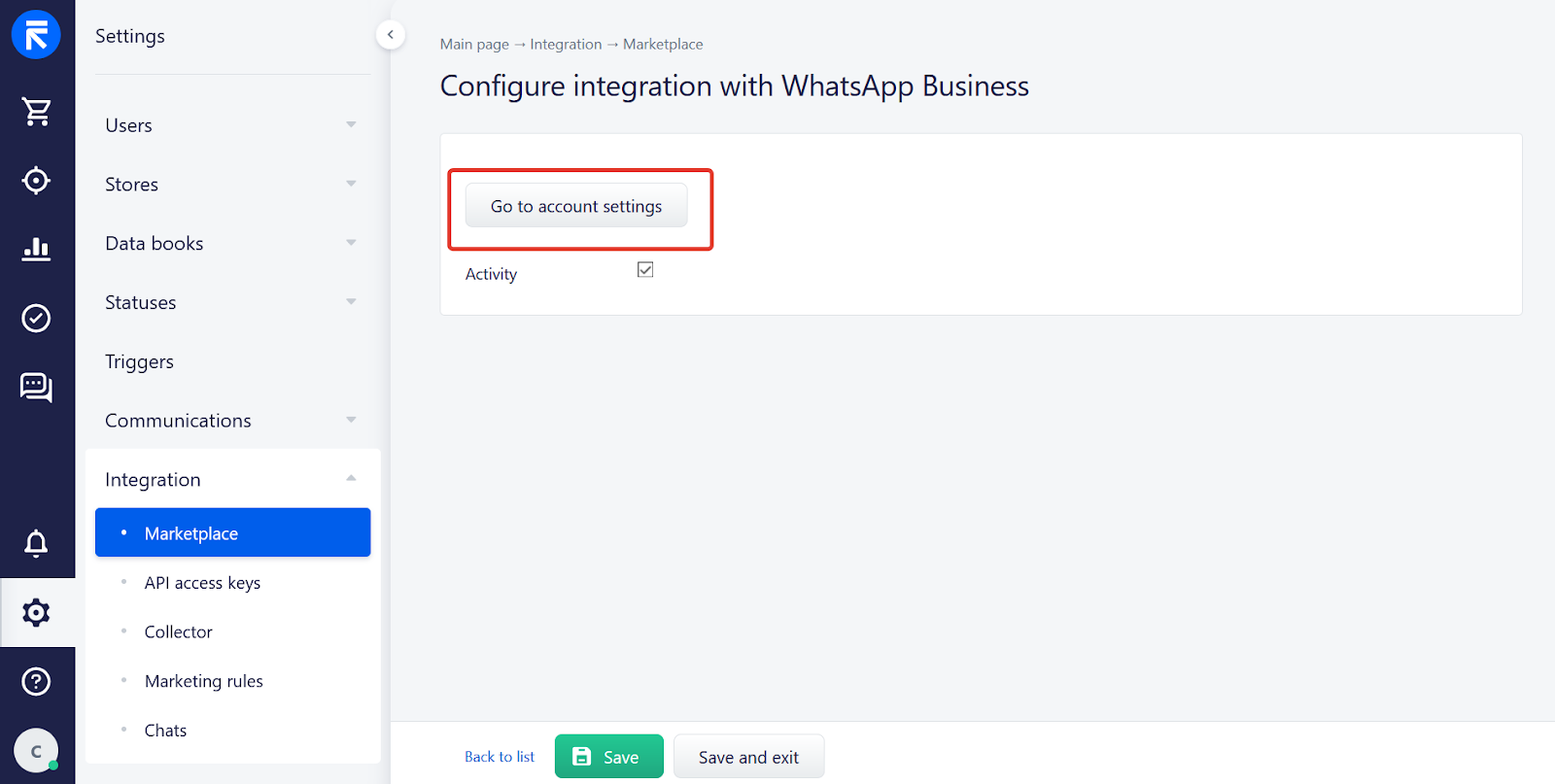
How to check
1)
2)
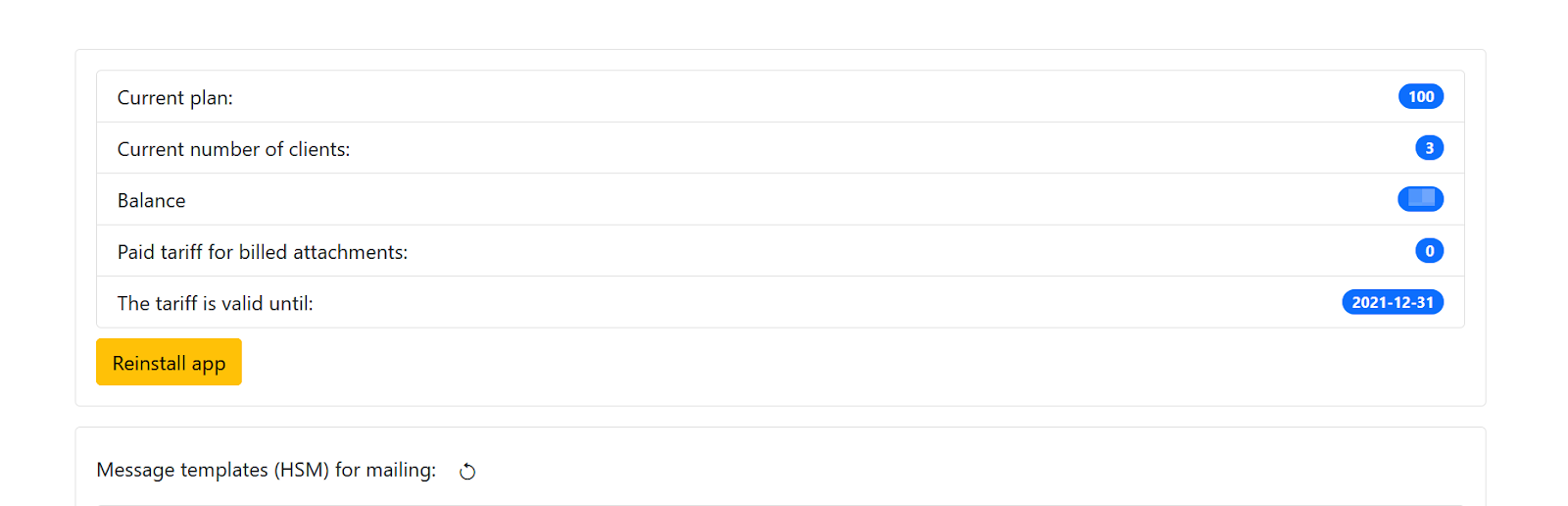
3)
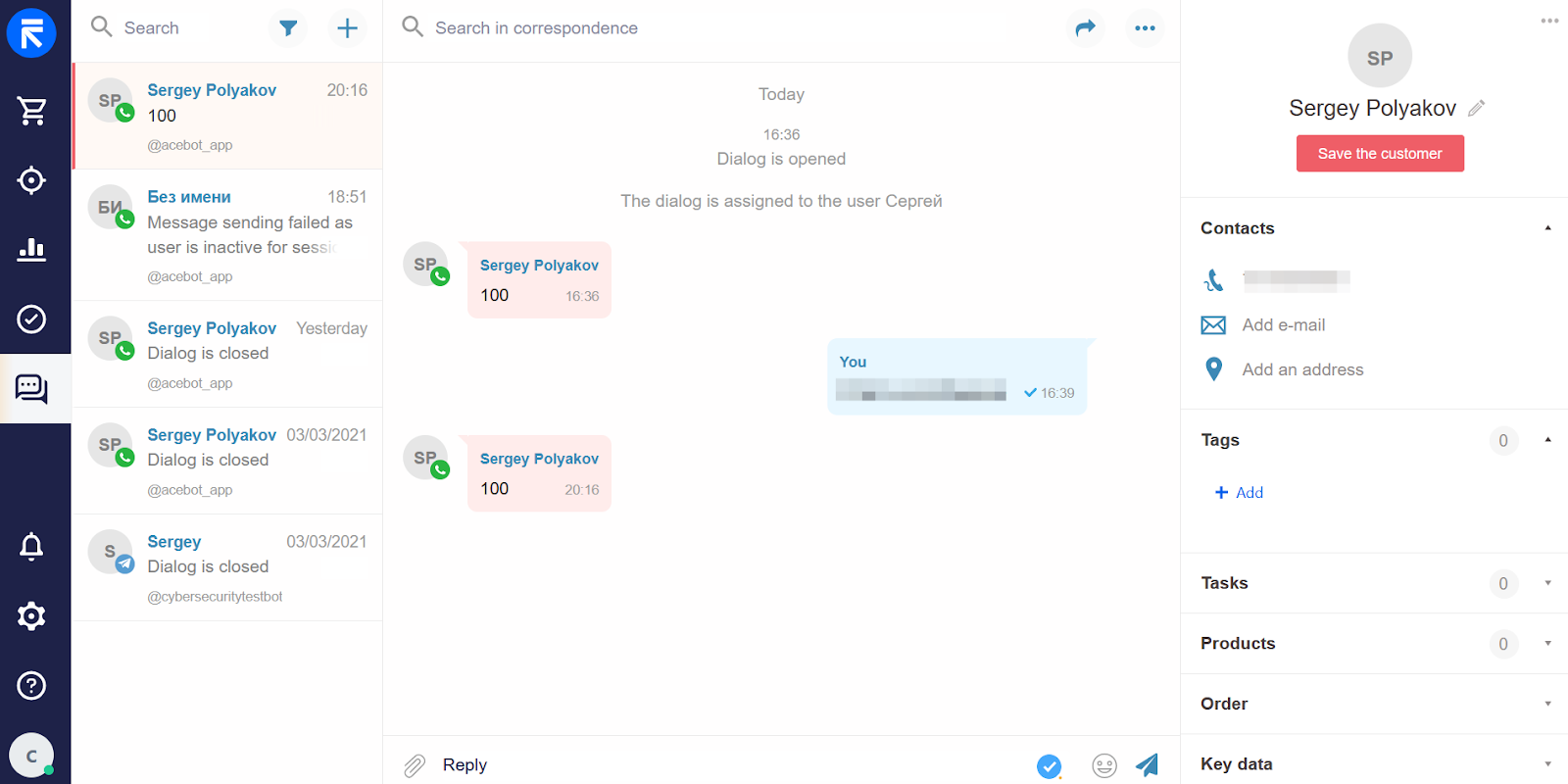
Write to the new WhatsApp number from your WhatsApp mobile app on your phone.
Reply to an incoming message
No comments to display
No comments to display