
How to set up Autoreply in RetailCRM.pro \ Simla.com
In this tutorial, we'll show you how to create an auto-reply for clients
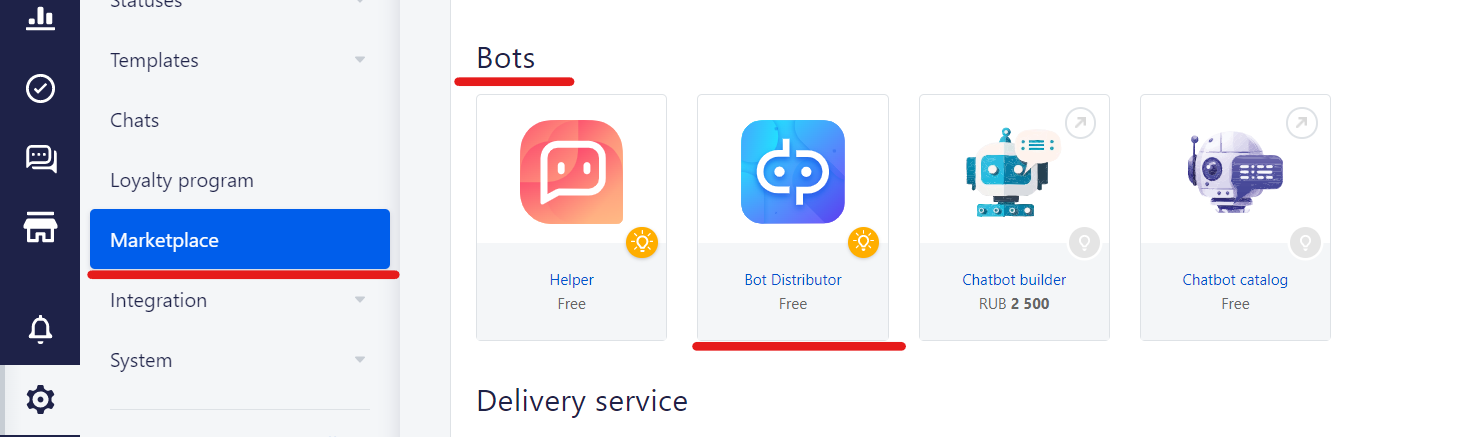
1. To set up autoreply you need to install "Bot Distributor"
Go to the "Settings" => "Marketplace" => "Bots"=> "Bot Distributor"
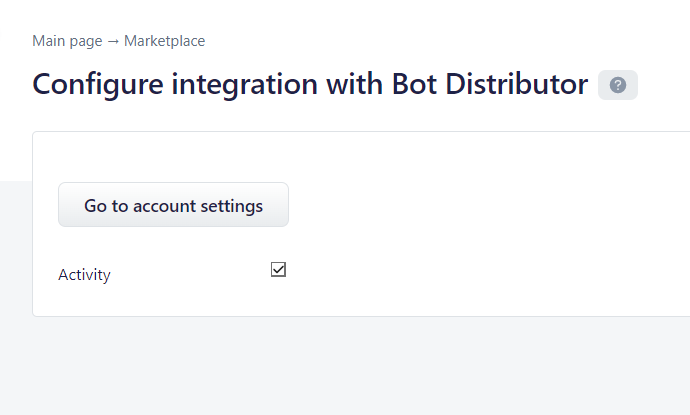
2. Choose "Bot Distributor", check the box "Activity" and press "Go to account settings"
3. Customize the bot the way you want
No comments to display
No comments to display