
WhatsApp initial configuration for Email
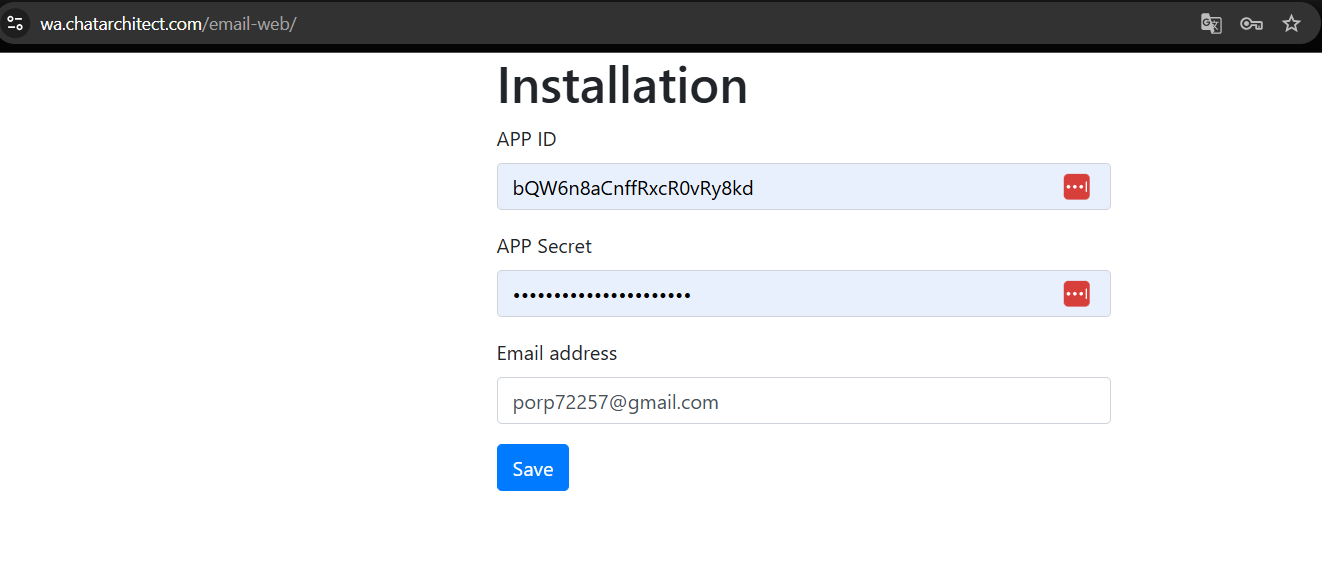
1. First of all, you need to install our app by using this link: https://wa.chatarchitect.com/email-web/
2. In the window that opens, enter your APP ID, APP SECRET and email, which will receive messages and click "Save"
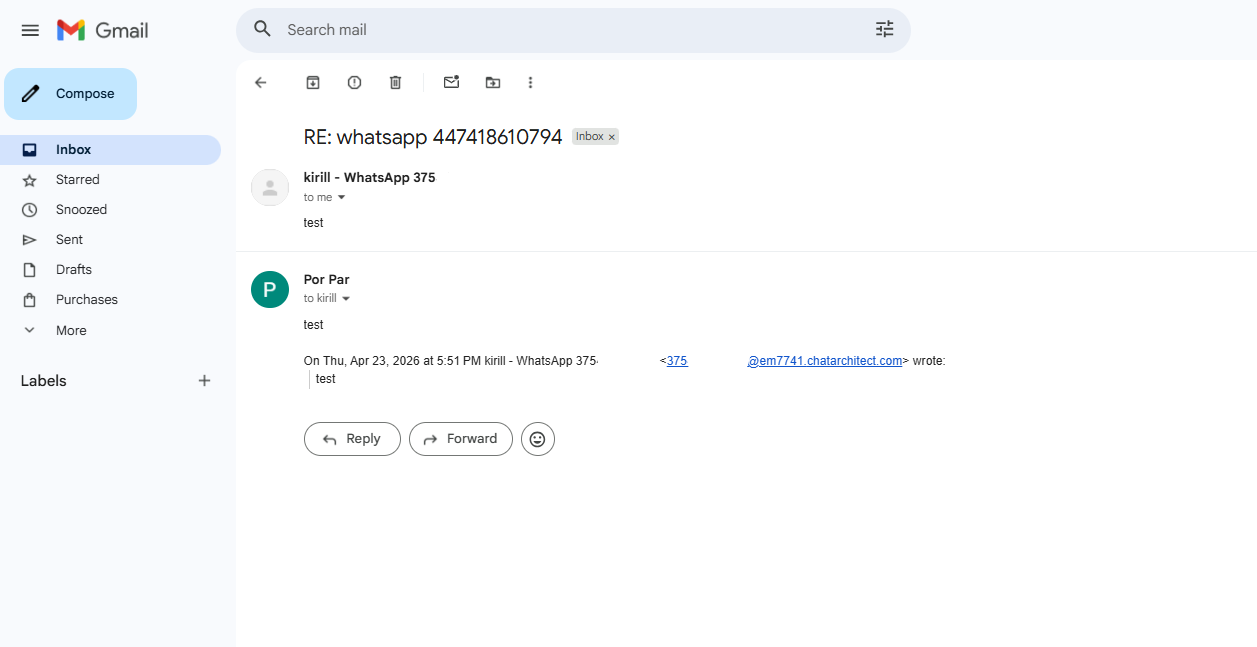
3. Next, check the functionality of incoming and outgoing messages. To do this, send a message from your personal number to the WhatsApp Business API number that you connected with us.
No comments to display
No comments to display