
Integration Zapier with Google Sheets
Integration Zapier with Google Sheets
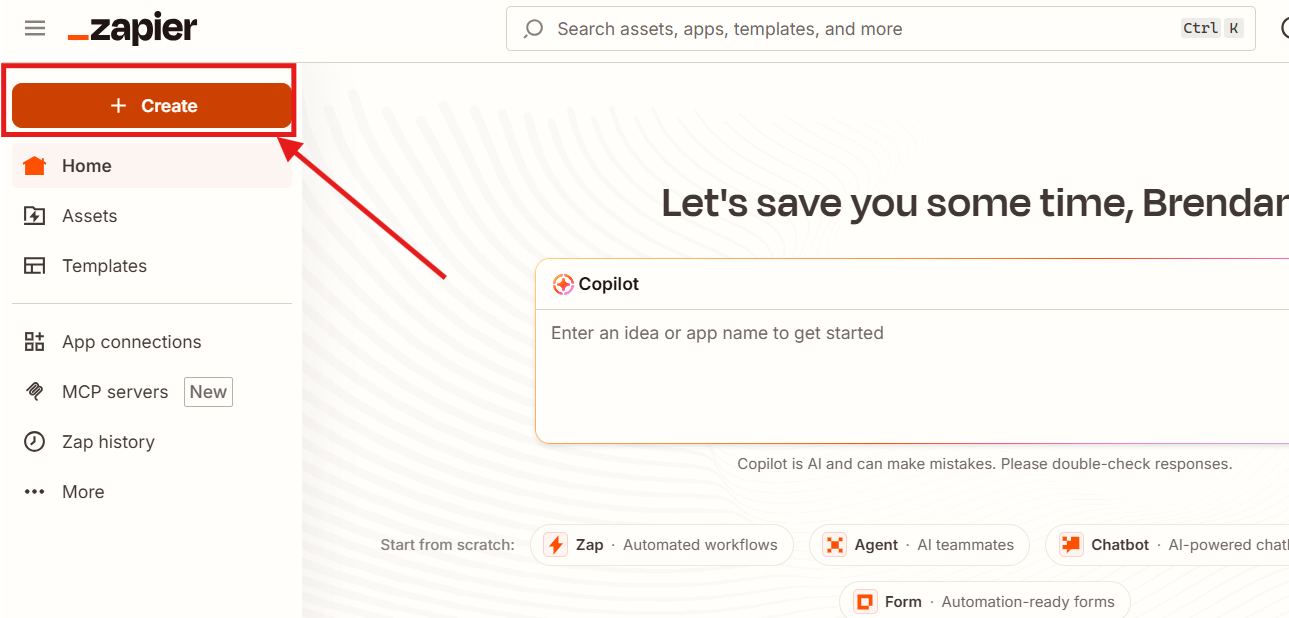
1. Press "+Create"
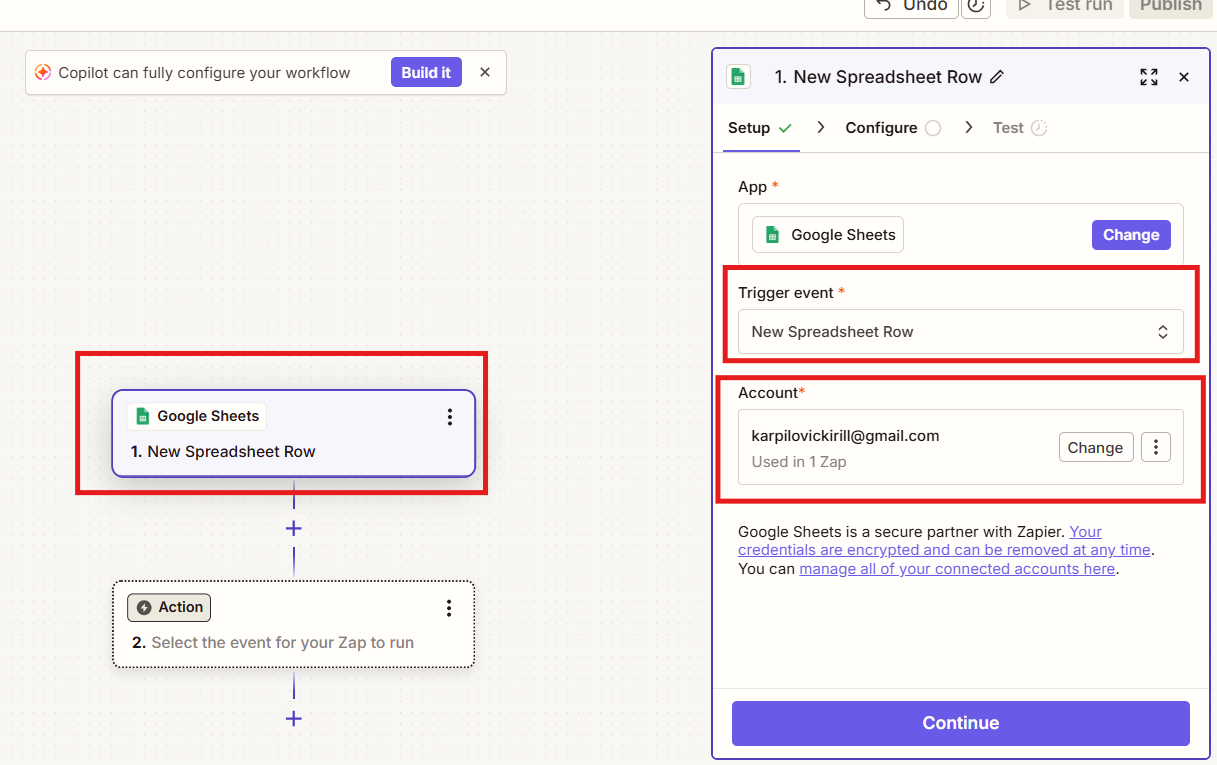
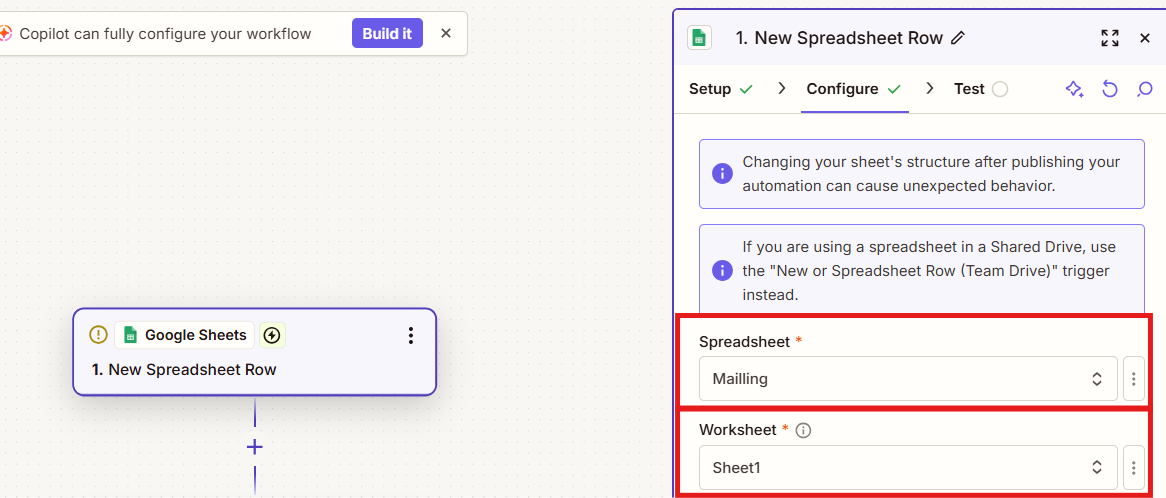
2. Choose Google Sheets as a trigger;
Trigger event "New Spreadsheet Row"
And log in to your Google account
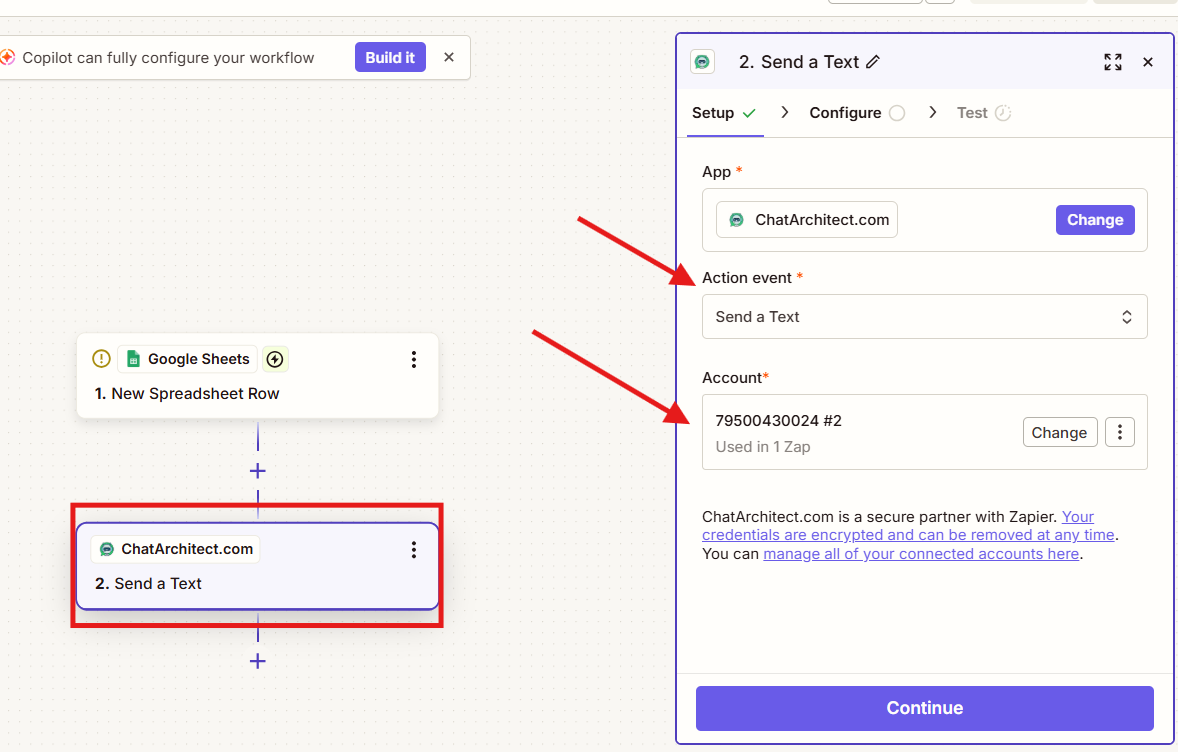
4. In the action add our app "ChatArchitect.com";
Action event - "Send a text"
And add your ChatArchitect.com account
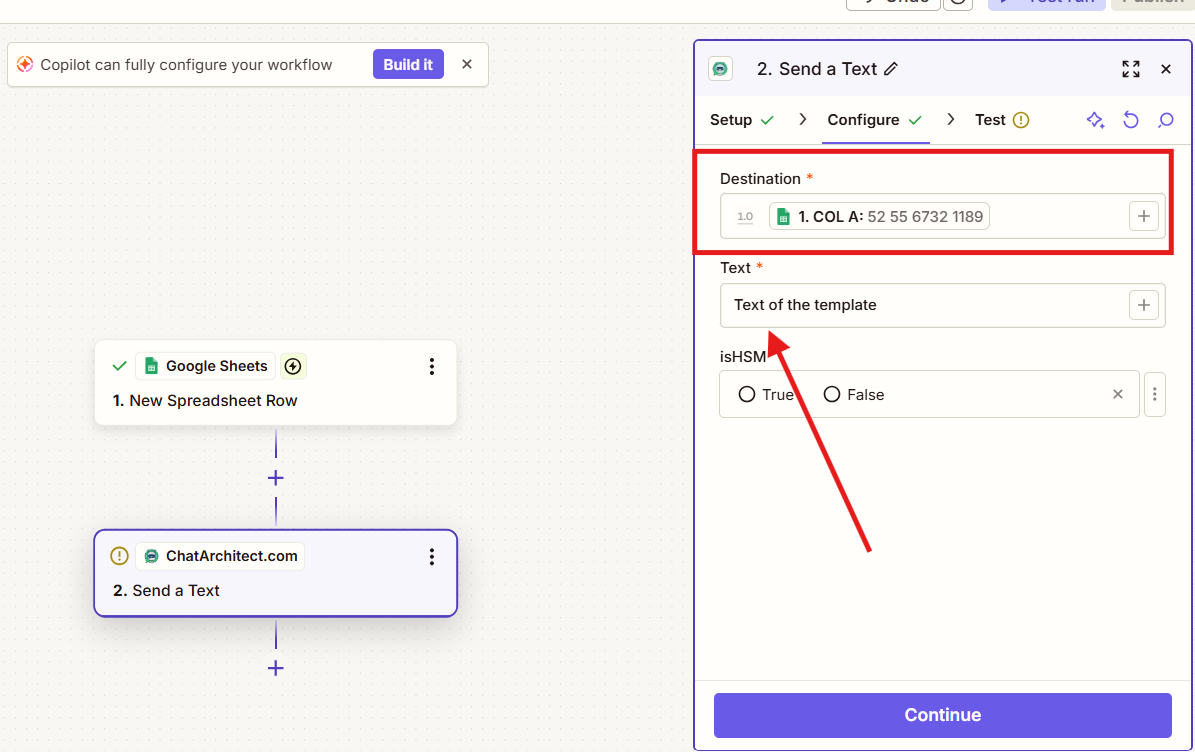
6. Add numbers to the table, ZAP will work on them within 15 minutes
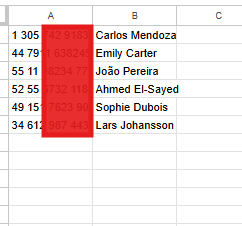
!!! Zapier works by adding a new column to the table, i.e. in order for it to send out mailings to the numbers you need, they must be added to the table only after activating Zap !!!
No comments to display
No comments to display