
Checklist for Connecting WhatsApp Business API
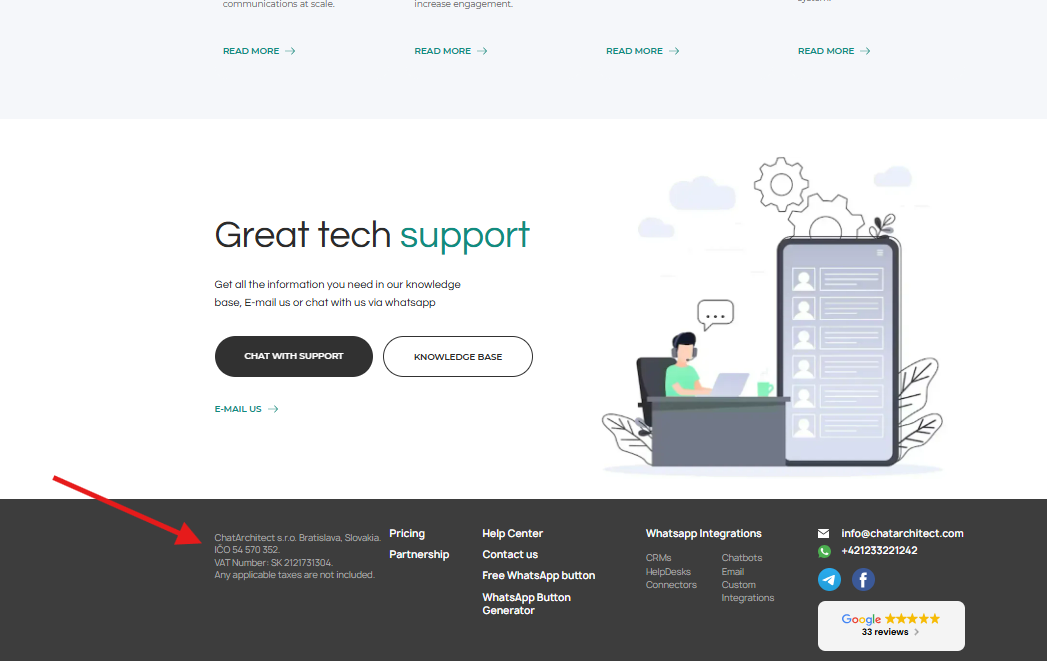
1. You must have a website. At minimum, a one-page landing page that clearly shows what your company does. The website footer must include the legal entity name and registration number ( check example).
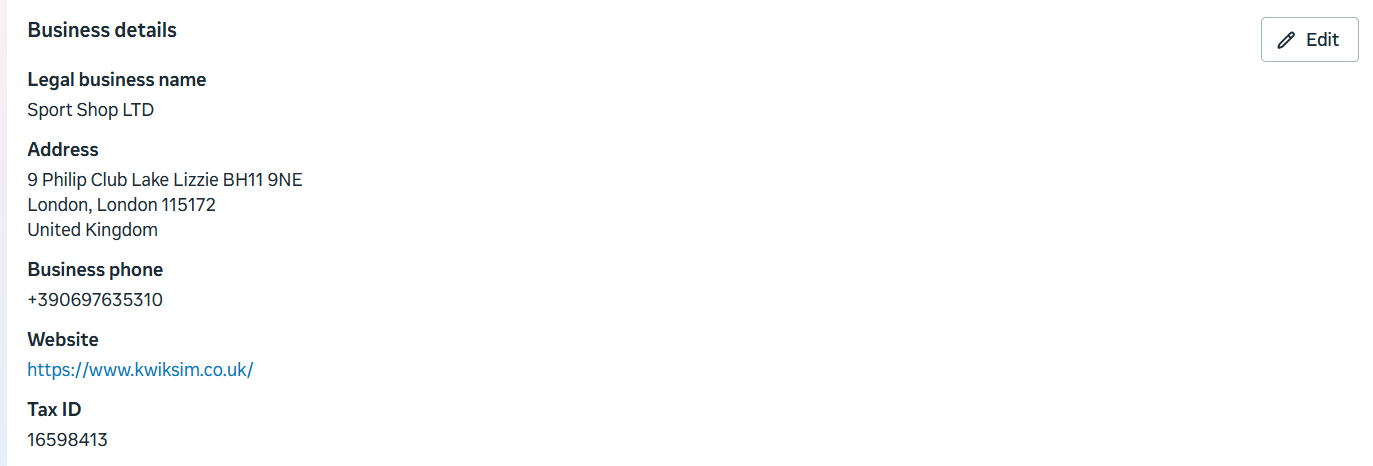
2. Your Business Manager must have all company information fully completed.
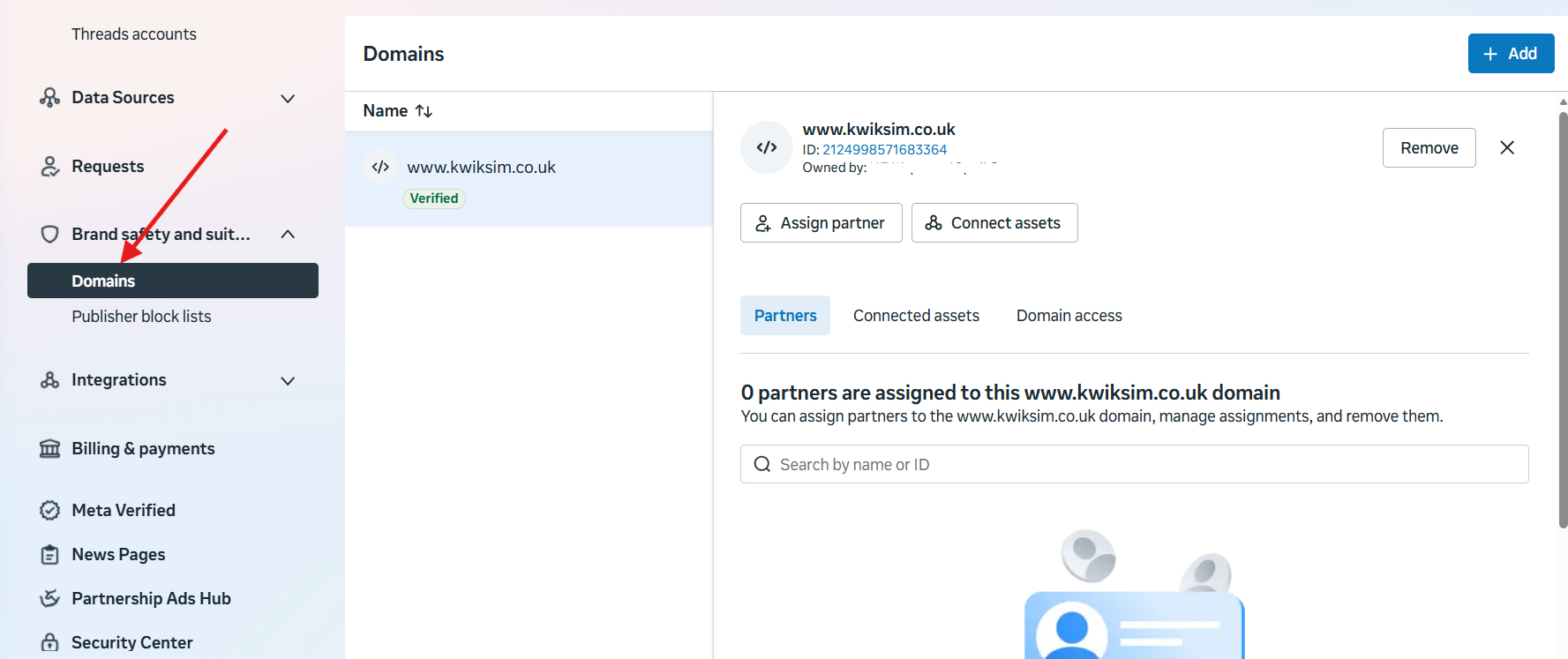
3. Not required, but it is recommended to verify your website domain.
Brand safety and suitability => Domains => Add
These simple steps will help you connect your number to the WhatsApp Business API without encountering any difficulties during the setup process.
No comments to display
No comments to display