
Deep links | Developer Documentation
Deep links
Updated: Feb 10, 2026
Marketing Messages API for WhatsApp (formerly known as Marketing Messages Lite API) is now generally available.
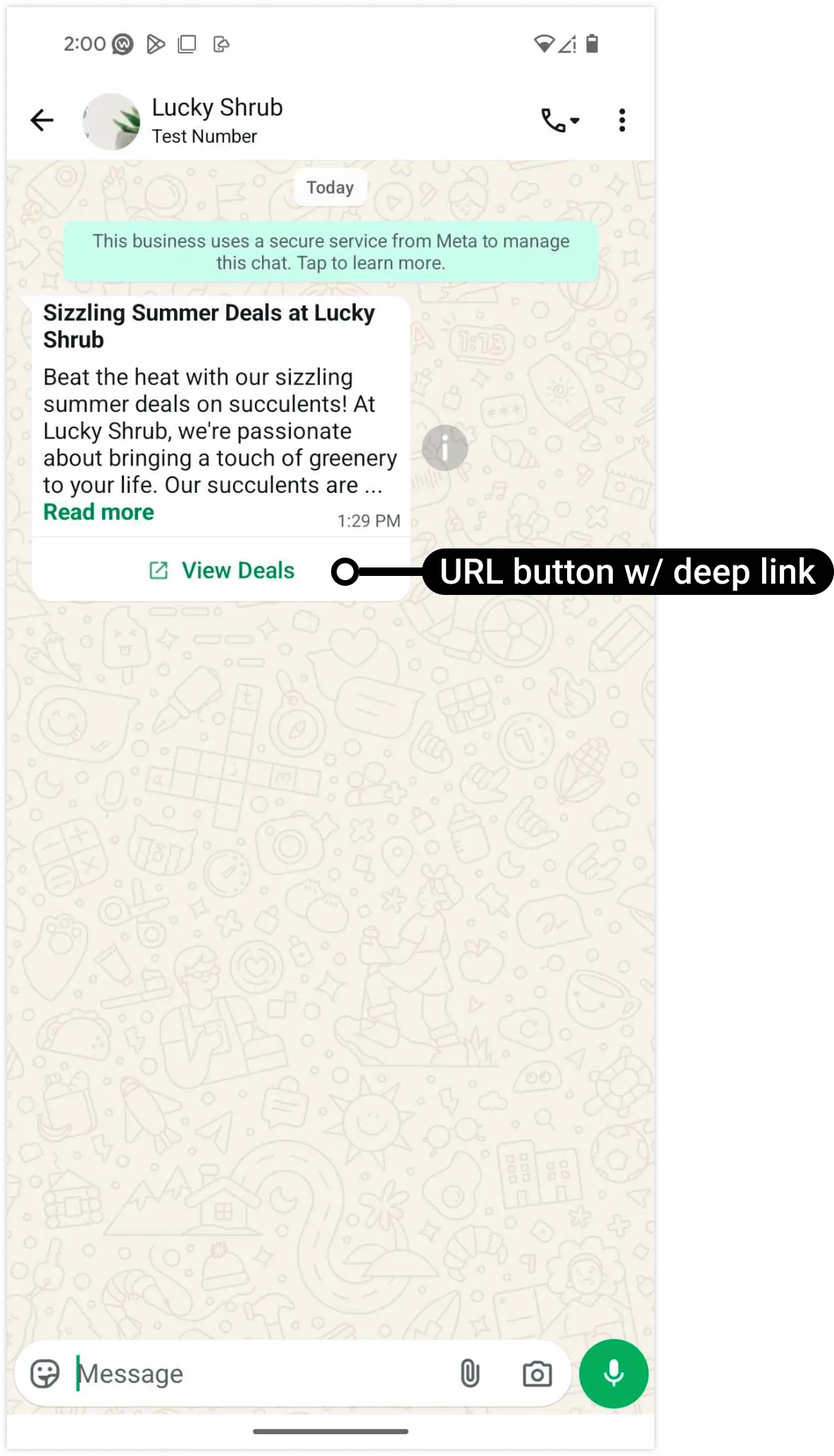
You can map an Android deep link? to a marketing template URL button that, when tapped, loads a particular location or content within your app.
If you have not onboarded to the Marketing Messages API for WhatsApp (MM API for WhatsApp), your marketing templates will not display any conversion metrics. Learn more about how to measure conversion.
Template creation via WhatsApp Manager
To create a template with a button mapped to an Android deep link:
Note that you can also use the Manage templates panel to edit an existing template and add a deep link-mapped button, but the template will have to undergo template review again.
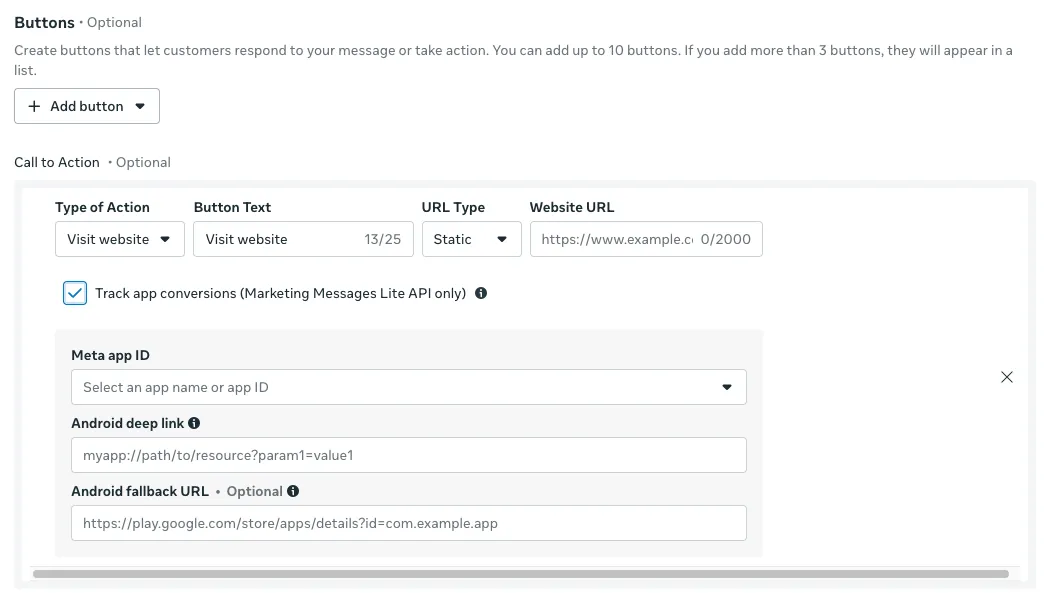
Form fields
| Field label | Description | Example value |
|---|---|---|
|
Android deep link |
Required. Android deep link URI. |
luckyshrub://deals/summer_solstice |
|
Android fallback URL |
Optional. Fallback URL. If the WhatsApp client cannot load the deep link URI, the client will load this URL in the device's default web browser.
If omitted, the client will attempt to load the URL specified in the Website URL field instead. |
https://www.luckyshrub.com/deals/summer_solstice |
|
Button Text |
Required. Button label text. Maximum 25 characters. |
View deal |
|
Meta app ID |
Required. This is a list of the Meta app(s) associated with your business portfolio. Select the app whose access token you will use to send the template. |
Lucky Shrub (634974688087057) |
|
Type of Action |
Required.
Must be set to Visit website. |
Visit website |
|
URL Type |
Required. Set to Static if your Android deep link or Android fallback URL has no dynamic values, otherwise set to Dynamic. |
Static |
|
Website URL |
Required.
URL of a website to load if the WhatsApp user views the message on a non-Android device, or if the WhatsApp client cannot load your Android deep link URI and no Android fallback URL is specified. |
https://www.luckyshrub.com/ |
Viewing metrics
See our Viewing metrics document.