
Integration Integromat.com (Make.com) with Google Sheets
In this guide, you will learn how to install our WhatsApp Business API integration in Make and send messages using a database from Google Sheets.
1. After registering with Integromat,Make, you need to install our app https://www.make.com/en/hq/app-invitation/80e6a64b2b12c4476413627b22551fb7 and
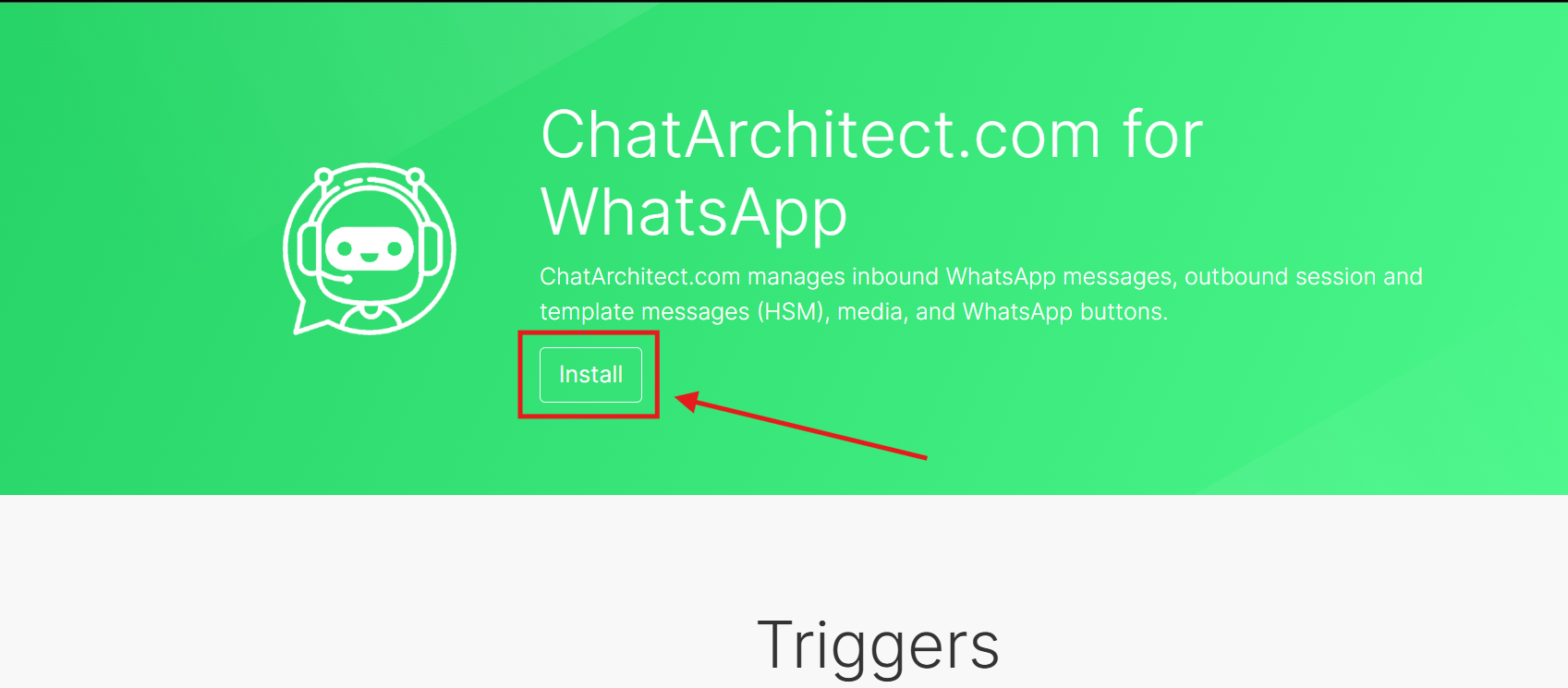
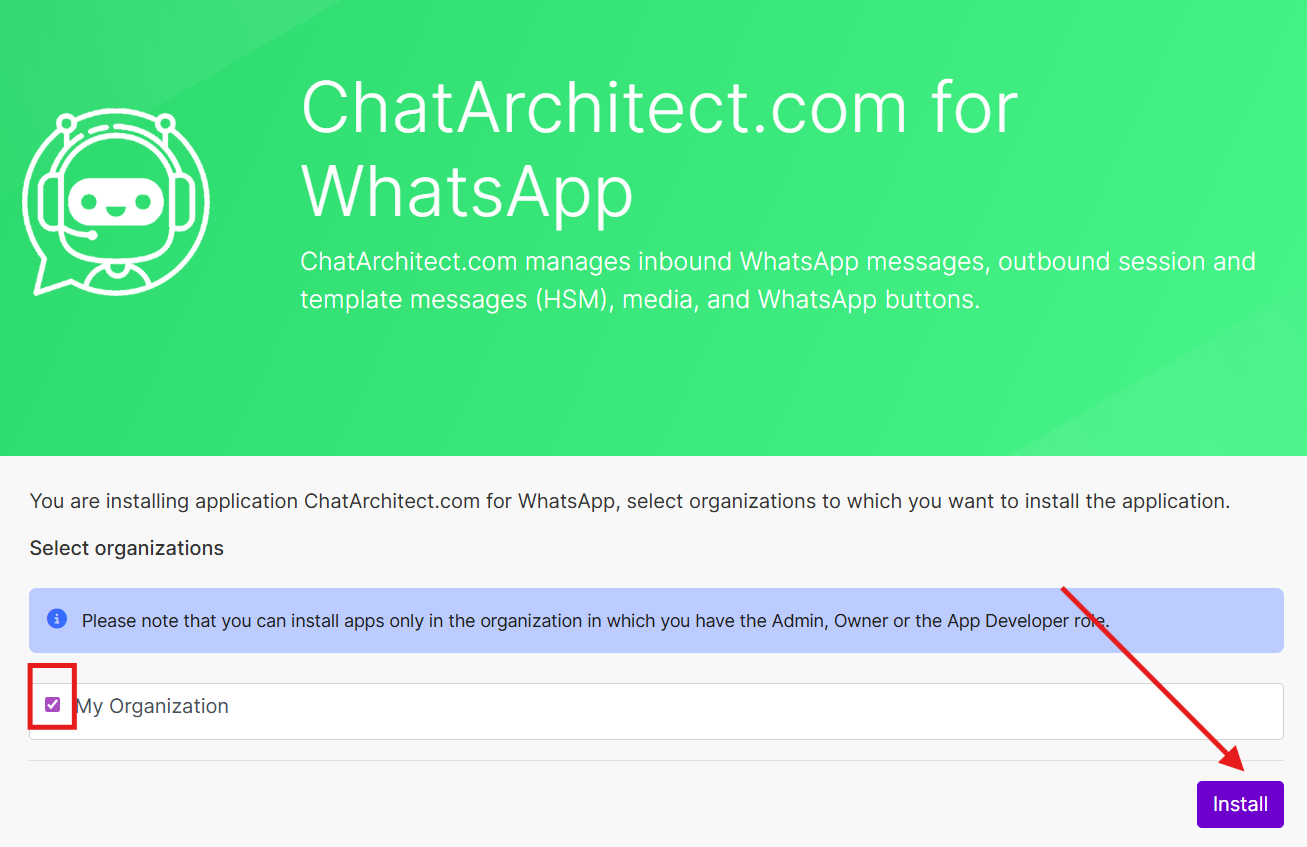
2. Then go to the "Scenarios"Scenarios" tab and click on the "+Create a new scenario"scenario" button

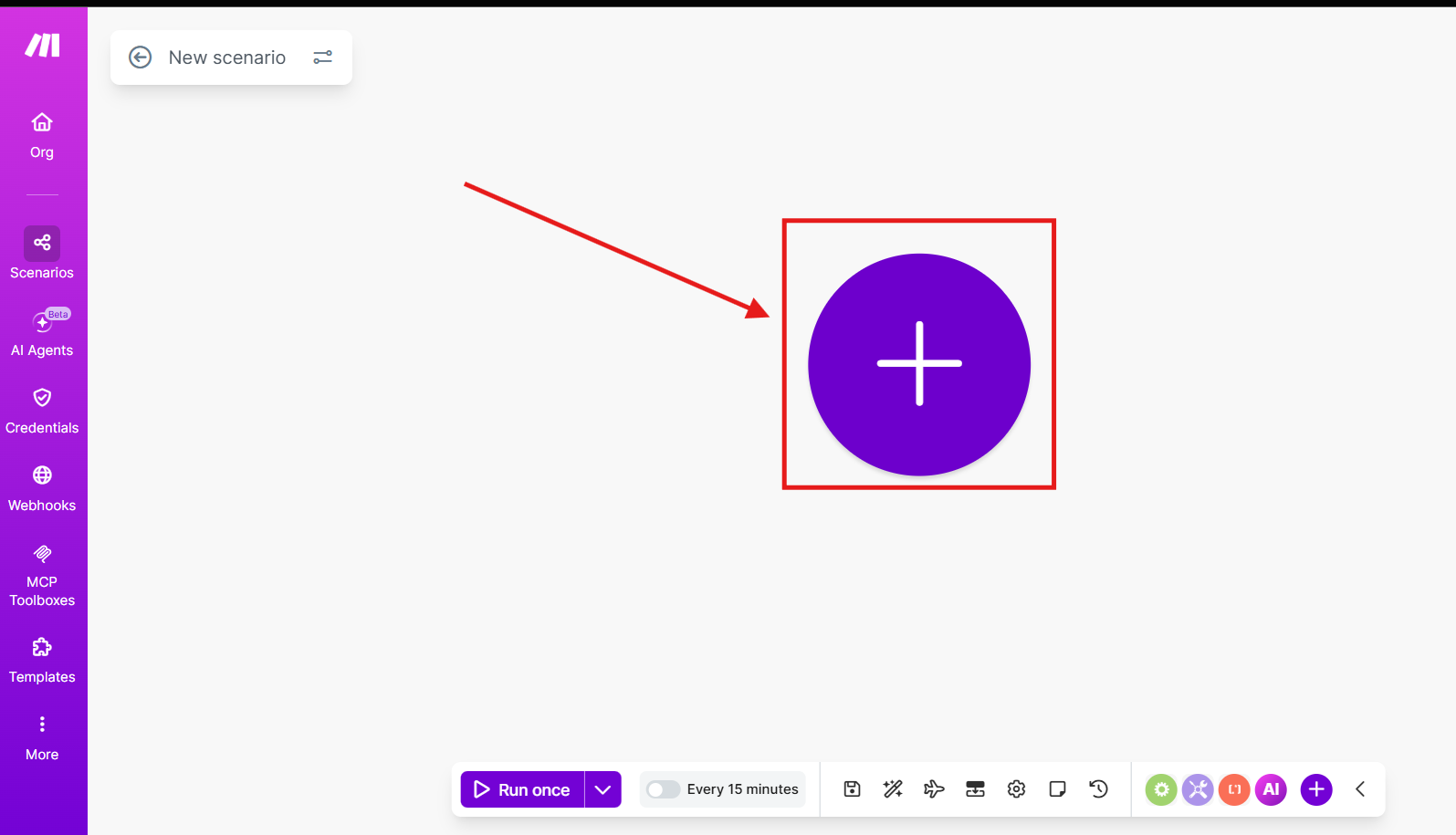
2. Press on this "Plus"Plus" button

3. Search "Google Sheets"Sheets"

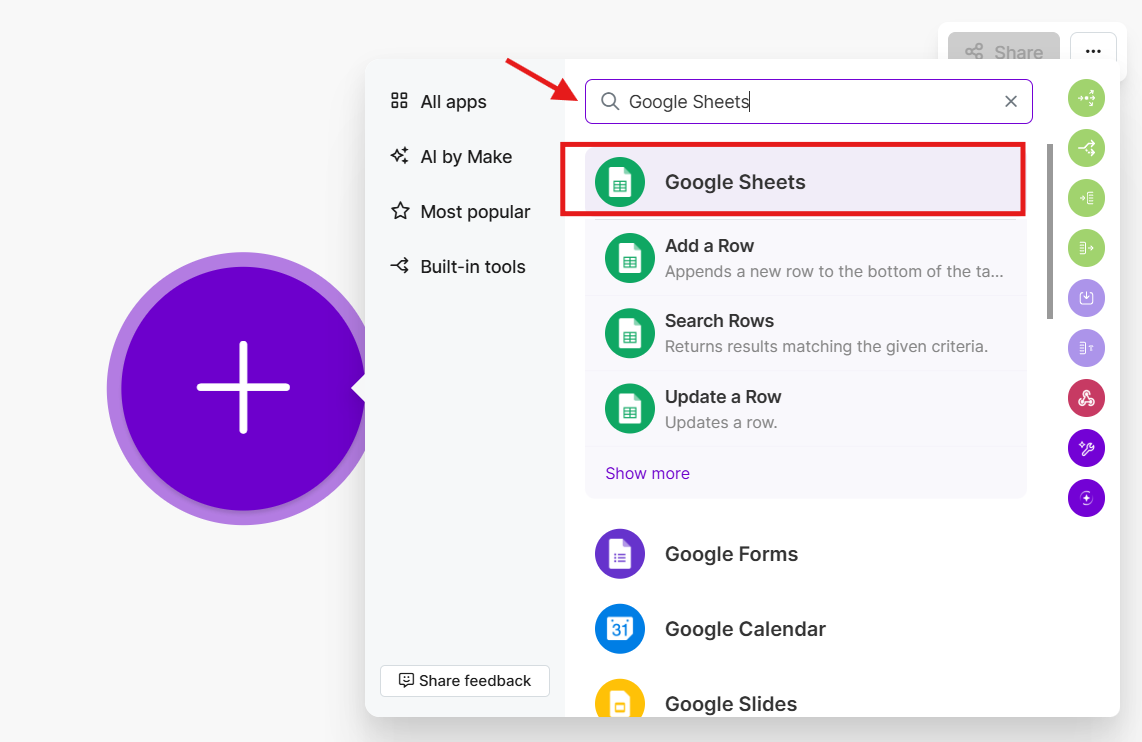
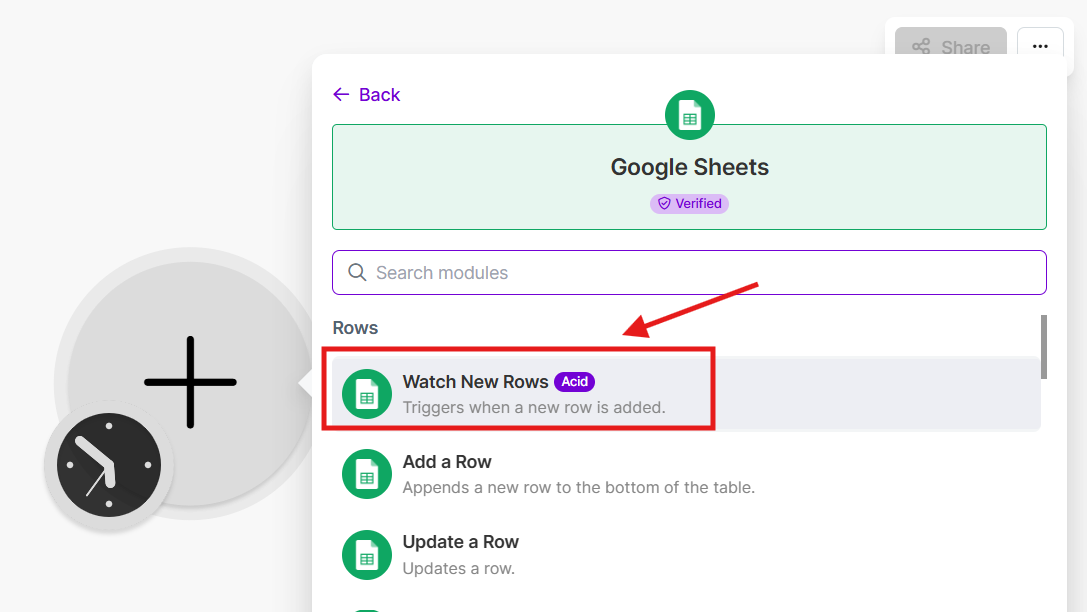
4. Then choose "Google Sheets"Sheets" and choose trigger "Watch Rows"Rows"

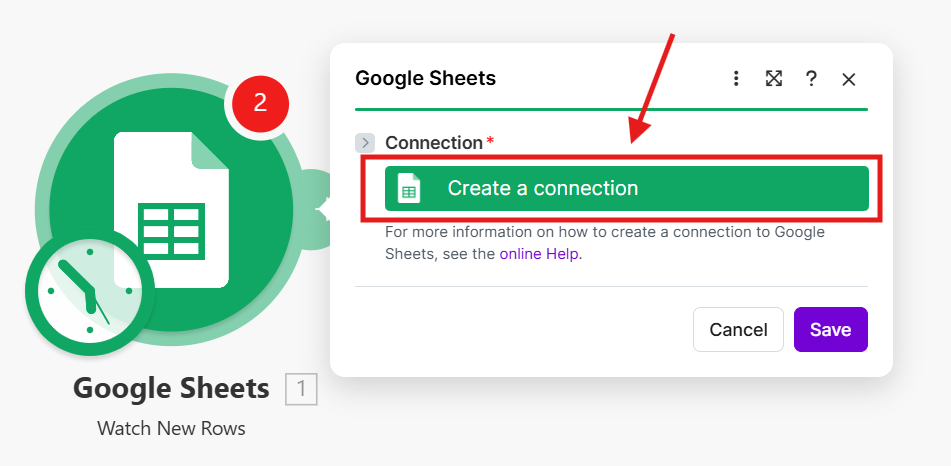
5. Add your Google accountAccount

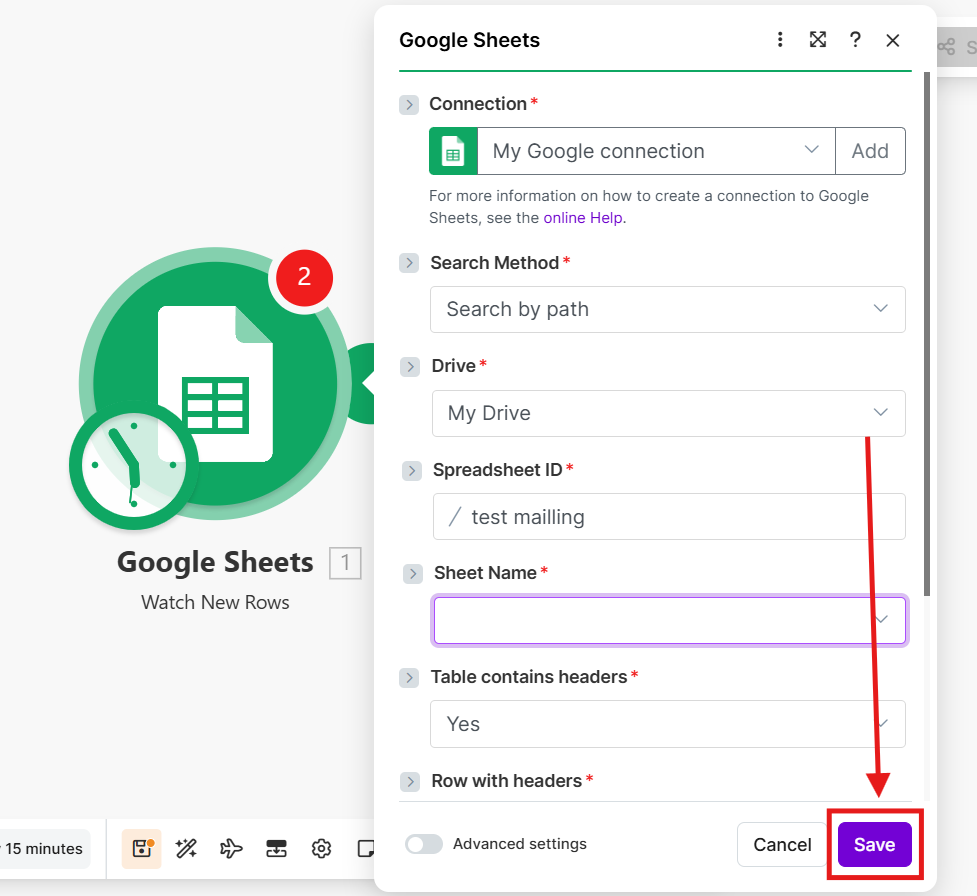
6. Choose Connection,"Connection"; Drive,"Drive"; "Spreadsheet ID" and "Sheet Name" and press "Save" button

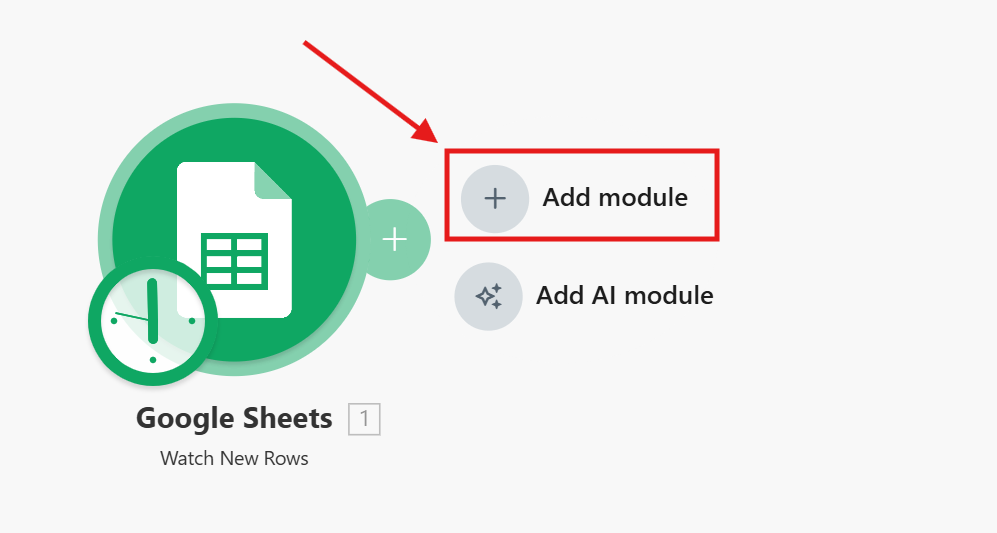
7. Then you need to addpress another"Add modulemodule" and choose our integration ChatArchitect.com for WhatsApp and choose "Send a Text"Text"

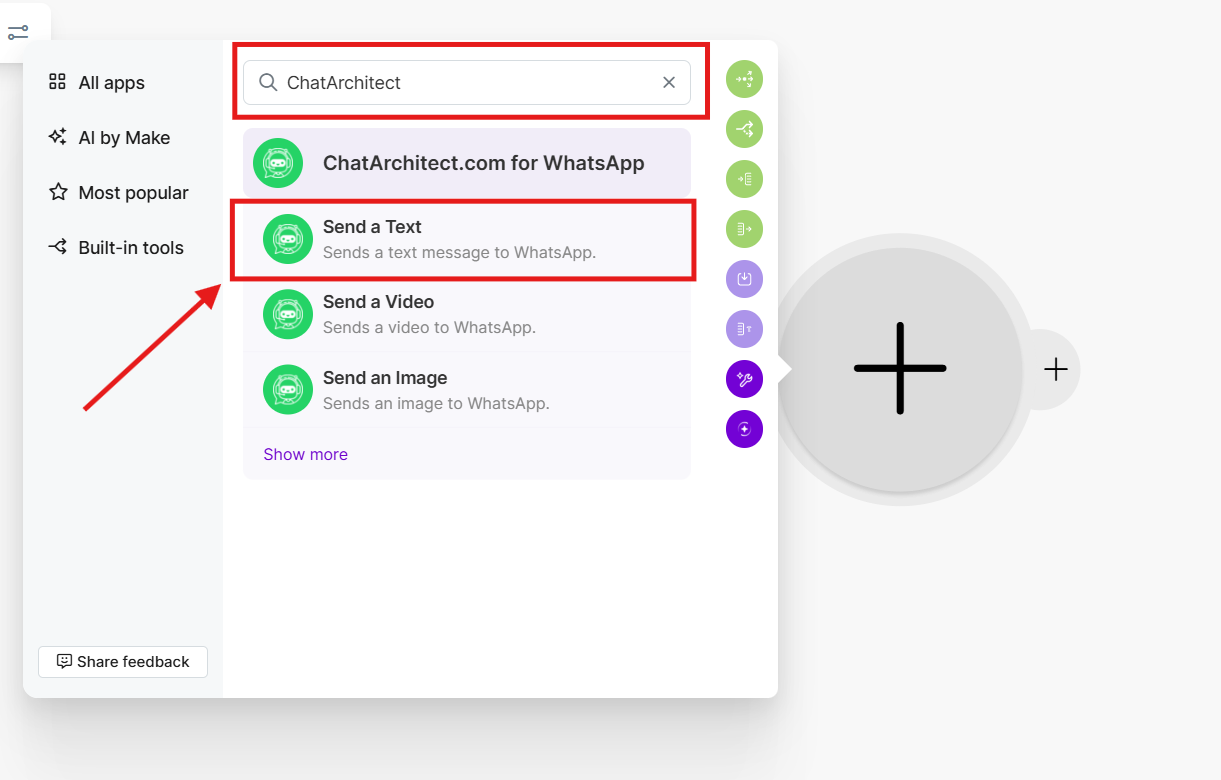
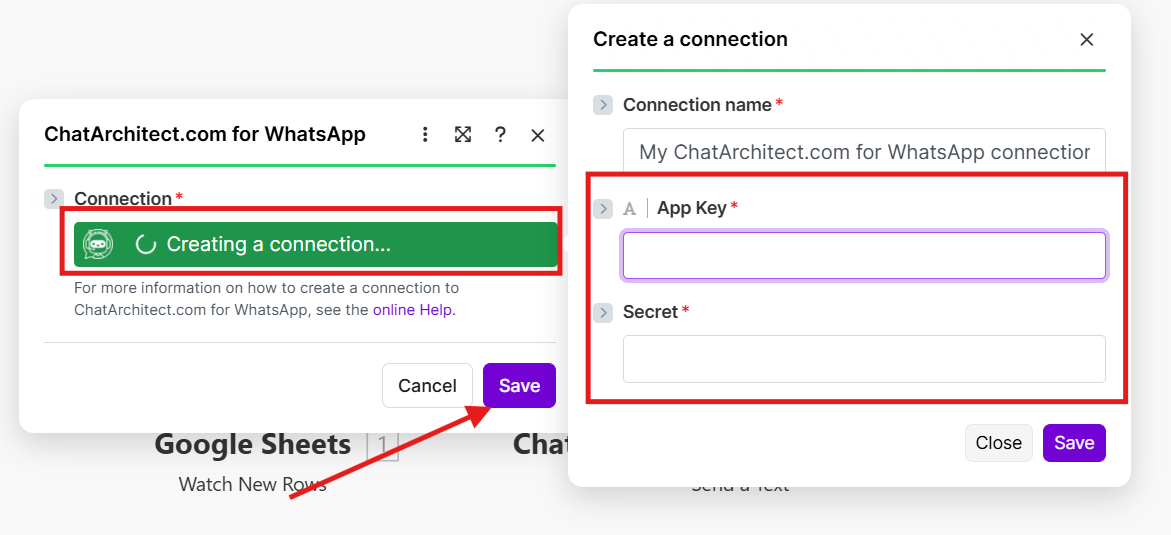
8. YourSelect "Create a connection" -> add your APP ID and APP SECRET;
After this press "Save" button

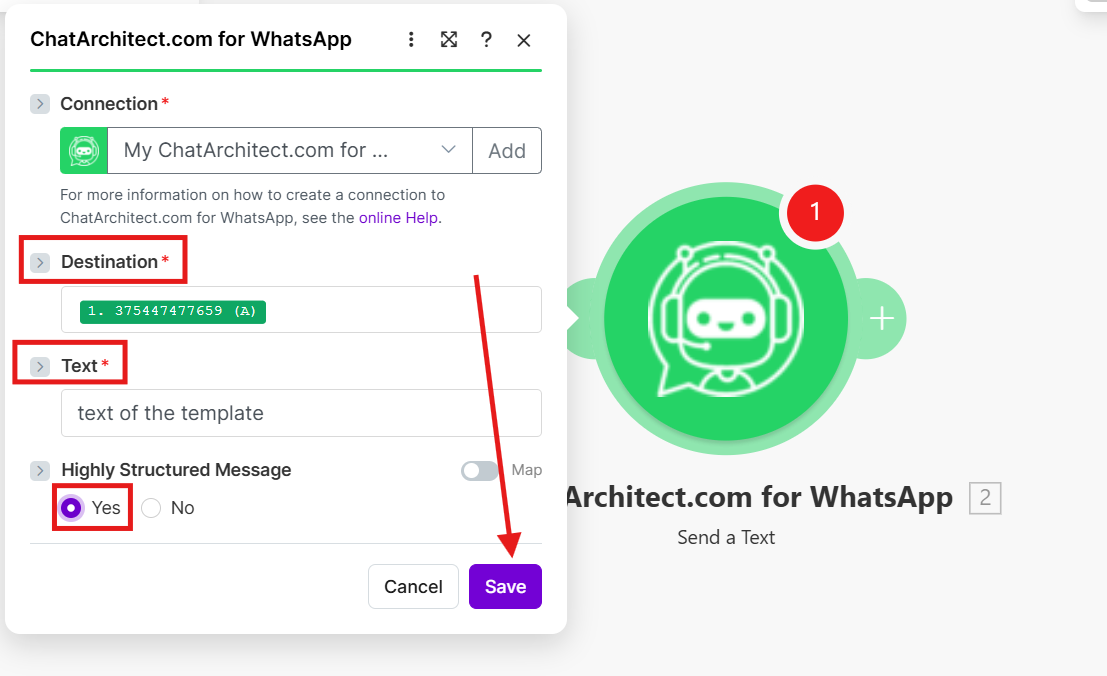
9. Choose destination from your table;
In the text field you need to enter the text of the template that you want to send;
Highly Structured Message: Yes
and press "Save" button

10. Test your connection by using "Run once" button

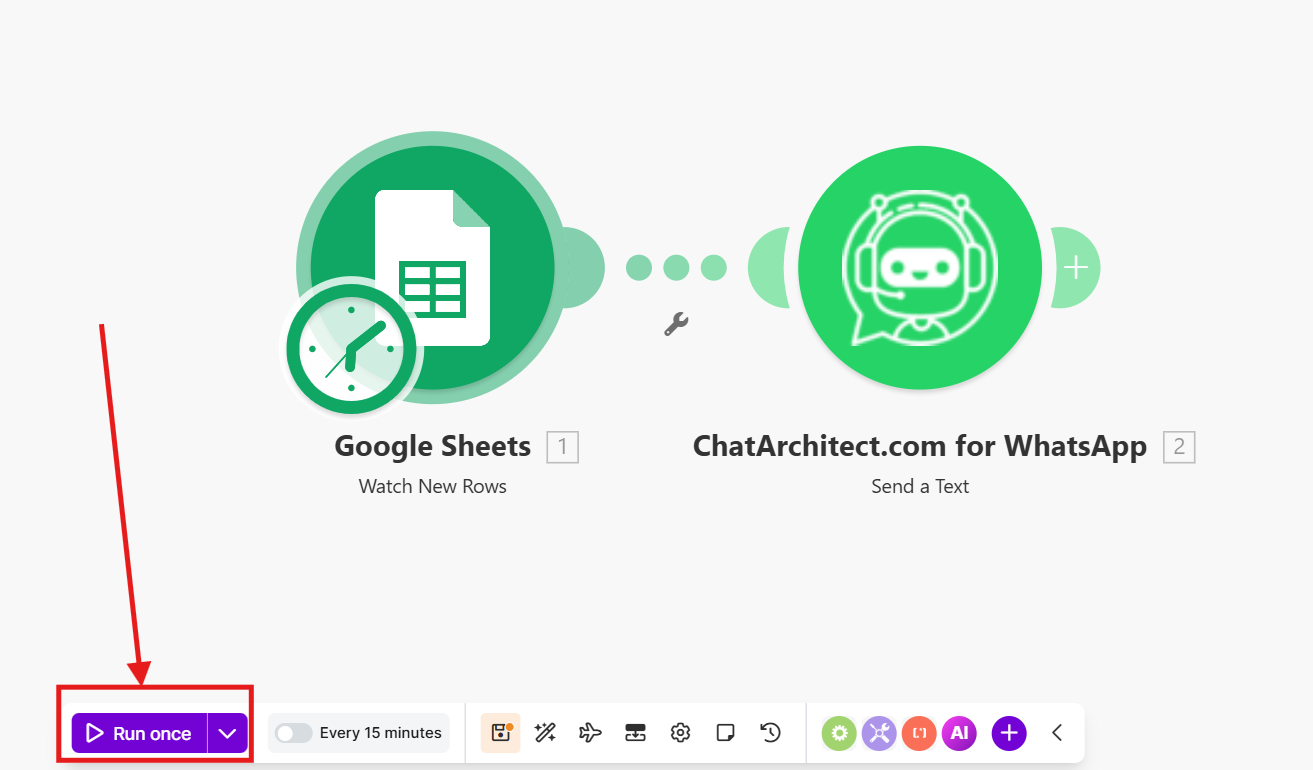
11. If the message was successfully delivered to your test numbers, you can include "Scheduling"Scheduling" and add numbers to the table ( It is important to add numbers for mailing after activating Scheduling, because IntegromatMake works to add rows to the table)table)
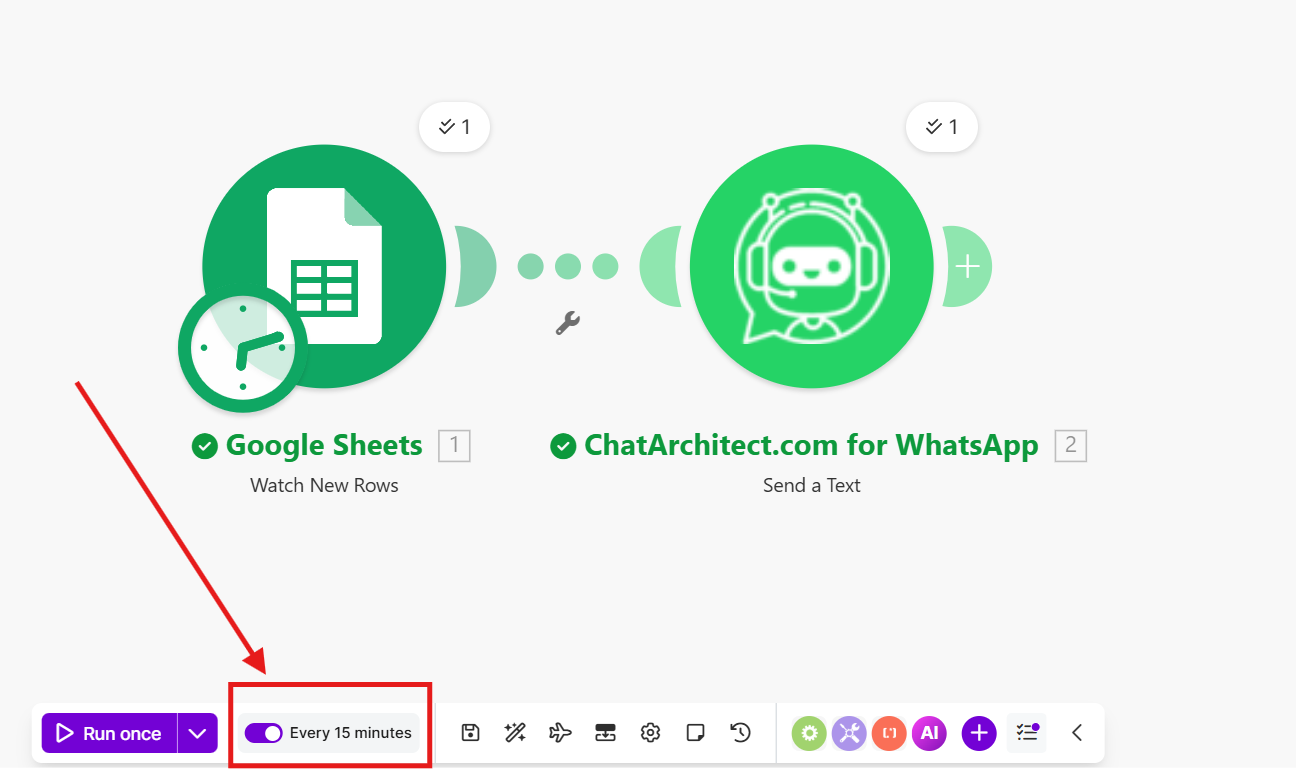


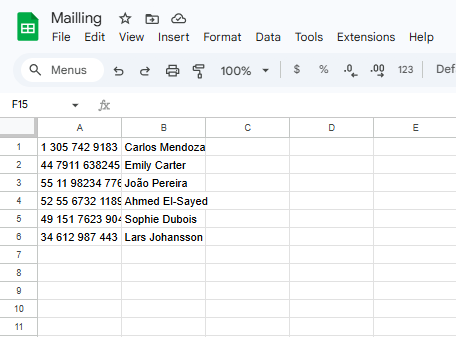
!!!To Integromatbe noted: Make will work on new numbers within 15 minutes !!!