
Setting up Botpress.com (free and open-source) to connect to ChatArchitect.com WhatsApp
This instruction describes the connection to Botpress.com (free and open-source), not the cloud botpress.cloud.
You can download Botpress from the link https://v12.botpress.com/
We will show you how to launch it in a few clicks using the example of a simple service https://elest.io/open-source/botpress.
0)
To connect your number to WhatsApp Business API, write to support https://wa.me/421233221242
1)
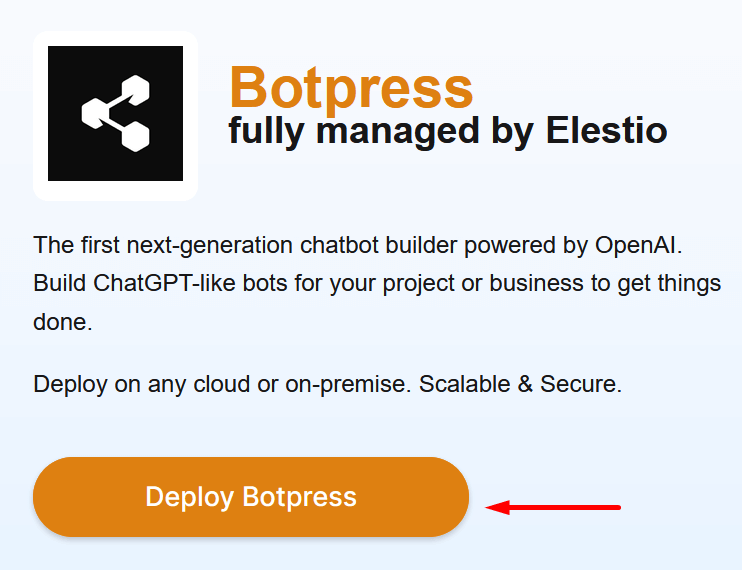
Register on the elest.io service. It provides a trial for 3 days.
2)
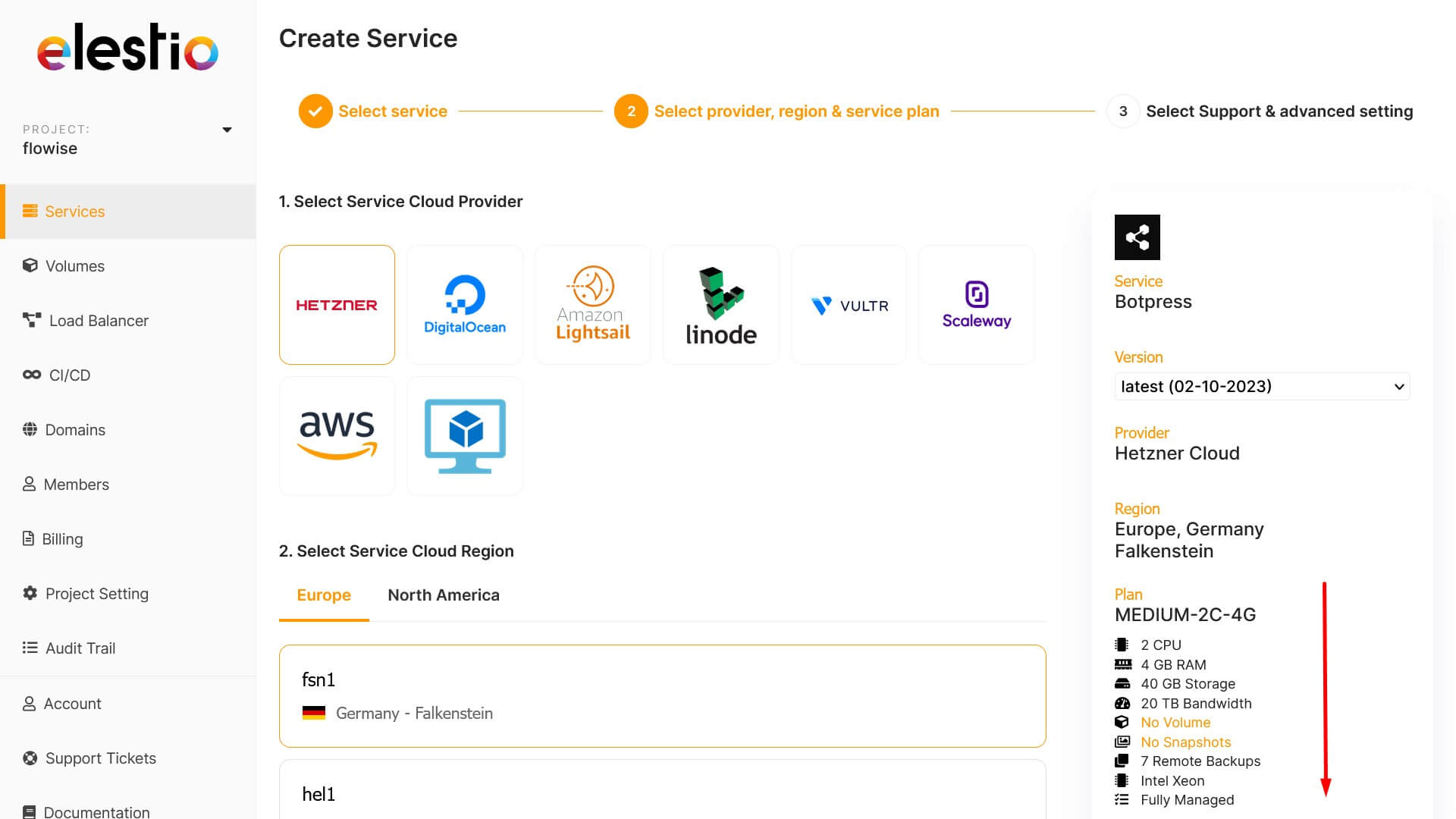
You can leave the default Hetzner and click the Next button at the bottom right.
3)
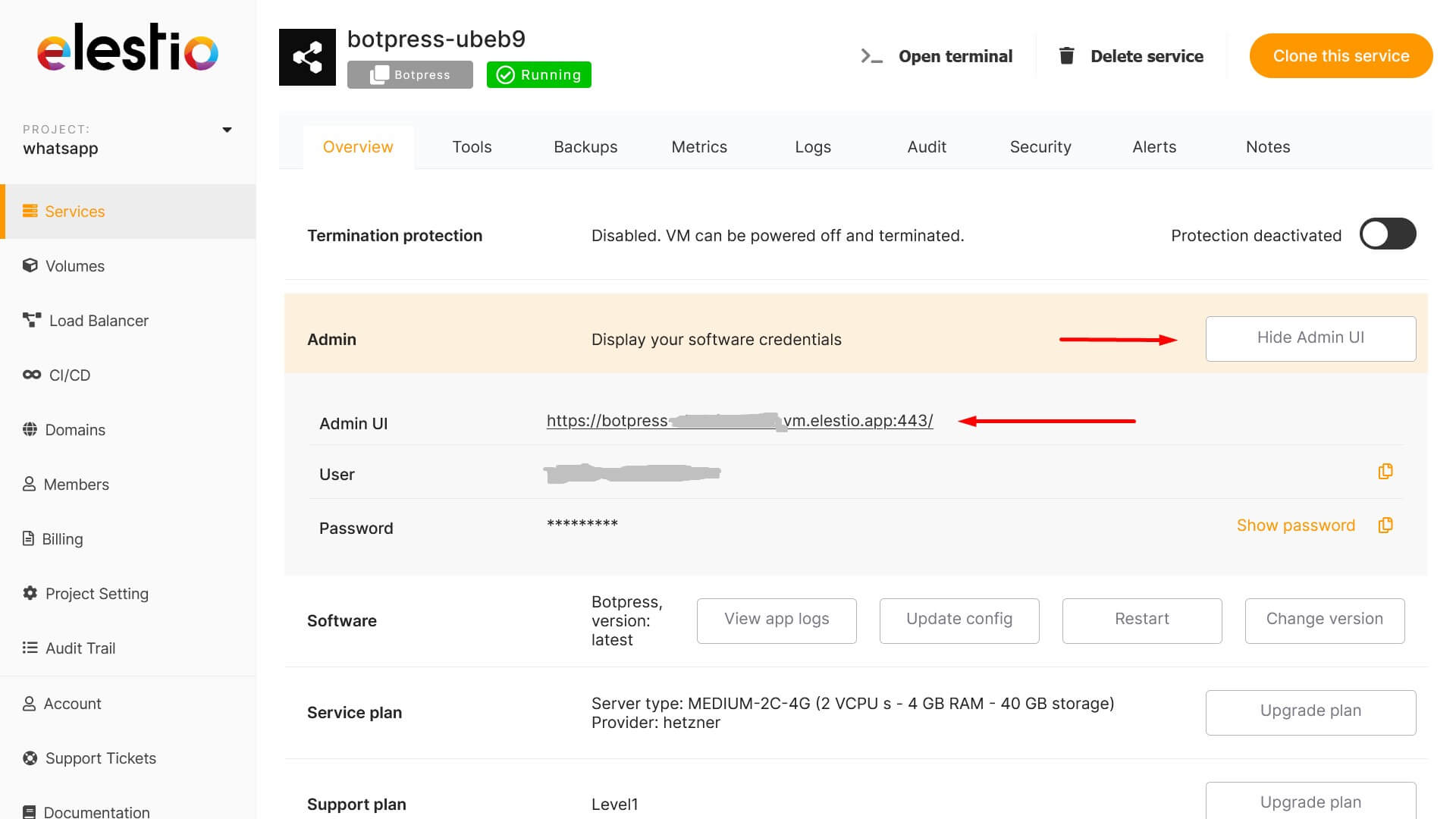
Go to the settings of the created botpress, click the "Display Admin UI" button and follow the link to log into your botpress.
4)
Create a bot in the new botpress and send a link to the bot in support https://wa.me/421233221242
example: https://botpress-yyyyyyyy.vm.elestio.app/studio/yyyyyyyyy/flows/main
Support will connect your bot to your WhatsApp number on their side.
No comments to display
No comments to display