
Video Messages | Developer Documentation
Video Messages
Updated: Nov 3, 2025
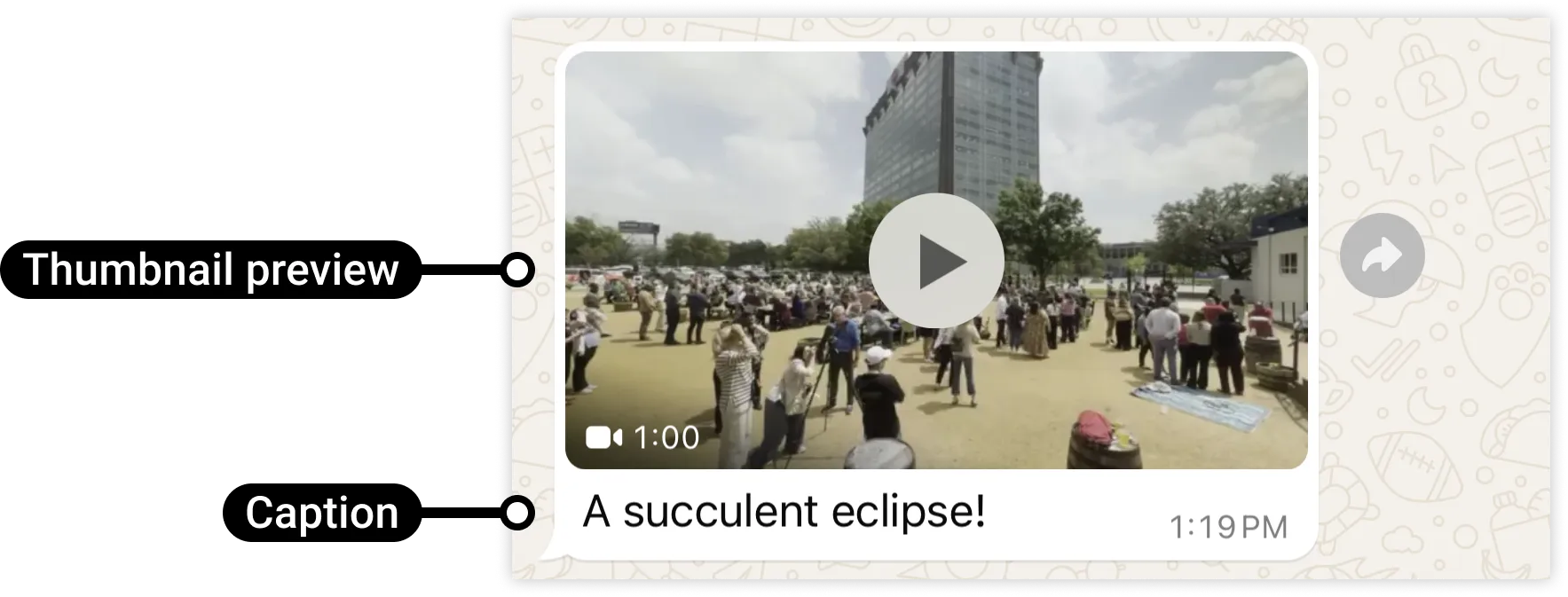
Video messages display a thumbnail preview of a video image with an optional caption. When the WhatsApp user taps the preview, it loads the video and displays it to the user.
Sending
Video Messages
Request Syntax
POST /<WHATSAPP_BUSINESS_PHONE_NUMBER_ID>/messagesPost Body
{
  "messaging_product": "whatsapp",
  "recipient_type": "individual",
  "to": "{{wa-user-phone-number}}",
  "type": "video",
  "video": {
    "id" : "<MEDIA_ID>", /* Only if using uploaded media */
    "link": "<MEDIA_URL>", /* Only if linking to your media */
    "caption": "<VIDEO_CAPTION_TEXT>"
  }
}
Post Body Parameters
| | |
| | |
| | |
| |
Supported Video Formats
Only H.264 video codec and AAC audio codec supported. Single audio stream or no audio stream only.
Note that videos encoded with the H.264 “High” profile and B-frames are not supported by Android WhatsApp clients. We recommend that you use H.264 “Main” profile without B-frames, or the H.264 “Baseline” profile when encoding (or re-encoding with a tool like ffmpeg), and place moov boxes before mdat boxes, for broader compatibility. If you are using ffmpeg, you can use the -movflags faststart flag to place moov boxes before mdata boxes.
3GPP
.3gp
video/3gpp
16 MB
MP4 Video
.mp4
video/mp4
16 MB
Example Request
curl 'https://graph.facebook.com/v25.0/106540352242922/messages' \
-H 'Content-Type: application/json' \
-H 'Authorization: Bearer EAAJB...' \
-d '{
  "messaging_product": "whatsapp",
  "recipient_type": "individual",
  "to": "+16505551234",
  "type": "video",
  "video": {
    "id" : "1166846181421424",
    "caption": "A succulent eclipse!"
  }
}'
Example Response
{
  "messaging_product": "whatsapp",
  "contacts": [
    {
      "input": "+16505551234",
      "wa_id": "16505551234"
    }
  ],
  "messages": [
    {
      "id": "wamid.HBgLMTY0NjcwNDM1OTUVAgARGBI1RjQyNUE3NEYxMzAzMzQ5MkEA"
    }
  ]
}