
Mark messages as read | Developer Documentation
Mark messages as read
Updated: Nov 3, 2025
When you get a messages webhook indicating an incoming message, you can use the
message.id value to mark the message as read.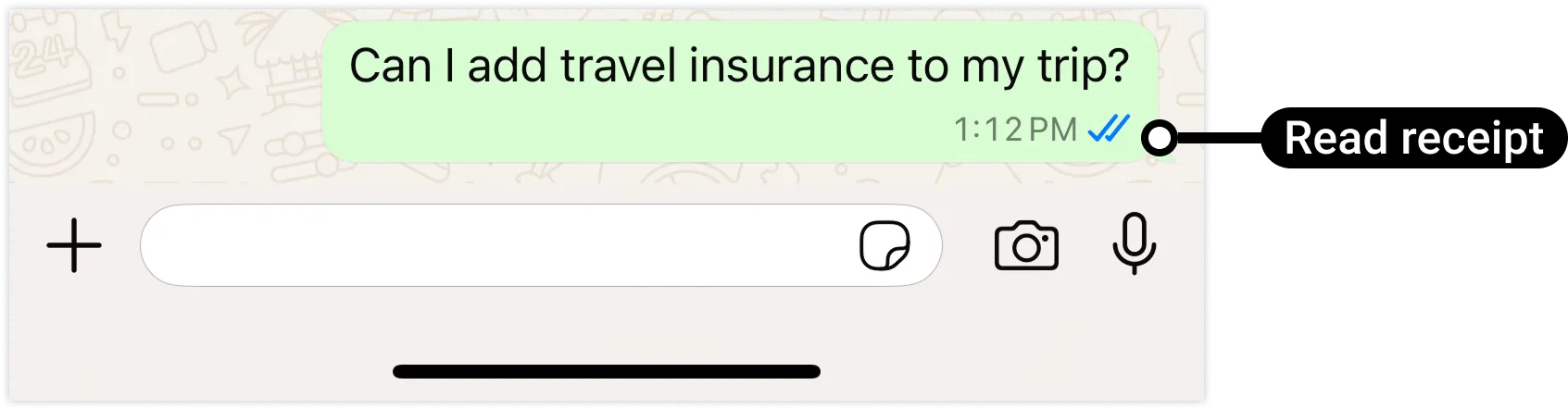
Request
syntax
curl -X POST \'https://graph.facebook.com/<API_VERSION>/<WHATSAPP_BUSINESS_PHONE_NUMBER_ID>/messages'-H 'Authorization: Bearer<ACCESS_TOKEN>' \-H 'Content-Type: application/json' \-d '{"messaging_product": "whatsapp","status": "read","message_id": "<WHATSAPP_MESSAGE_ID>"}'
Request parameters
<ACCESS_TOKEN>String
Required.
EAAAN6tcBzAUBOZC82CW7iR2LiaZBwUHS4Y7FDtQxRUPy1PHZClDGZBZCgWdrTisgMjpFKiZAi1FBBQNO2IqZBAzdZAA16lmUs0XgRcCf6z1LLxQCgLXDEpg80d41UZBt1FKJZCqJFcTYXJvSMeHLvOdZwFyZBrV9ZPHZASSqxDZBUZASyFdzjiy2A1sippEsF4DVV5W2IlkOSr2LrMLuYoNMYBy8xQczzOKDOMccqHEZD<API_VERSION>String
Optional.
Graph API version.
v25.0
<WHATSAPP_BUSINESS_PHONE_NUMBER_ID>String
Required.
WhatsApp business phone number ID.
106540352242922<WHATSAPP_MESSAGE_ID>String
Required.
WhatsApp message ID. This ID is assigned to the
messages.id property in received message messages webhooks.wamid.HBgLMTY1MDM4Nzk0MzkVAgARGBJDQjZCMzlEQUE4OTJBMTE4RTUAResponse
Upon success:
{
"success": true
}
Example request
curl 'https://graph.facebook.com/v25.0/106540352242922/messages' \
-H 'Content-Type: application/json' \
-H 'Authorization: Bearer EAAJB...' \
-d '
{
  "messaging_product": "whatsapp",
  "status": "read",
  "message_id": "wamid.HBgLMTY1MDM4Nzk0MzkVAgARGBJDQjZCMzlEQUE4OTJBMTE4RTUA"
}'
Example response
{"success":true}