
How to run a marketing campaign in Bitrix24.
In this guide, you will learn how to launch a marketing campaign using our module.
1. First of all go to the "Marketing" -> "SMS Campaign"
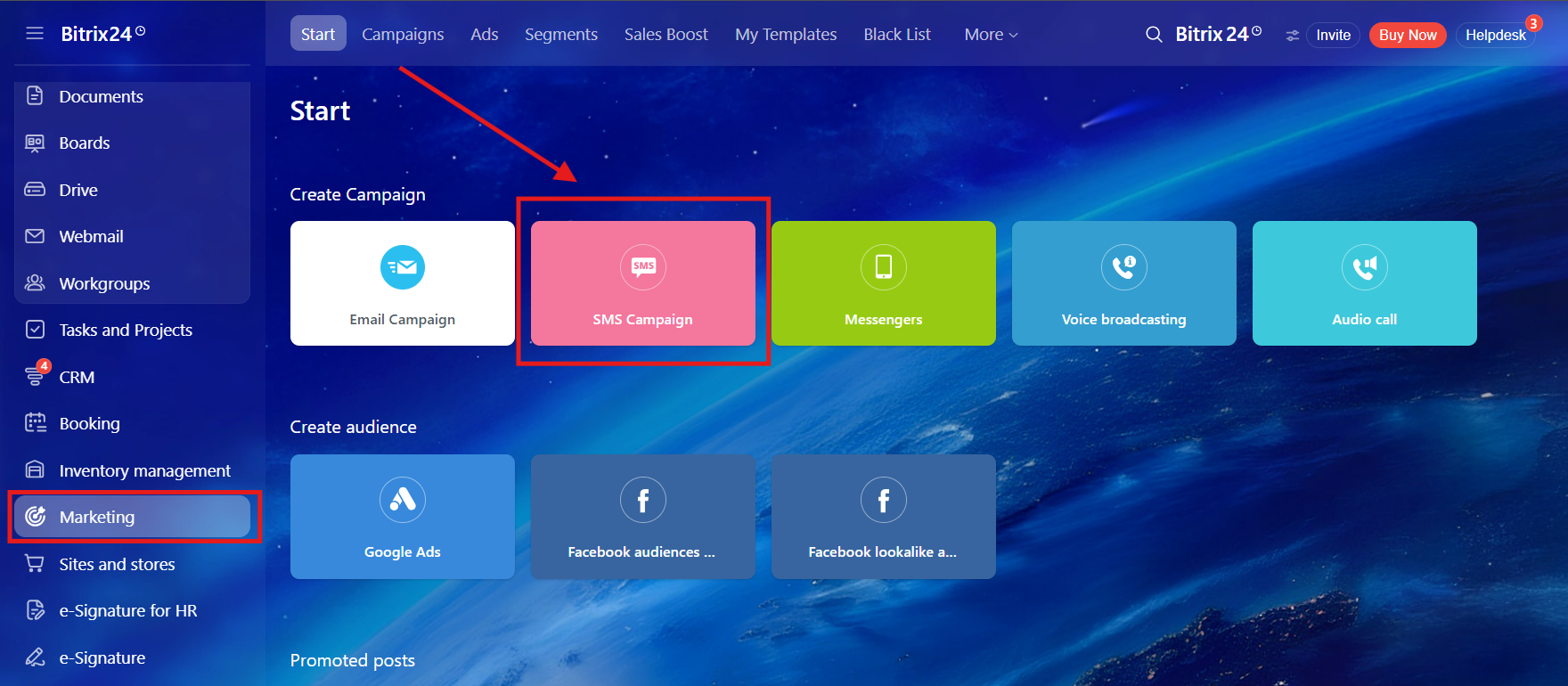
2. Choose any template
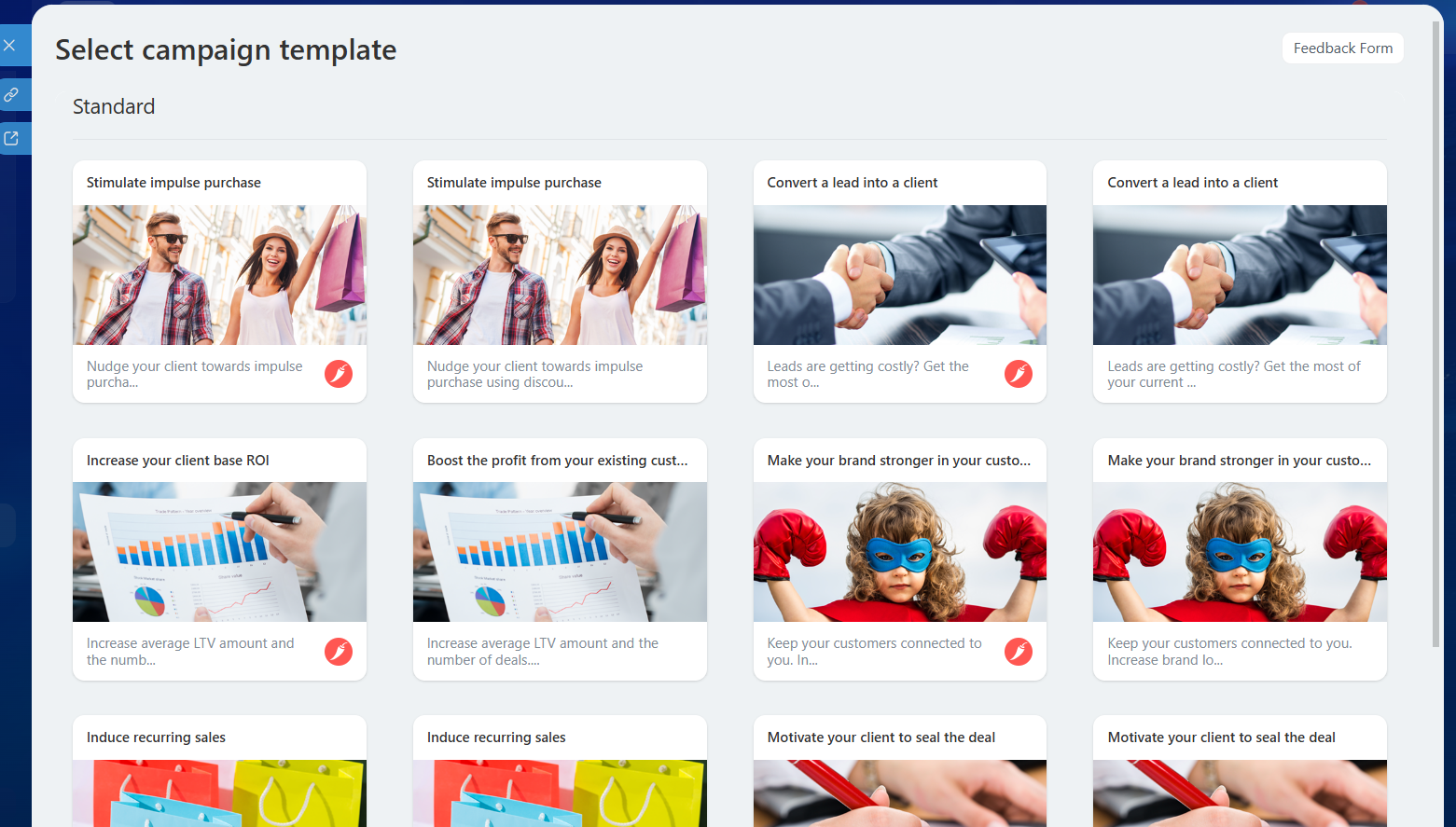
3. Choose a segment that you want to use and choose our app as a provider
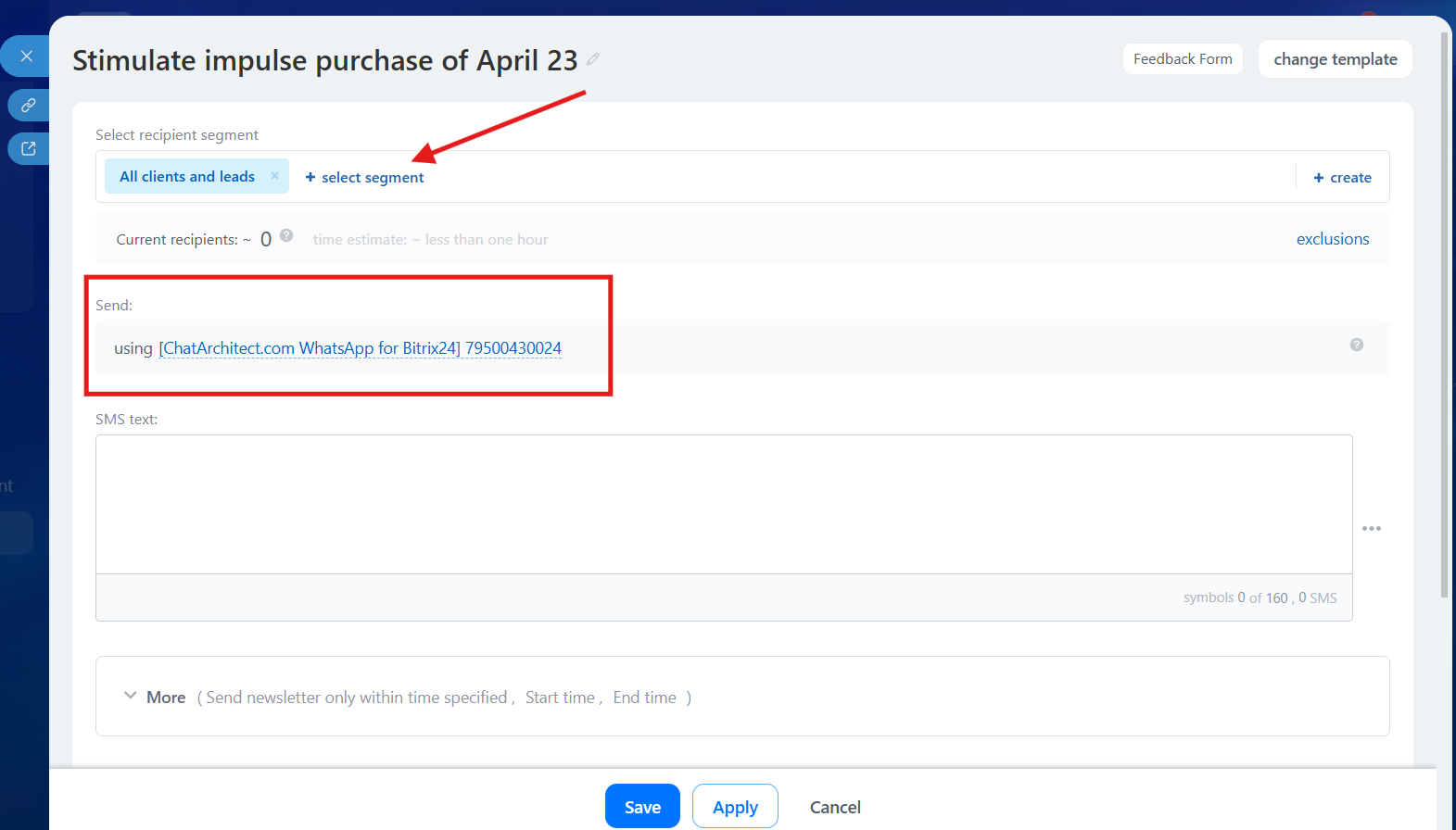
4. After this go to our app https://wtargeted.com/ and copy a template that you want to use by using "Copy" button
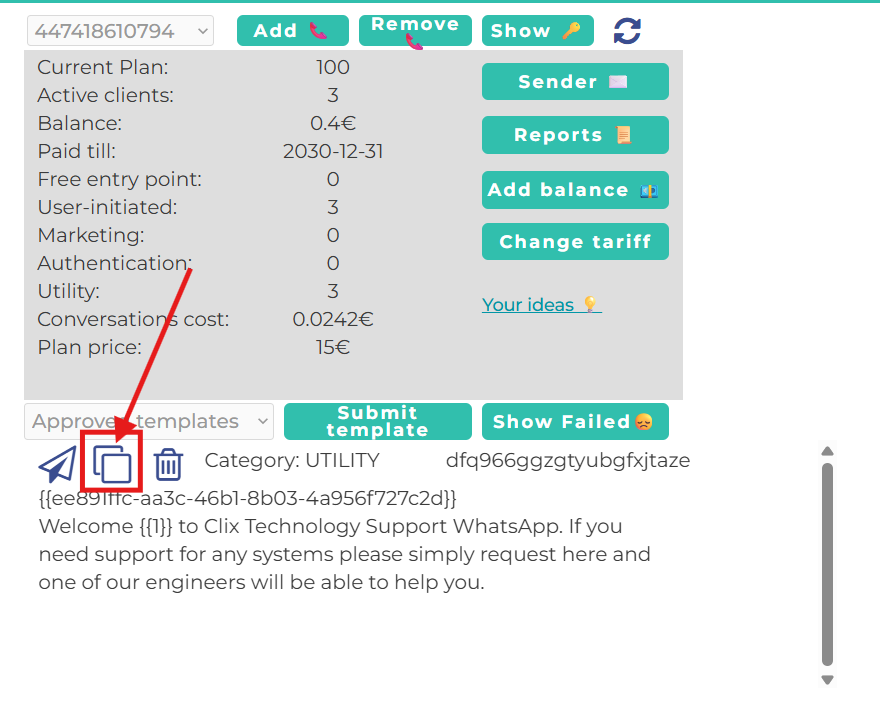
5. Then return to Bitrix24 and paste the template into the text field and press "Save"
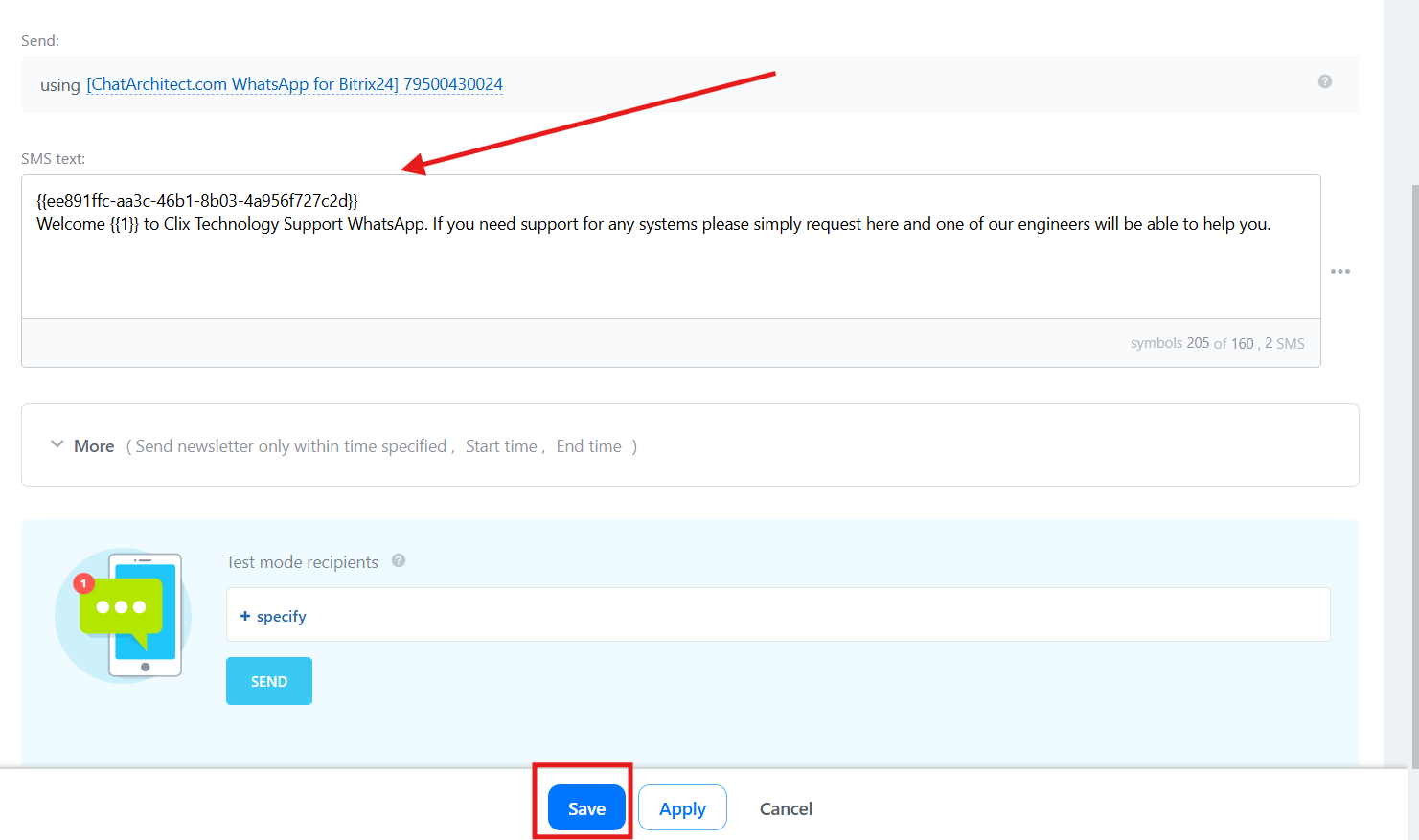
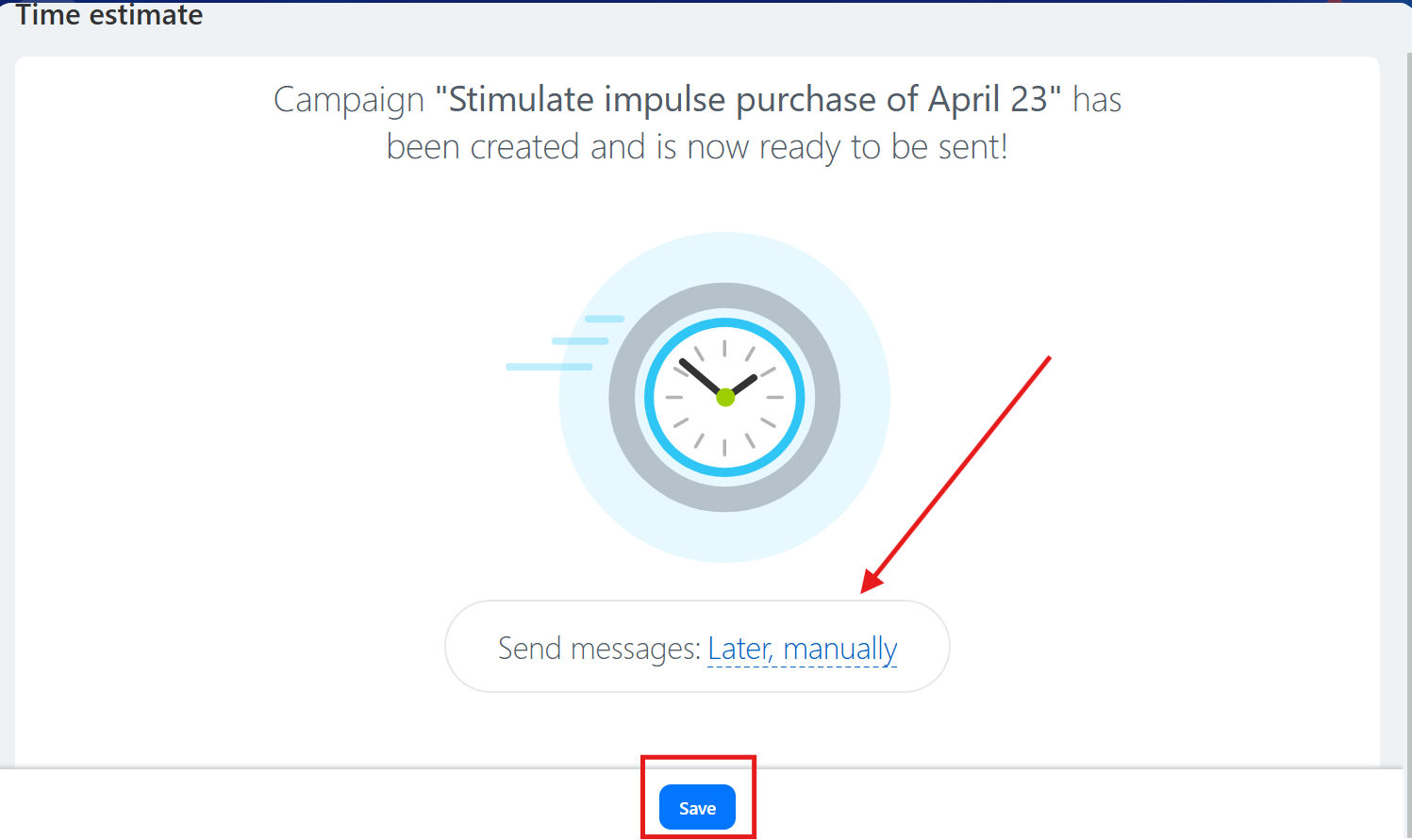
6. Select the time when you want the message to be sent and click “Save.”
Done. Now you know how to send marketing campaigns from the Bitrix24 interface.