# WhatsApp for n8n.io

# Sending messages via N8N

1\. Click on the "+", in the search bar enter whatsapp
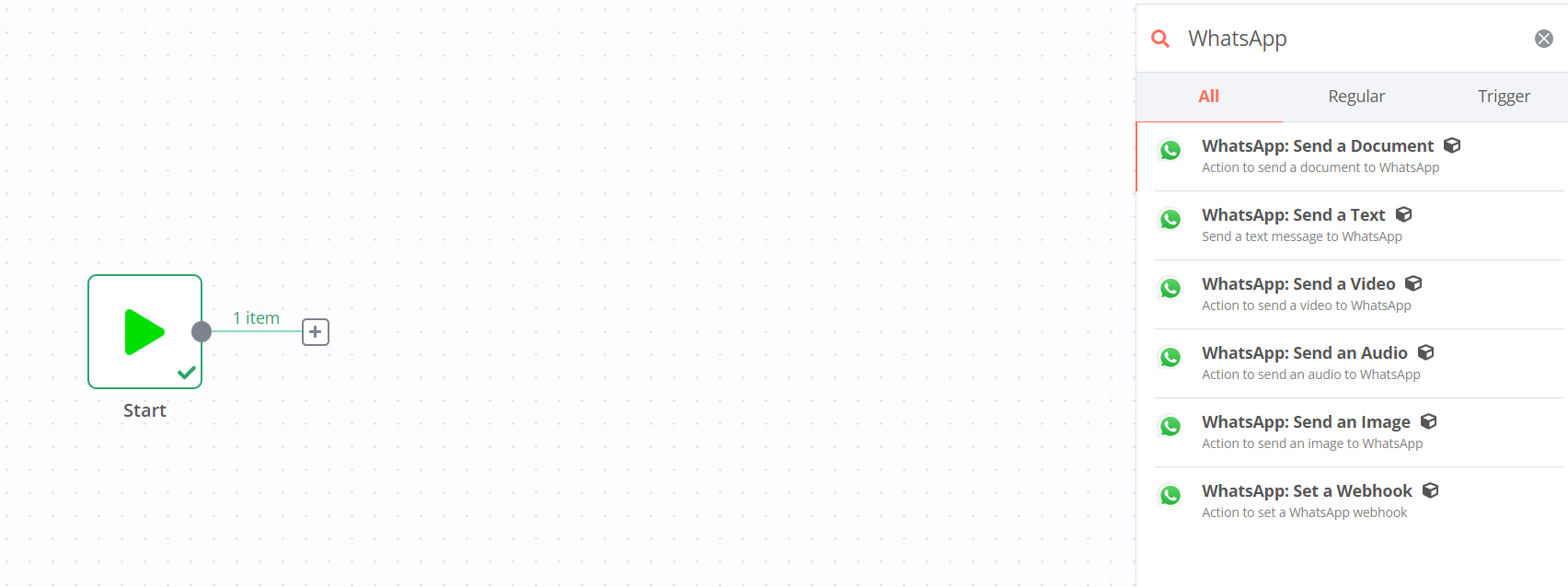
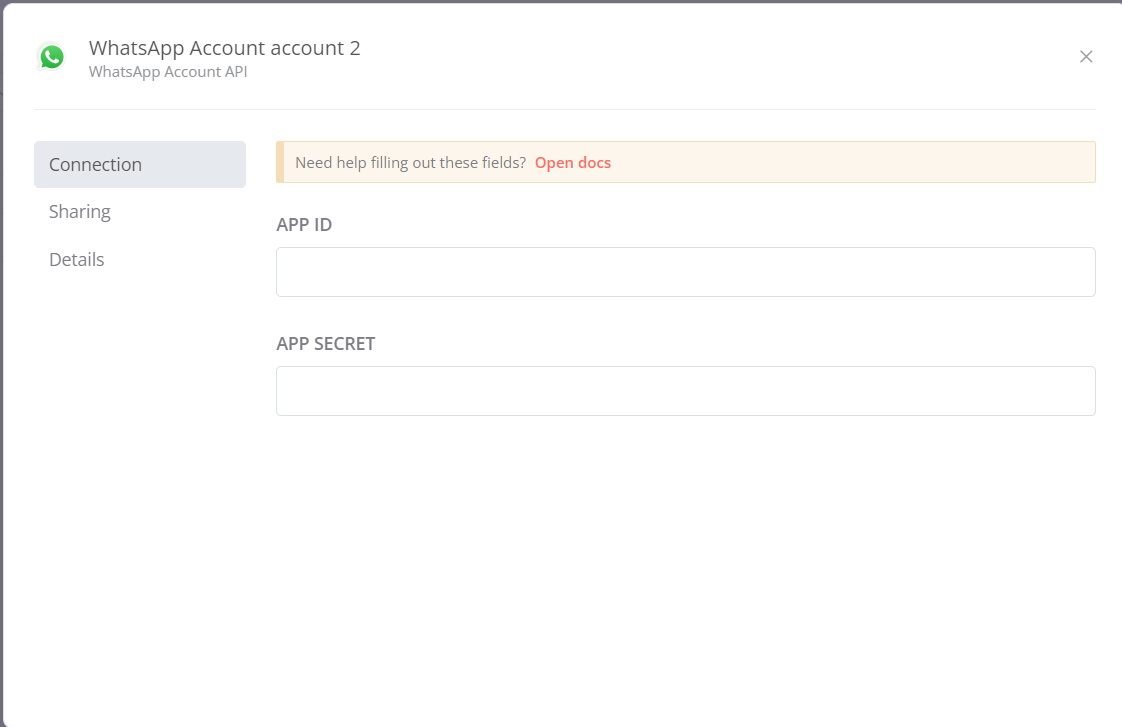
<figure id="bkmrk-">![489646a8b8aa27755676c5a0dadc79be.png](https://bookstack-support-u7942.vm.elestio.app/uploads/images/gallery/2026-03/embedded-image-3ncvihwo.png)</figure>2\. Next, select WhatsApp: Send a Text. In the window that opens, add your WhatsApp account by entering your APP ID and APP SECRET, which we will provide you after the connection is completed
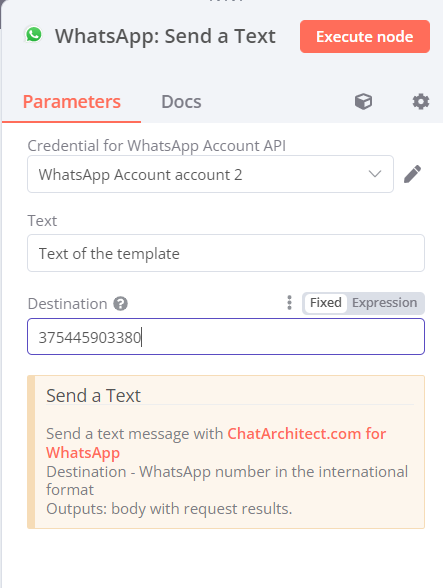
<figure id="bkmrk--1">![b322755eb5b79a193bdeb5a9ddf9fe36.png](https://bookstack-support-u7942.vm.elestio.app/uploads/images/gallery/2026-03/embedded-image-yjdldbmm.png)</figure>3\. Next, in the Text field - enter the text of the template, in the Destination field - the recipient
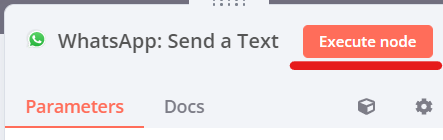
<figure id="bkmrk--2">![a29dd2850553f6e7a8ba71126c0c9f8f.png](https://bookstack-support-u7942.vm.elestio.app/uploads/images/gallery/2026-03/embedded-image-czwwknbv.png)</figure>4\. To send a message, click "Execute node"
<figure id="bkmrk--3">![ea98e360177214470bd015aed8a059f1.png](https://bookstack-support-u7942.vm.elestio.app/uploads/images/gallery/2026-03/embedded-image-9qbgrwgq.png)</figure>