# How to create Facebook Business Manager
**How to create Facebook Business Manager**
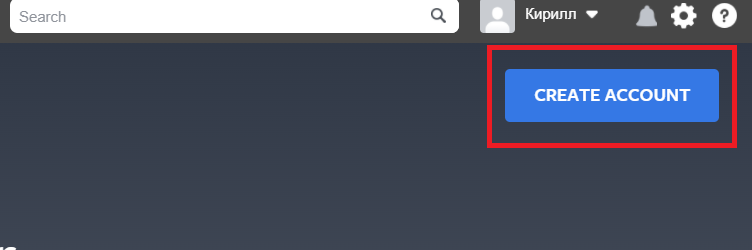
1\. Log into your personal Facebook account and create a Business Manager account, follow the link [https://business.facebook.com/overview](https://business.facebook.com/overview) and click the “CREATE ACCOUNT” button, a window for entering company data will open.
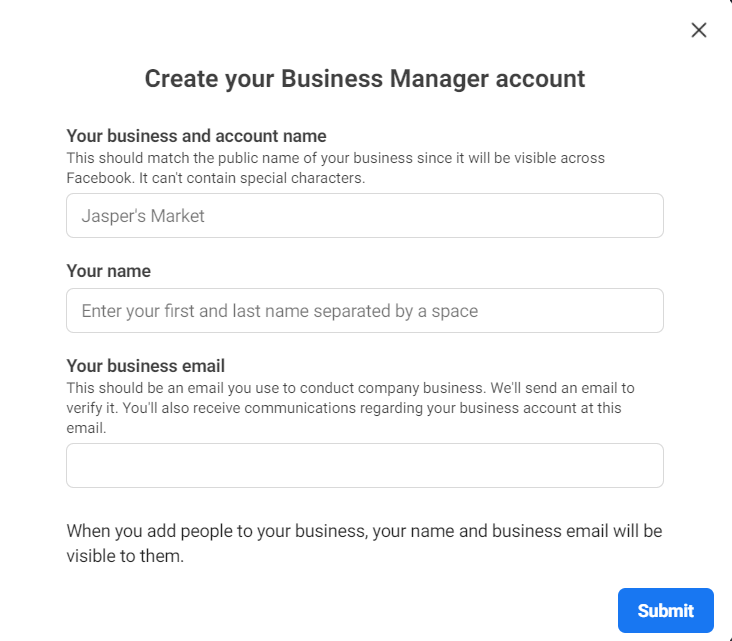
Enter the company name, first and last name, e-mail, using the hints above the fields, and click the "Submit" button.
****